iOS

This tweak randomizes the position of your passcode buttons

As you interact with the Lock screen’s passcode entry interface, you’ll notice that the number keys are always in the same place. This makes entering passcodes easier, but it also makes it effortless for nosy folks to glance over your shoulder and watch the numbers you dial in to unlock your device.

Here to help with this problem is a free jailbreak tweak called CodeScramber 12 by iOS developer eskimo_dev. As you might’ve already deduced from the tweak’s name, CodeScrambler 12 randomizes the locations of the passcode’s numeric keys every time you try to unlock your handset, as shown above.
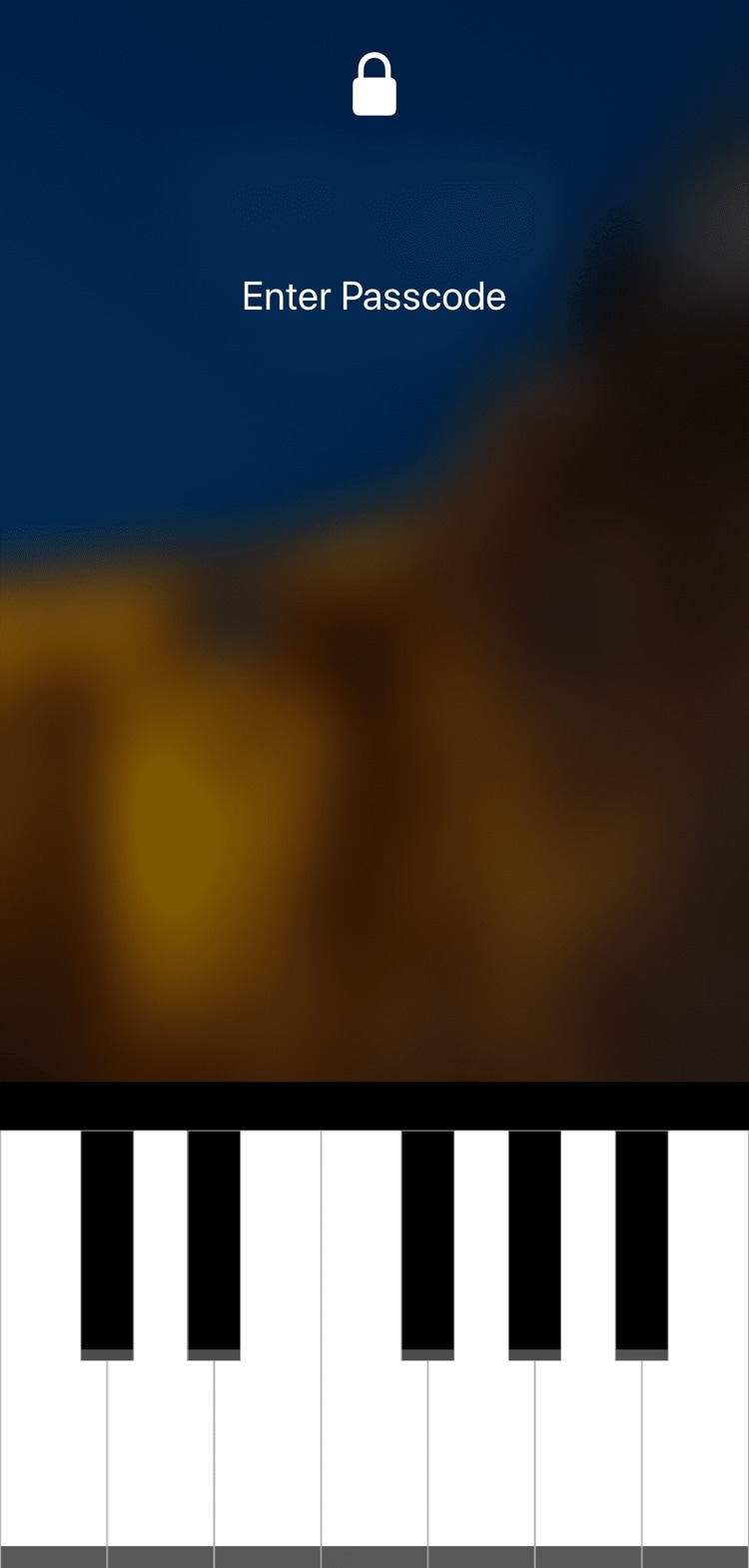
This tweak lets you unlock your iPhone with a piano-based passcode

More than six years ago, I was pleasantly surprised by the release of a fun and quirky jailbreak tweak called Piano Passcode that would let you unlock your iPhone by entering a specific piano tune in place of a numeric passcode.

It seems like these fun and quirky jailbreak tweaks don’t come around as often as they used to, and that’s precisely why I’m excited to show you a new jailbreak tweak release called PianoPassby iOS developer SparkDev.

Improve your iPhone’s notification privacy with Blurification

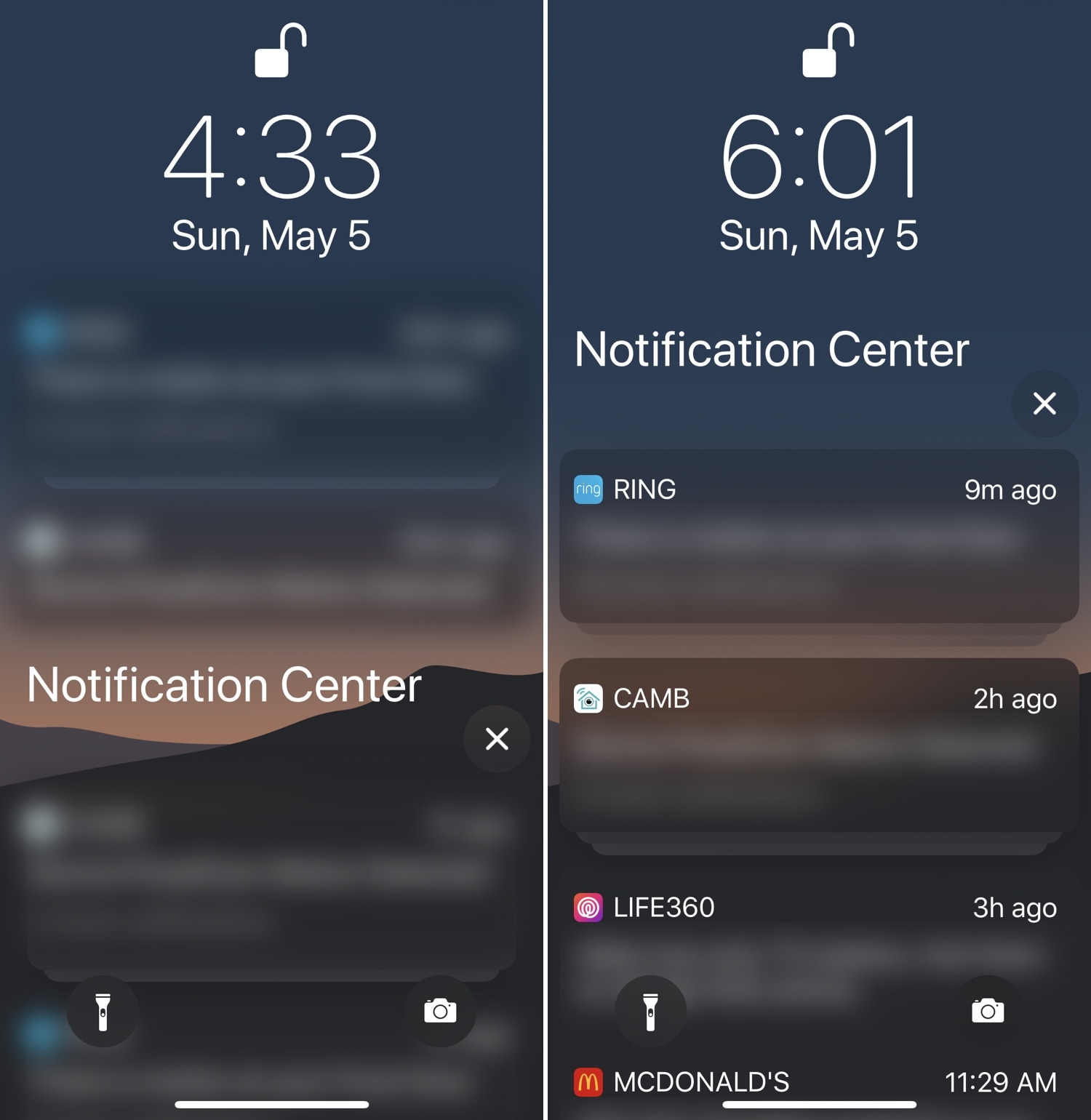
If you’re a privacy nut, then chances are you spare no expense to protect your personal data from all the prying eyes around you. Those in the same boat will likely enjoy a newly-released jailbreak tweak dubbed Blurification by iOS developer smokin1337.

Blurification veils all your incoming notifications with a gaussian blur effect that makes their contents entirely illegible until you first authenticate yourself. This tweak is particularly useful because it extends far beyond any of the native notification privacy features that come standard with iOS.

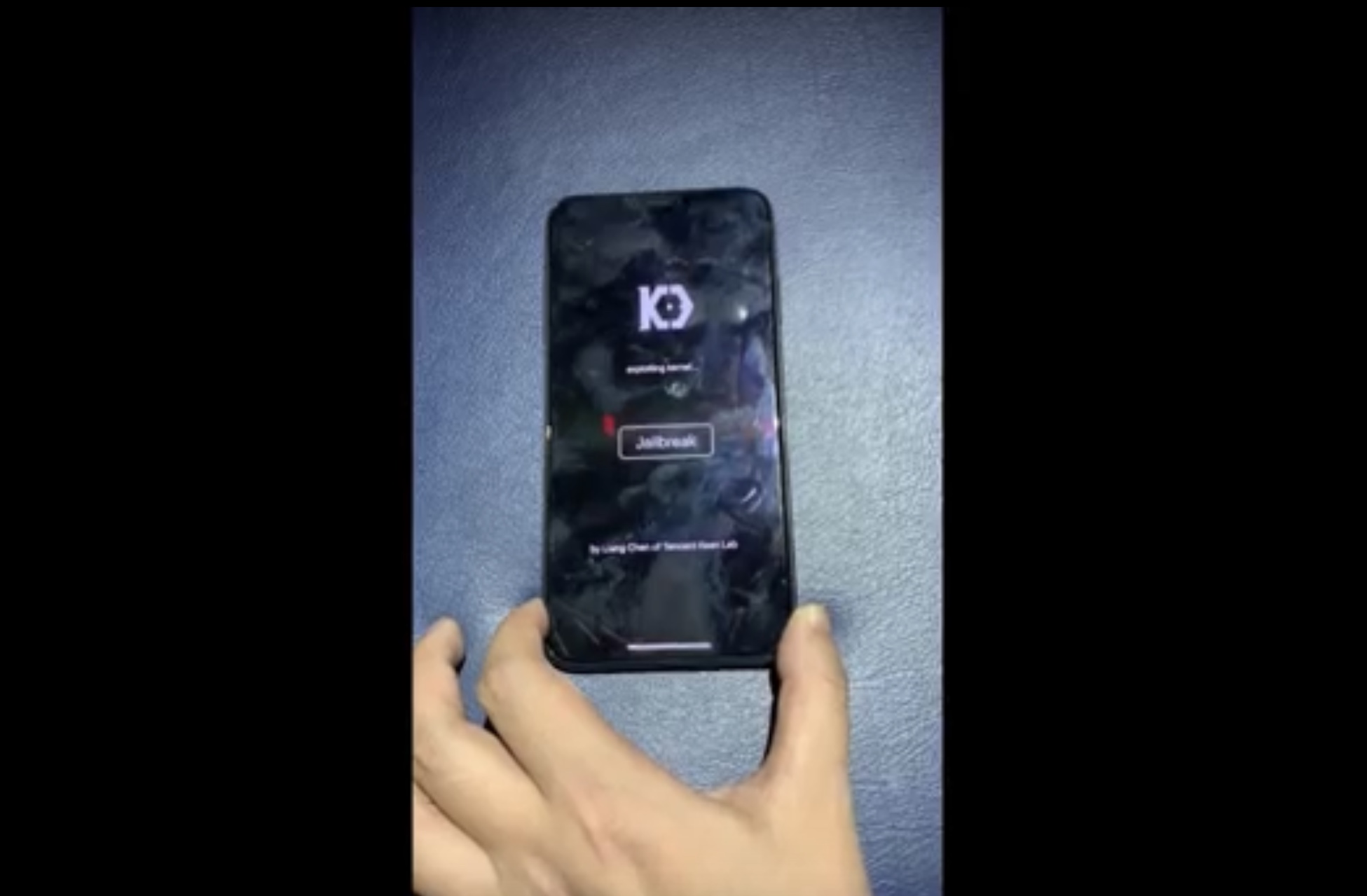
KeenLab demos jailbreak on iPhone XS Max running iOS 12.2

The talented Liang Chen of security research group KeenLab has once again flexed his hacking prowess this week after showing off what is believed to be the first-known jailbreak demonstration to support iOS 12.2.

Chen’s video demonstration, which has been published on YouTube, demonstrates what appears to be an iPhone XS Max running iOS 12.2:

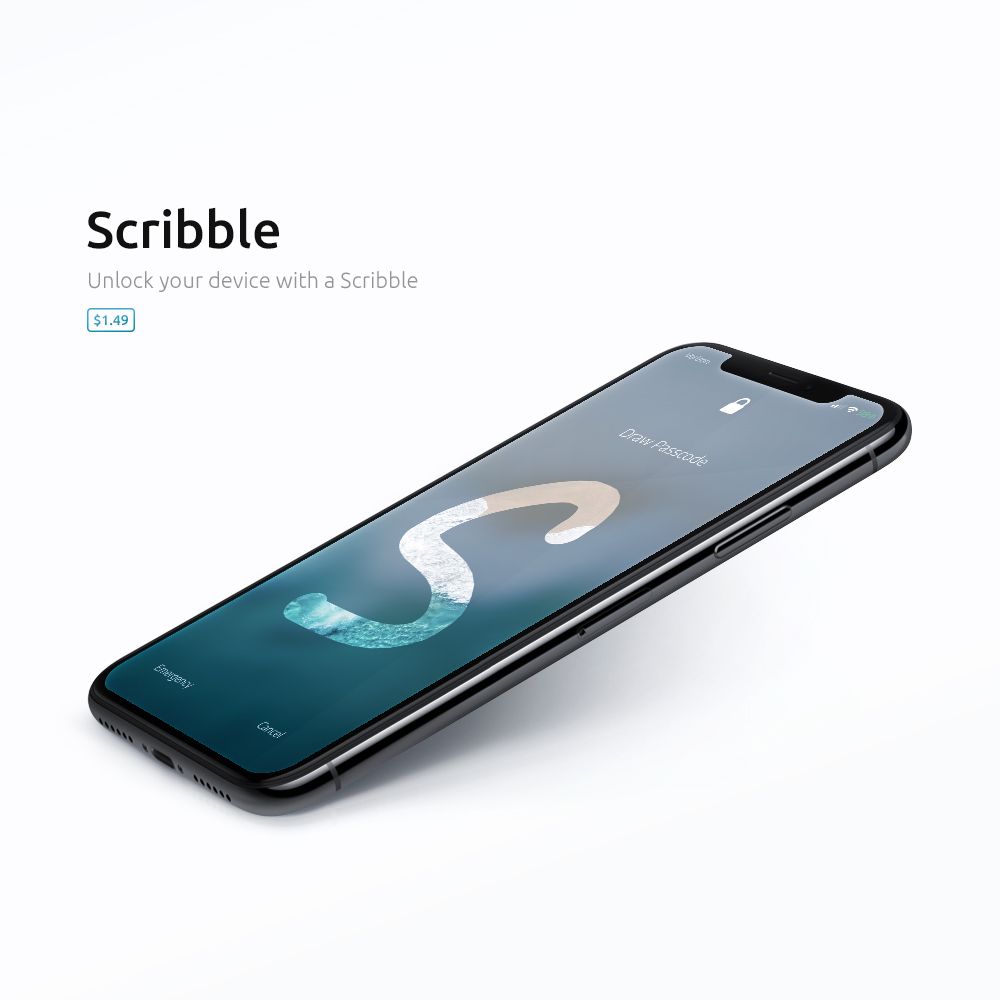
Scribble brings drawing-based passcodes to your jailbroken device

Modern-day iOS devices come equipped with advanced forms of biometric authentication right out of the box, such as Face ID or Touch ID, but you can still resort to an alphanumeric or numeric passcode if you wanted to.

It might seem counterproductive to do such a thing given just how fast and zippy Face ID and Touch ID have become, but a new jailbreak tweak release called Scribble by iOS developer Boo is sure to make you actually want to use your passcode interface over biometric authentication.

Blanka protects specific apps with Touch ID or Face ID

If you’re more anxious than most, then you probably wouldn’t mind adding an extra layer of security to the plethora of apps you have installed on your iOS devices. Fortunately, that’s completely possible on a jailbroken handset.

Blanka is a new jailbreak tweak by iOS developer maximehip that lets you lock specific apps on your Home screen with Touch ID or Face ID (depending on what your handset comes equipped with). It’s particularly useful for when you want to hand your unlocked device over to a friend or family member, because they can then use the phone without going through your personals.

Apple stops signing iOS 12.1.4, thwarting downgrades from recently-released iOS 12.2

Apple on Thursday stopped signing iOS 12.1.4 for its mobile devices, a move on the Cupertino-based company’s part that prevents users from using iTunes to downgrade their firmware to any version below iOS 12.2.

Apple just released iOS 12.2 to the public last Monday, and so the decision to stop signing iOS 12.1.4 today is somewhat abrupt, even to Apple’s standards. The last time Apple stopped signing an older version of iOS, the window remained open for several weeks before Apple flipped their magical anti-downgrade switch.

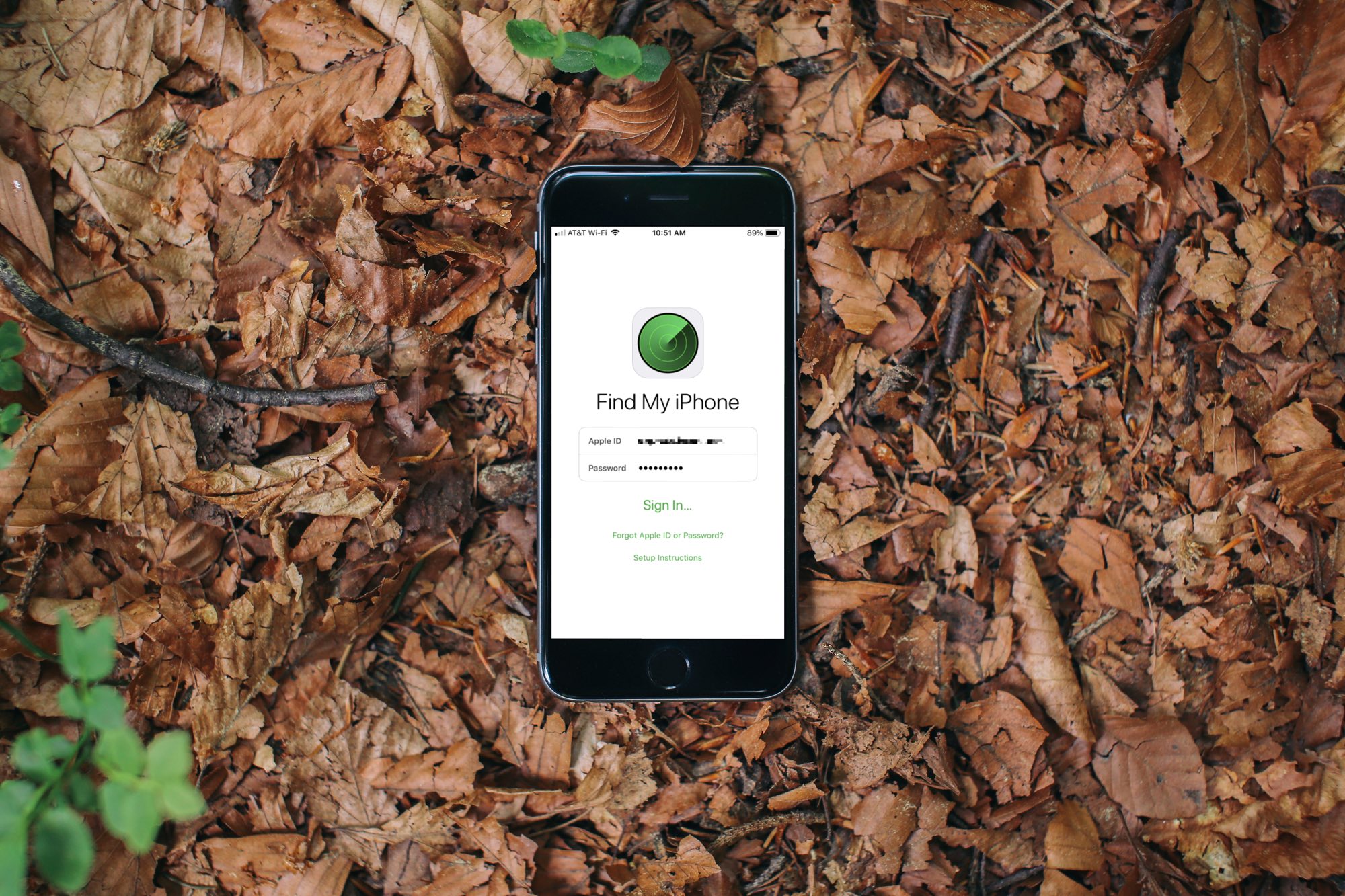
Protect your jailbroken iPhone from thieves with iCaughtU 12

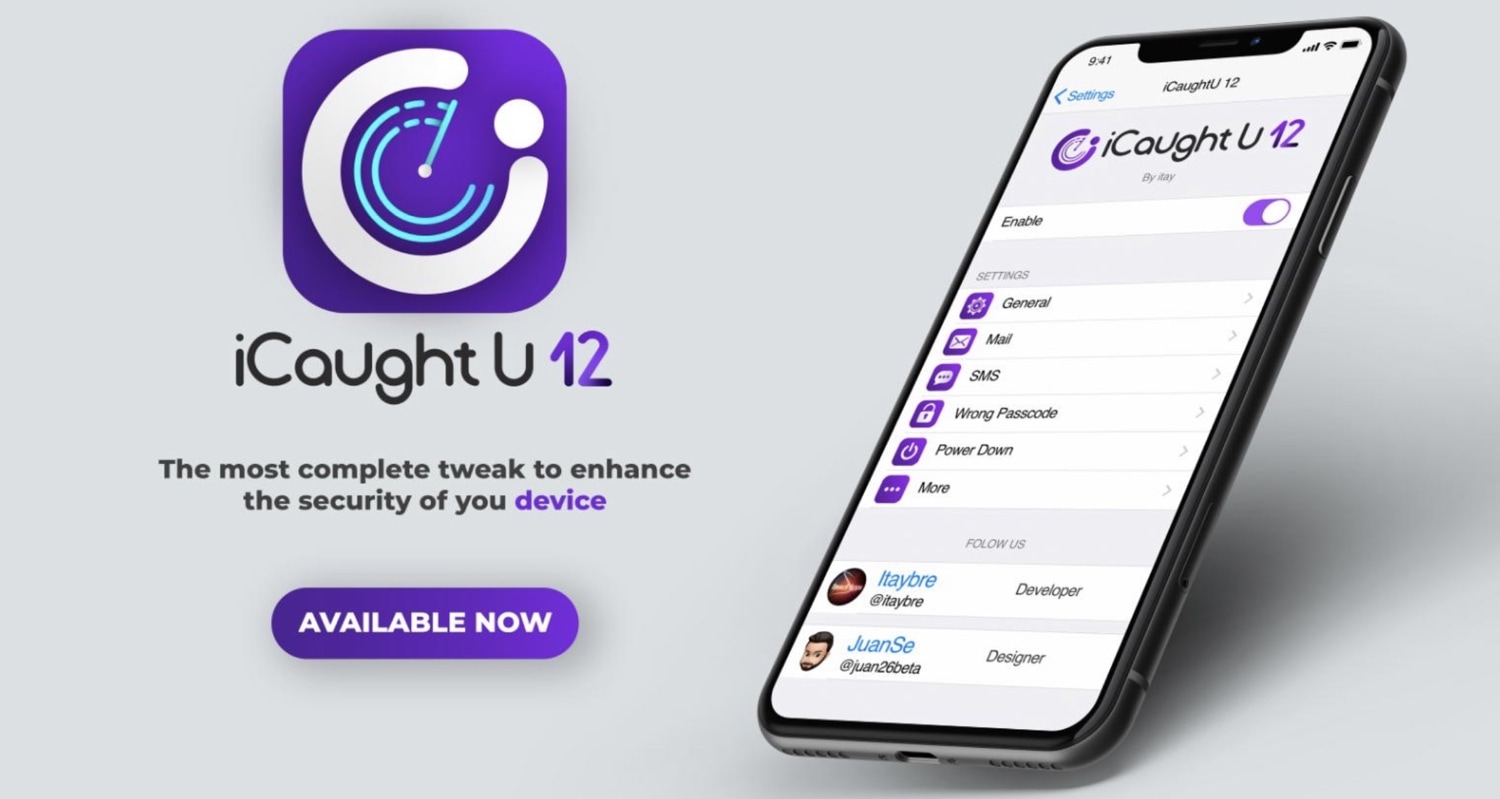
If you’re more anxious than most, especially concerning the safety of your jailbroken thousand-dollar smartphone, then you might be interested in a newly-released jailbreak tweak called iCaughtU 12 by iOS developer Itay.

iCaughtU 12 is an iOS 12-compatible remake of one of the most popular anti-theft jailbreak tweaks ever devised, and as you might come to expect, it provides many of the features that users have come to know and love since the original classic launched several years ago.

No2Theft2 protects your iPhone from thieves and pranksters

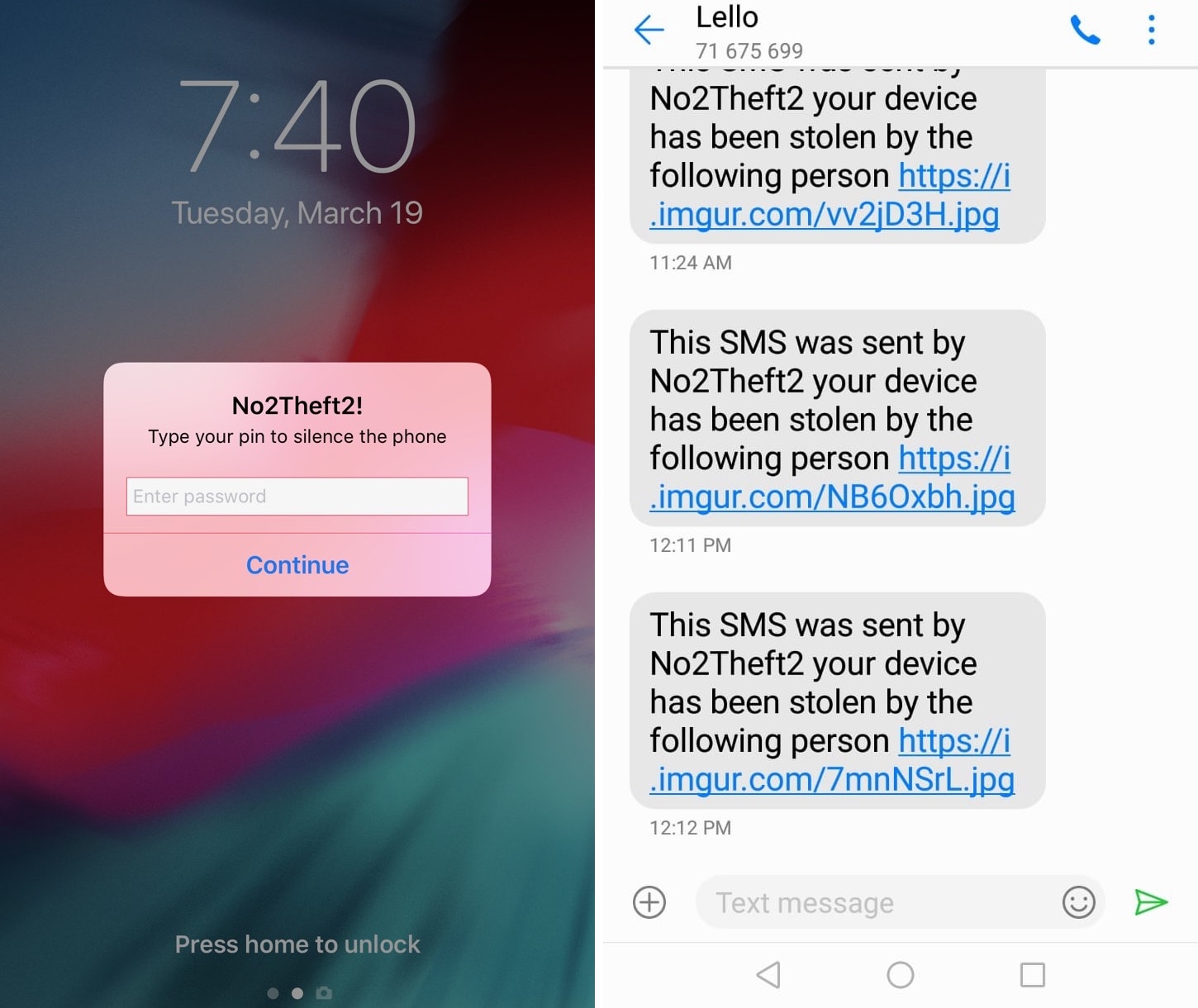
Whether you’re always paranoid about someone stealing your iPhone when you set it down on a table somewhere in public or you’ve just got lousy friends that like to play pranks on you, a jailbreak tweak called No2Theft2 by iOS developer Elias Sfeir promises to let you know whenever someone tries to be nefarious with your handset.

After you’ve installed and configured No2Theft2, you can rest assured that if someone’s doing something fishy with your iPhone behind your back, you’ll know about it. The tweak uses several methods to notify you whenever someone picks up your handset and enters the passcode incorrectly.

Lock your iPhone by placing it face-down on a desk with DownLocker

There are typically two ways to lock your iPhone when you’re finished using it: 1) press the sleep button; or 2) wait for the lockout timer time out. But with a new free jailbreak tweak called DownLocker by iOS developer Soh Satoh, you can add a third and practical method to that list.

DownLocker utilizes your iPhone’s accelerometer system to discern the handset’s orientation in space, and when it senses that your handset is lying face-down, it locks the device. This works with virtually any flat surface, whether that object is opaque or transparent, which is an apparent advantage over similar tweaks that would use the handset’s proximity sensor instead.

LendMyPhone 3 brings a full-fledged guest mode to your jailbroken iOS 13 device

Unlike Apple’s Mac lineup, the company’s iOS devices don’t offer a native ‘guest mode.’ This is a crying shame for anyone who wants to share their device with someone else while keeping the peace of mind that the other person won’t be peering through any personal data.

Fortunately, jailbreakers have long had the option of installing guest mode-centric jailbreak tweaks, and LendMyPhone 3 by iOS developers Luke Muris and Geometric Software offers one of the slickest guest mode interfaces we’ve seen yet.