From connecting your HomePod to your Wi-Fi network to setting up Siri, this guide will walk you through the simple steps to get your HomePod up and running in no time, thanks to Apple's Automatic Setup feature.
How to set up your new HomePod
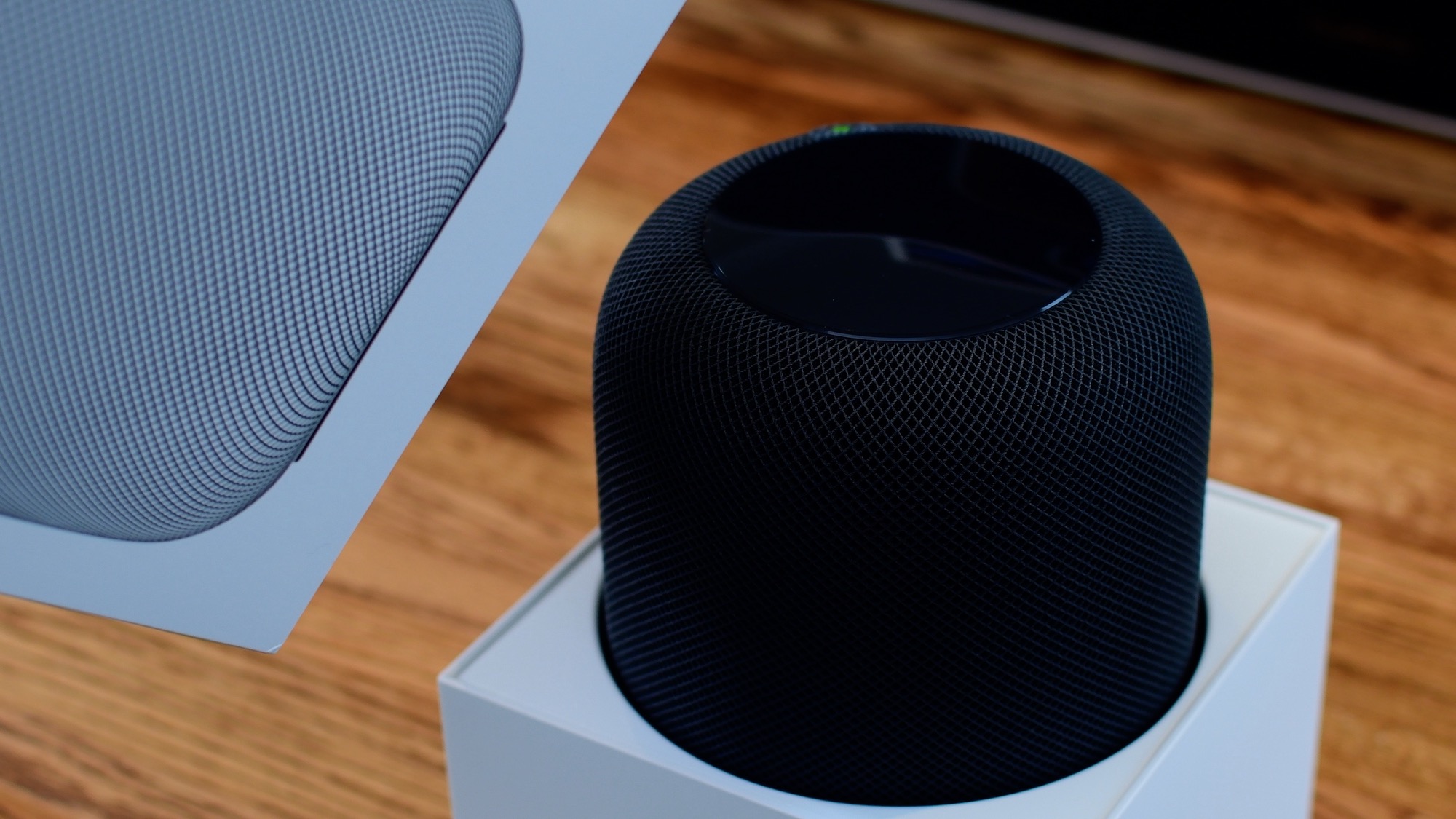
From connecting your HomePod to your Wi-Fi network to setting up Siri, this guide will walk you through the simple steps to get your HomePod up and running in no time, thanks to Apple's Automatic Setup feature.
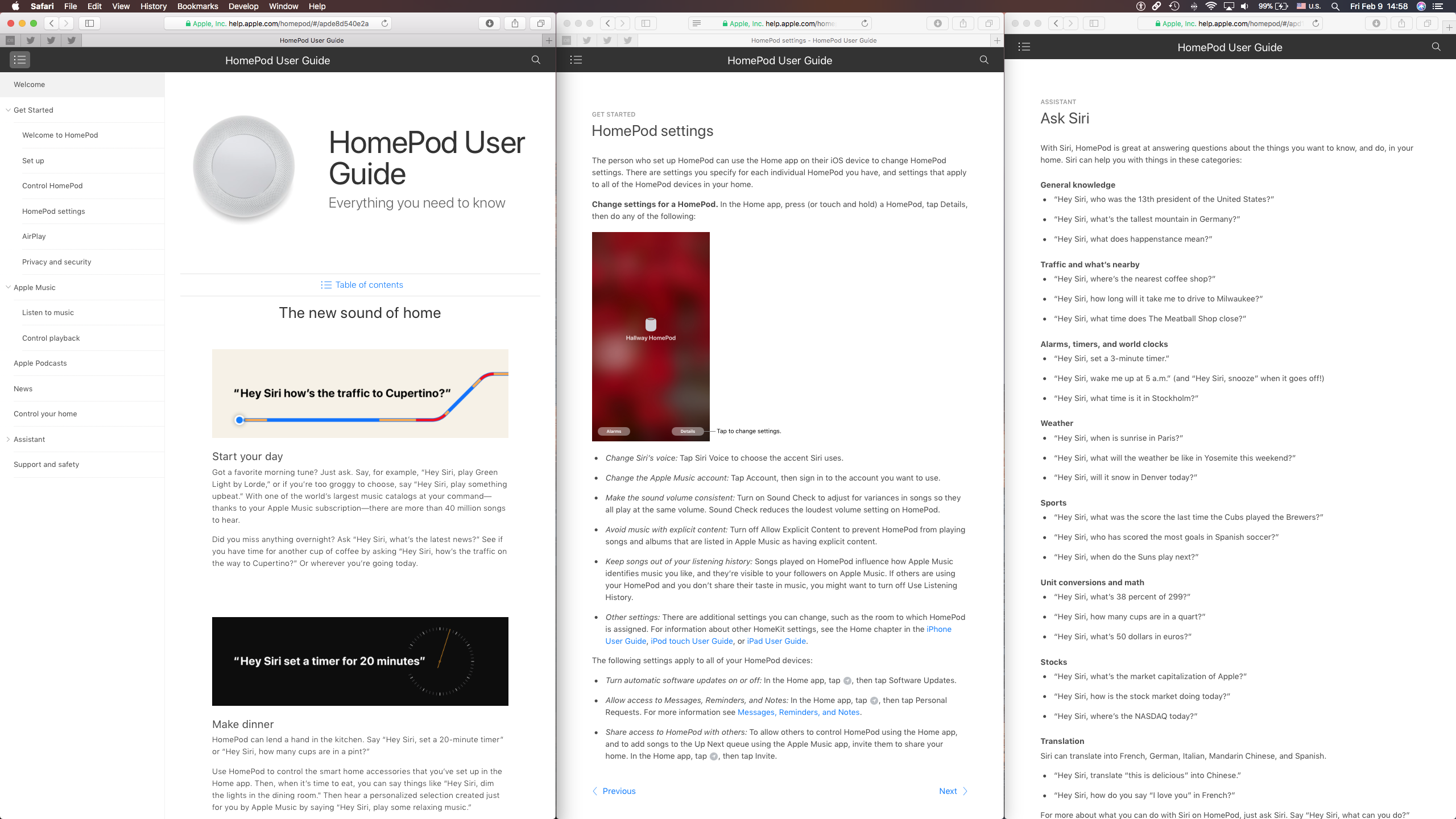
Following HomePod's arrival today, Apple started educating customers on what it can do with helpful videos through its Tips app and the official HomePod User Guide on the web.

In case you didn't get the memo, macOS High Sierra is the last release of Apple's desktop operating system that supports 32-bit apps out of the box without any compromise.

One of the ways of keeping your smartphone addiction under control entails checking out how much time you're actually spending in apps on your iPhone, iPad, or iPod touch. iOS includes a feature that allows you to see the time spent on apps, but it's buried counterintuitively in an unlikely place where most people won't bother looking.
Here's how to use it.
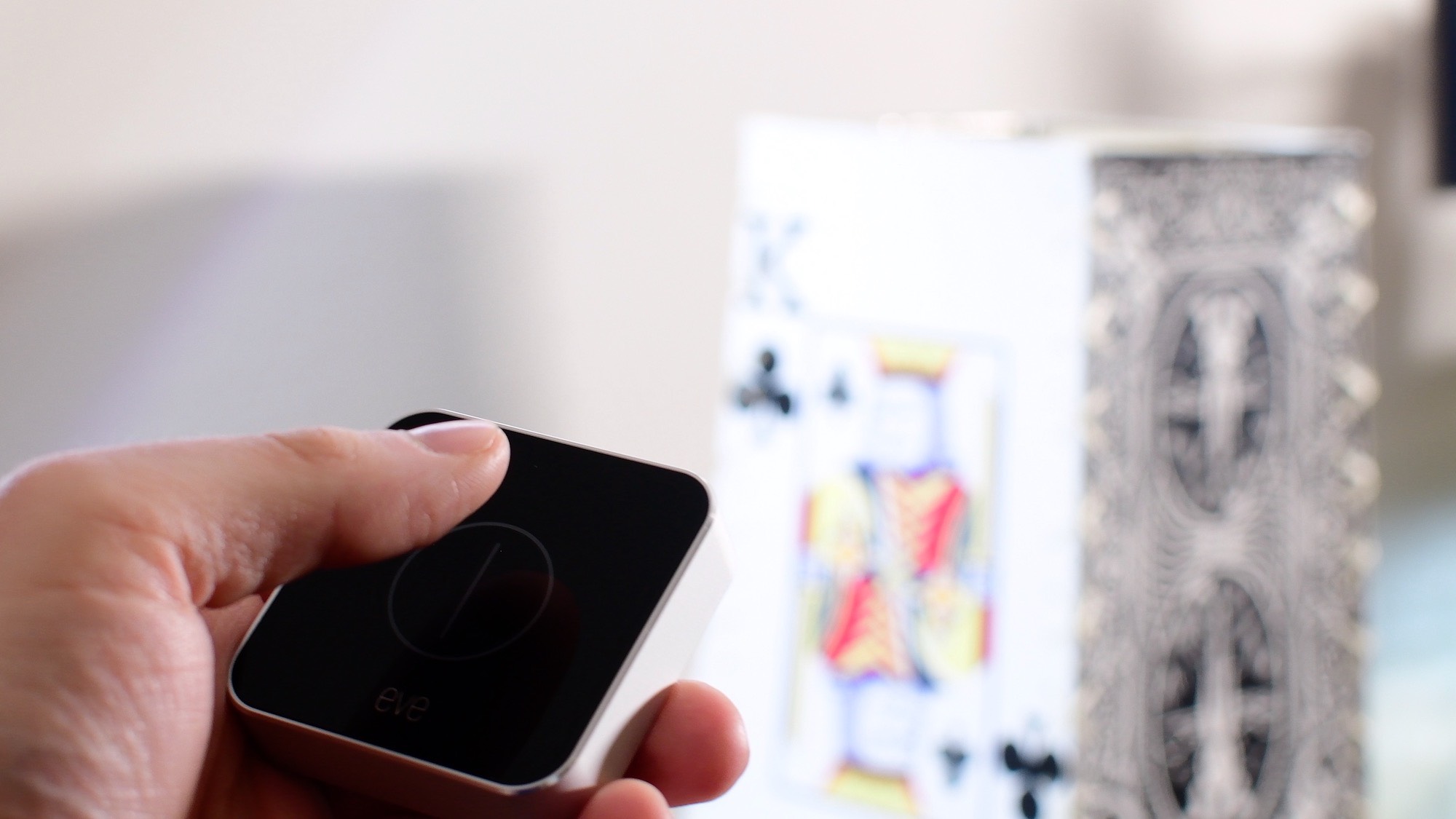
In this first entry into our new HomeKit Automation series, we walk you through fixing one of HomeKit's biggest shortcomings: creating a true toggle button to enable and disable a scene.
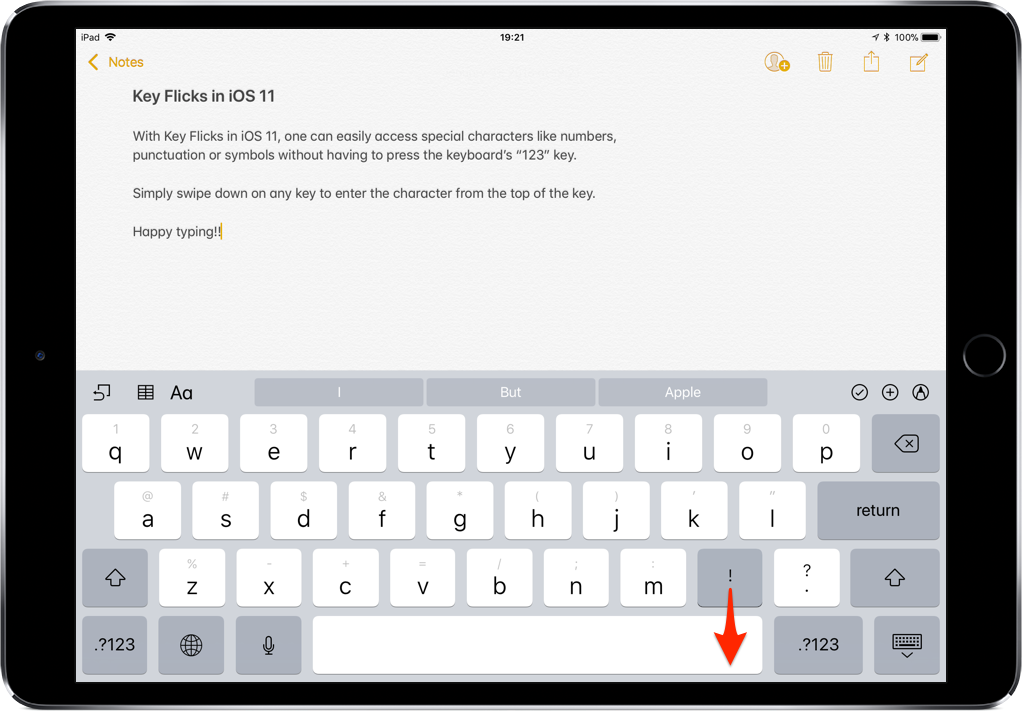
iOS provides a flickable keyboard that makes it easier to type faster on your iPad.
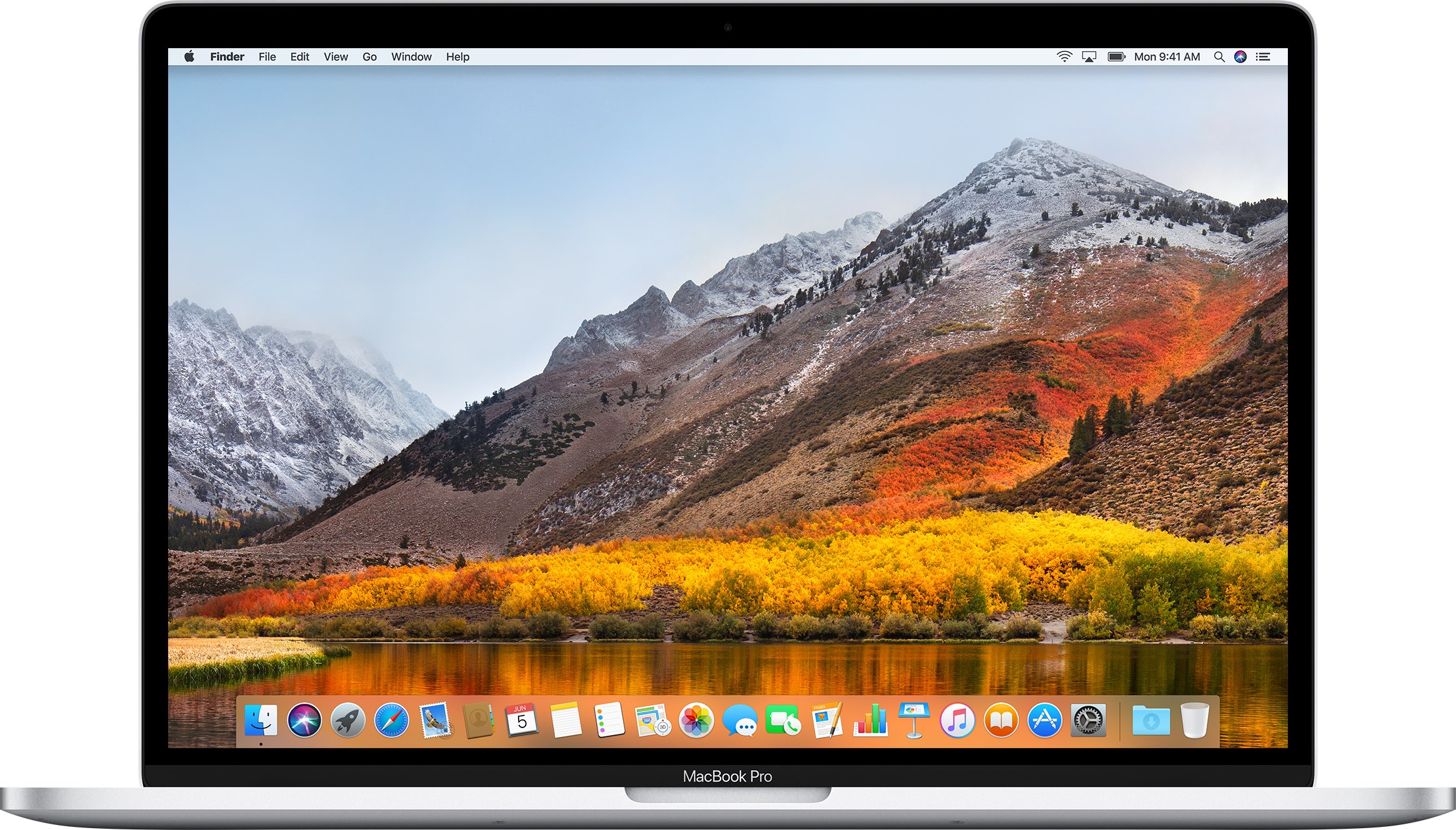
If you don't plan on installing macOS High Sierra for whatever reason, your Mac will still inform you of the software update every now and then via persisting system notifications.
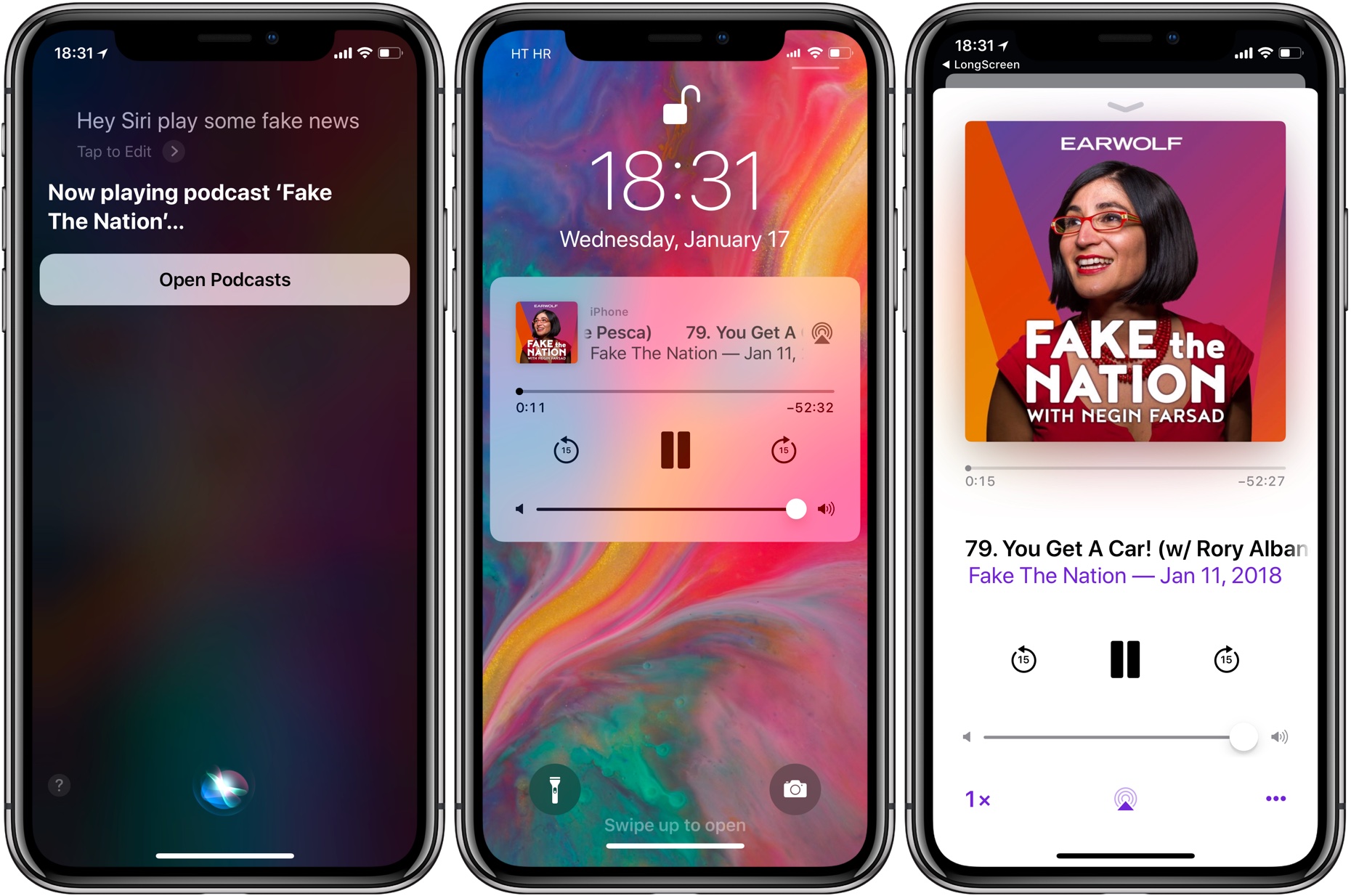
If your iPhone, iPad or iPod touch runs iOS 11.2.5 or later, Siri in hands-free mode can read out the news to you. You can even ask your smart digital assistant to read aloud news stories limited to specific domains, such as sports, business or music, here's how.
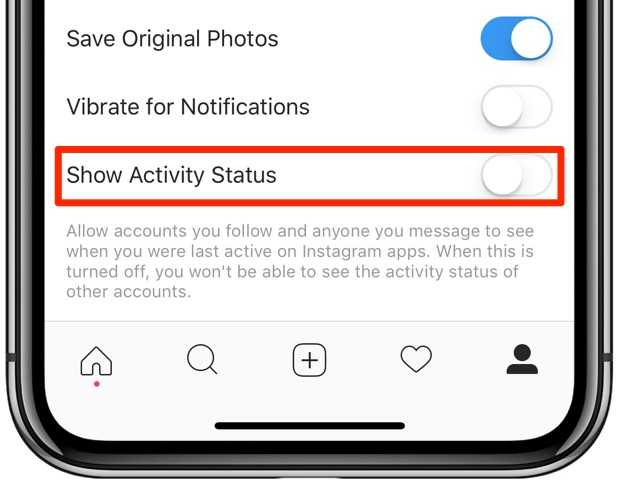
Facebook-owned Instagram is pilfering a feature from Messenger and WhatsApp that makes stalking people a lot easier. It's enabled by default, but can thankfully be turned off at will.
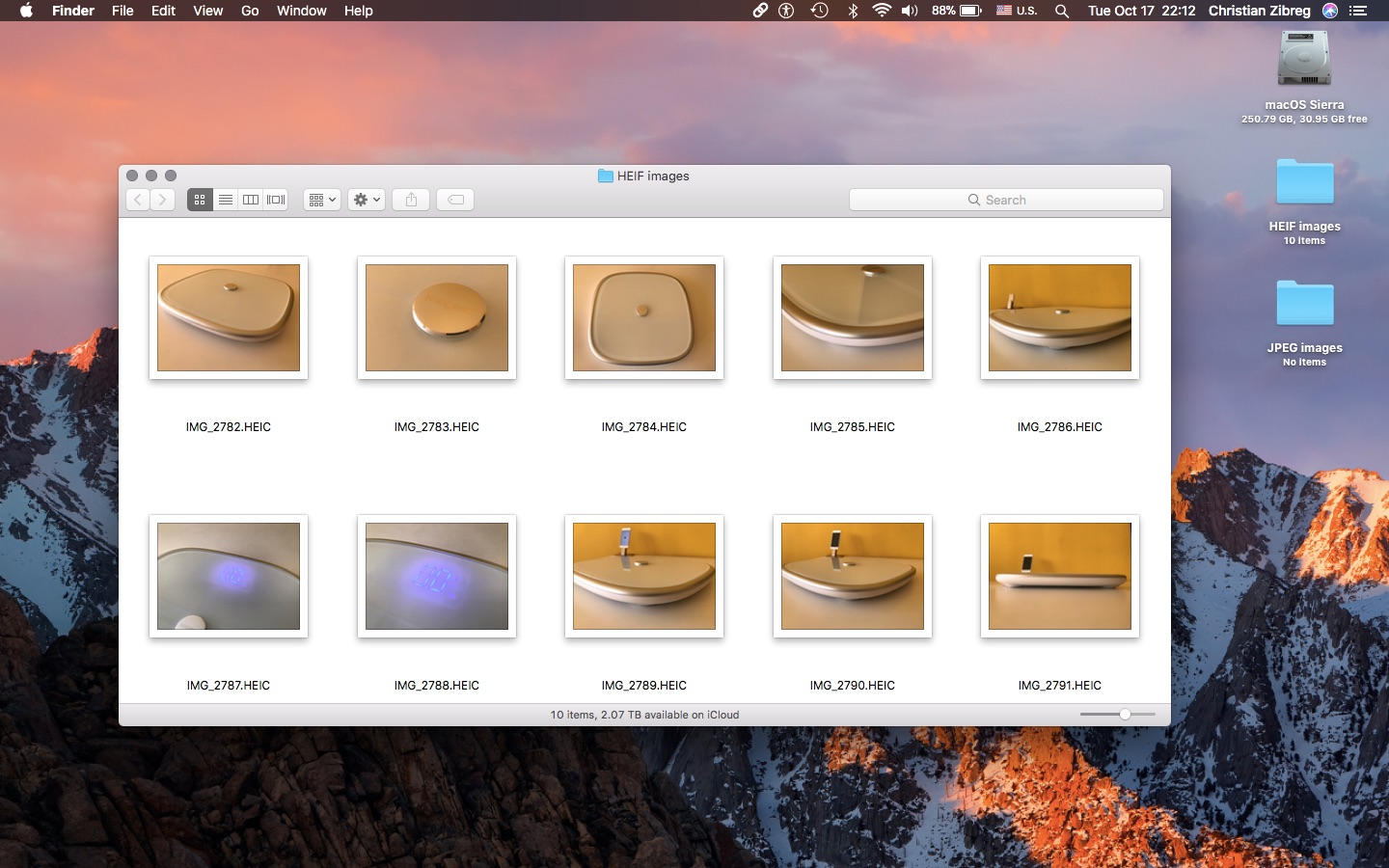
iOS 11 and macOS High Sierra debuted HEIF, Apple's new efficient image format meant to supplant JPEG by delivering the same or better quality at half the file size. That's great, but what about converting your HEIF photos into the more compatible JPEG format?
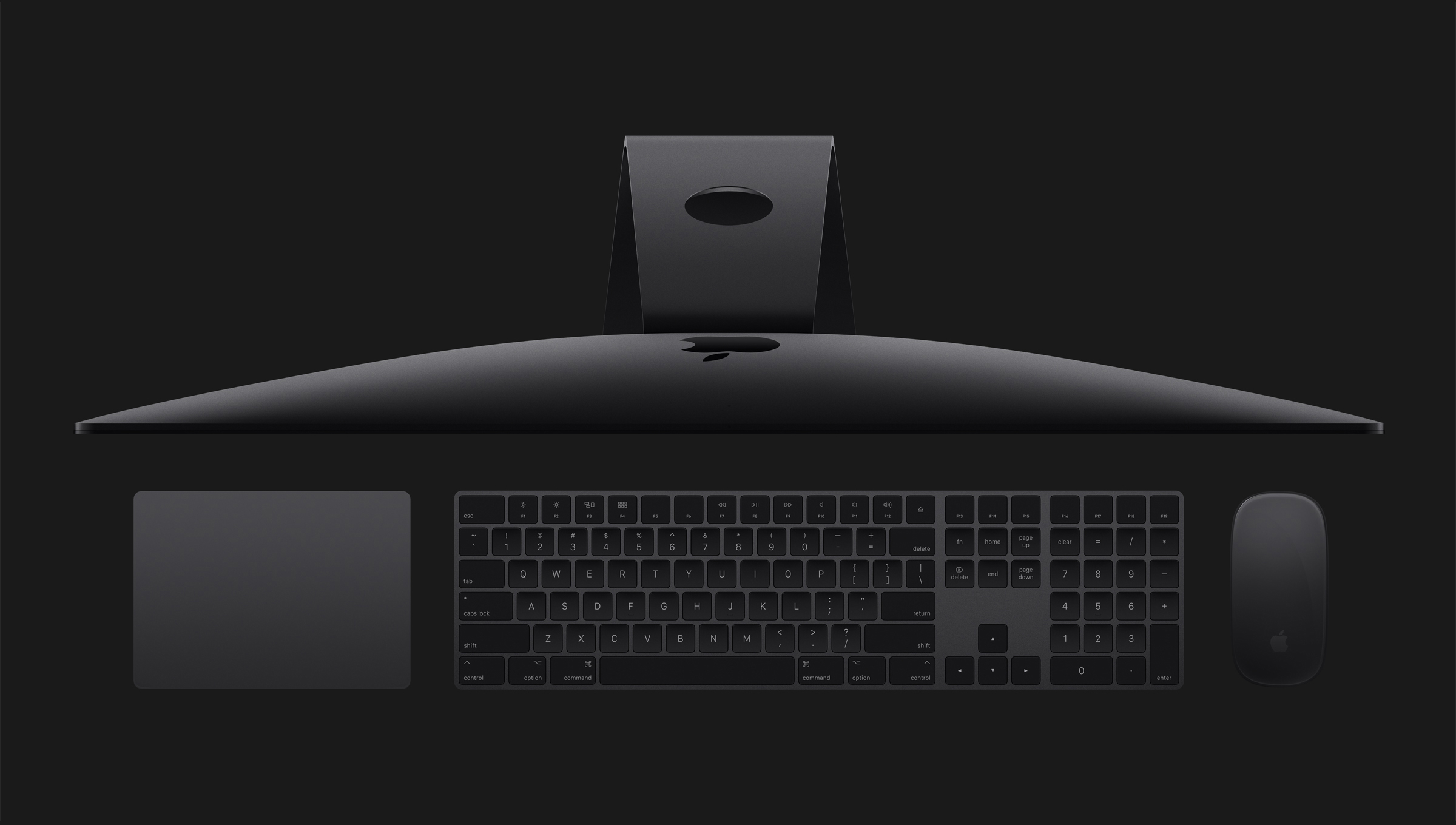
Learn how to manage your T2 Mac's Secure Boot settings to ensure your computer always starts from a legitimate and trusted operating system.