Learn how to create, edit, and delete Smart Mailbox and Smart Mailbox folders in the Apple Mail app on Mac to collect and better organize your emails.
How to use Smart Mailboxes in Apple Mail app on Mac
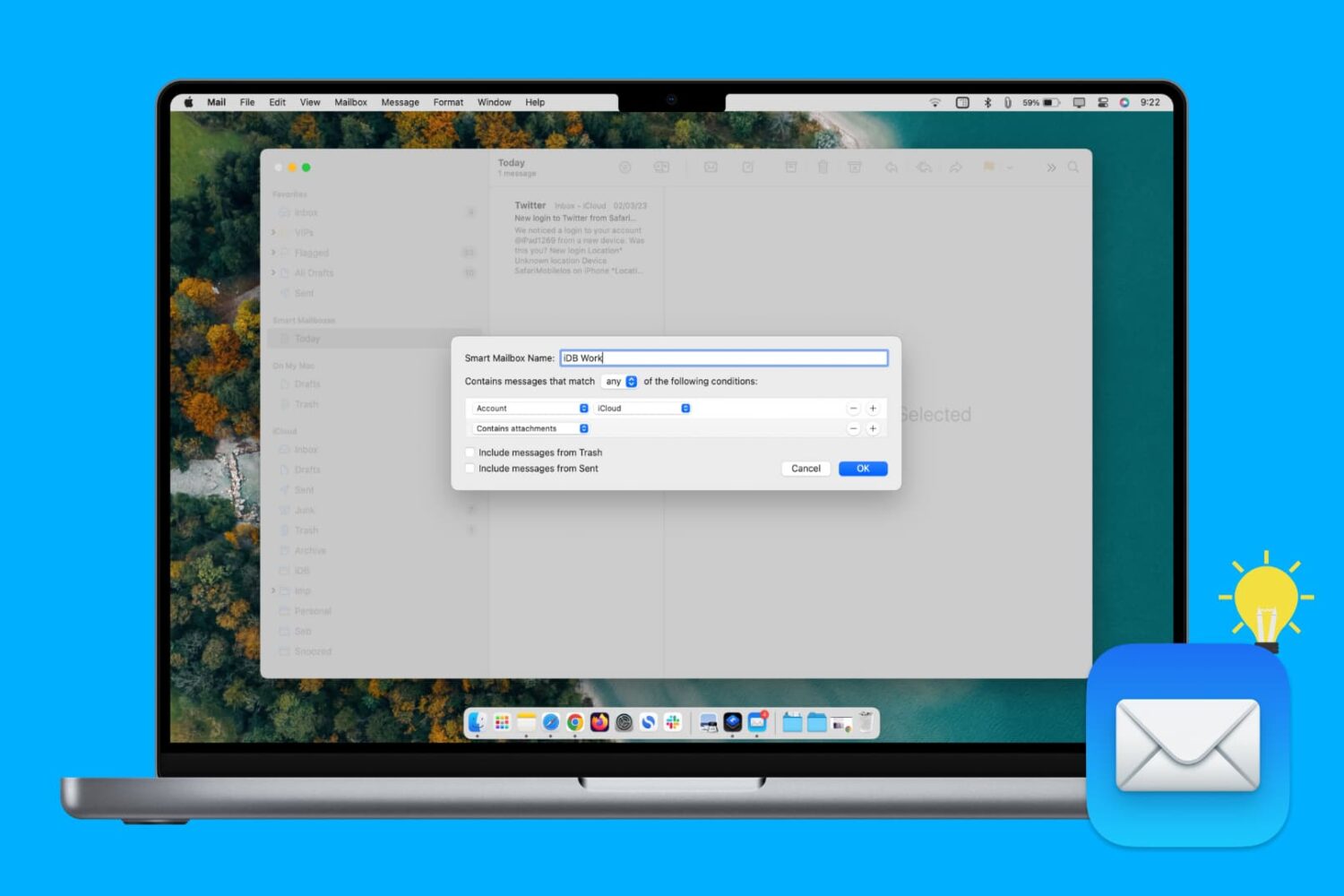
Learn how to create, edit, and delete Smart Mailbox and Smart Mailbox folders in the Apple Mail app on Mac to collect and better organize your emails.

Rolando, a platform puzzler and one of the first iPhone games, has returned to App Store in the form of a remastered version, dubbed Rolando: Royal Edition.
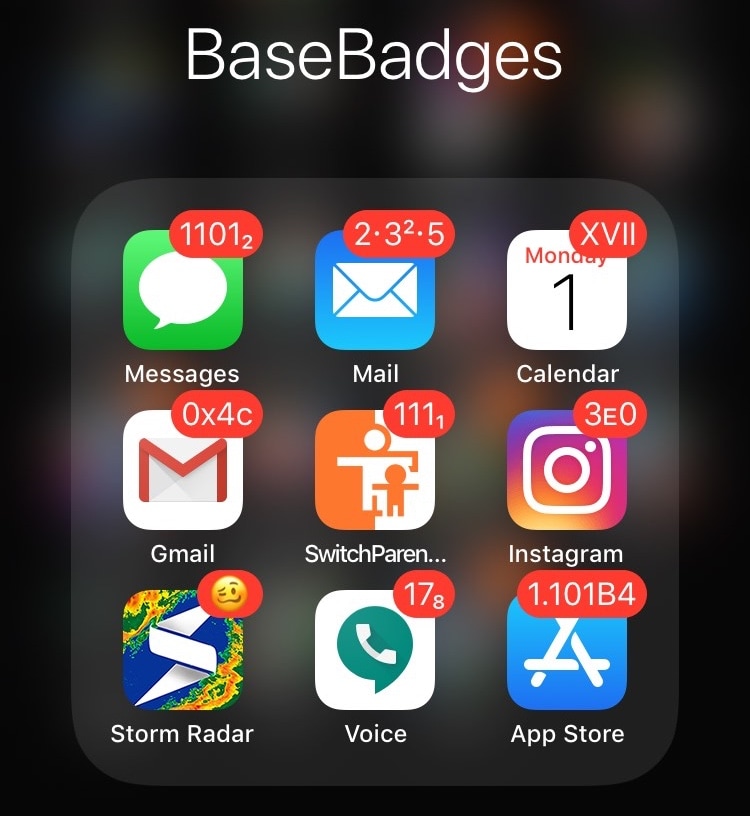
When you wake up every morning and see a plethora of missed notification badges sitting on your Home screen, do you ever think to yourself, “man… I wish I could customize those things…”?
If you answered yes to that question, then you’ll be pleased to learn about a new free jailbreak tweak called BaseBadges by iOS developer midey. With this tweak, you can customize the format of your missed notification badges such that they display a variety of bases, notations, and numeral systems!

One of the ways Facebook is working to regain user trust lost amid privacy scandals involves a new effort to provide better transparency as to how its News Feed algorithms work.
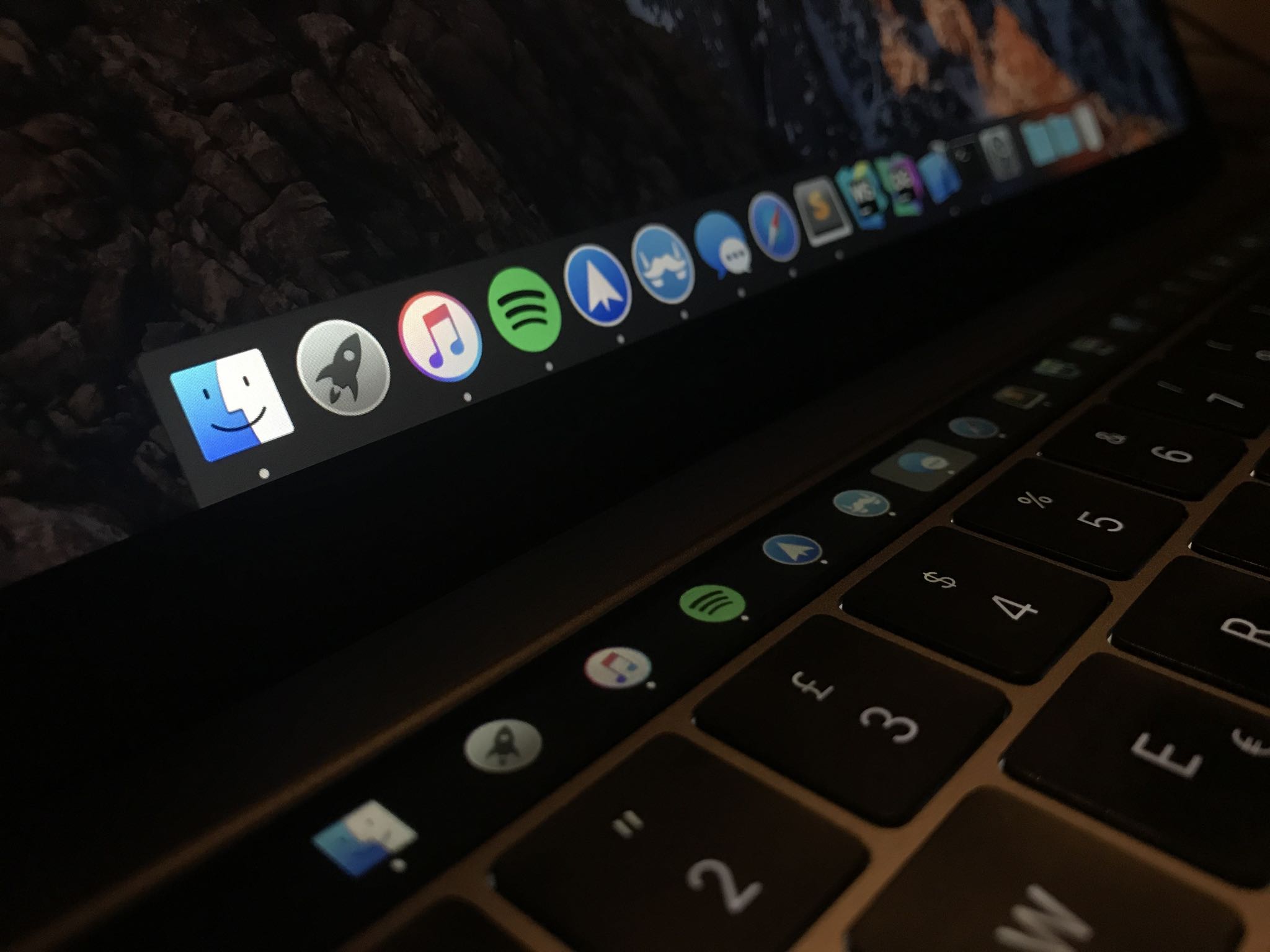
Many people disregard the power of Touch Bar shortcuts just because they're not willing to customize the shortcuts. If you're among that group, how about using that OLED strip in place of the function key row for something universally useful, like the Dock?

In this week's edition of our Apps of the Week roundup we have an app that delivers you fun facts throughout the day, an app for jamming out with your friends and an advanced photo/video editor. And as always, we've selected two great new games for you to check out.

Efficiency is the name of the game in today’s fast-paced digital world; and whether you’re leading a team—or an entire company—you should always be looking for new and creative ways to get more done in less time. That’s the goal, right? While there are plenty of pricey tools like Slack and Skype that promise to fine-tune your productivity, few are as quick and impactful as Glip, and it won’t cost you a dime.
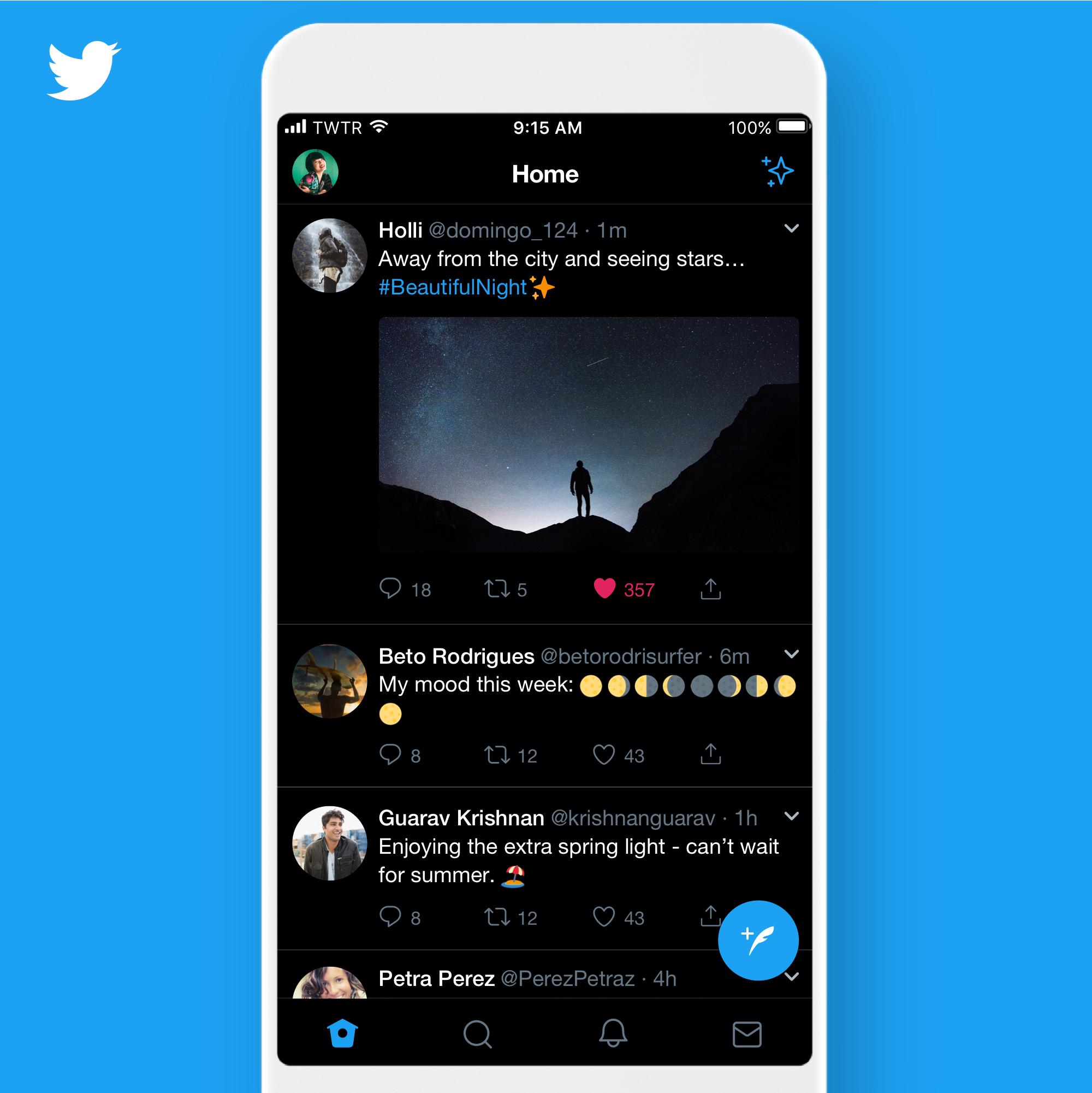
The mobile Twitter app has included a darkened interface as an optional feature for quite some time now despite people complaining that it was a bit on the gray side. Thursday, the company introduced pure black mode in Twitter for iOS along with automatic dark modes.
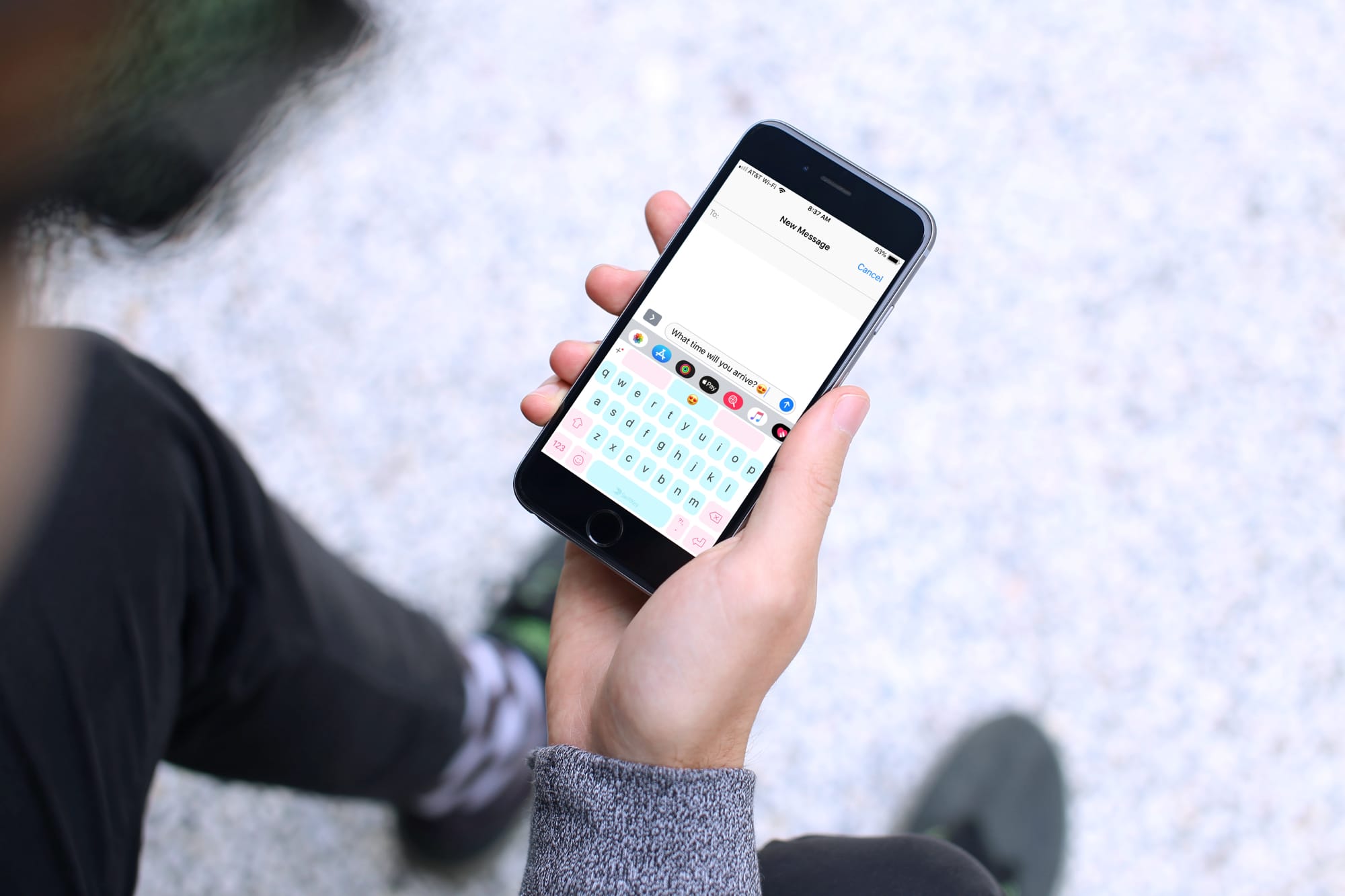
Keyboards that offer a swipe feature are handy, helpful, and let you type faster than ever. Instead of hitting each key separately, you simply use your finger to swipe through the letters to create your words. These types of keyboards are great if you haven’t yet mastered the two-thumb typing.
If you’re in the market for a new keyboard and are interested in swiping, these are the best swipe keyboards for iPhone and iPad.

Apple today seeded first developer betas of iOS 12.3 and tvOS 12.3 featuring a revamped experience within the TV app and all-new Apple TV channels discussed at Monday's presser.

Developer Flexibits today released Cardhop for iOS on App Store, a premium contact management experience for iPhone and iPad, after debuting Cardhop for Mac in October 2017.
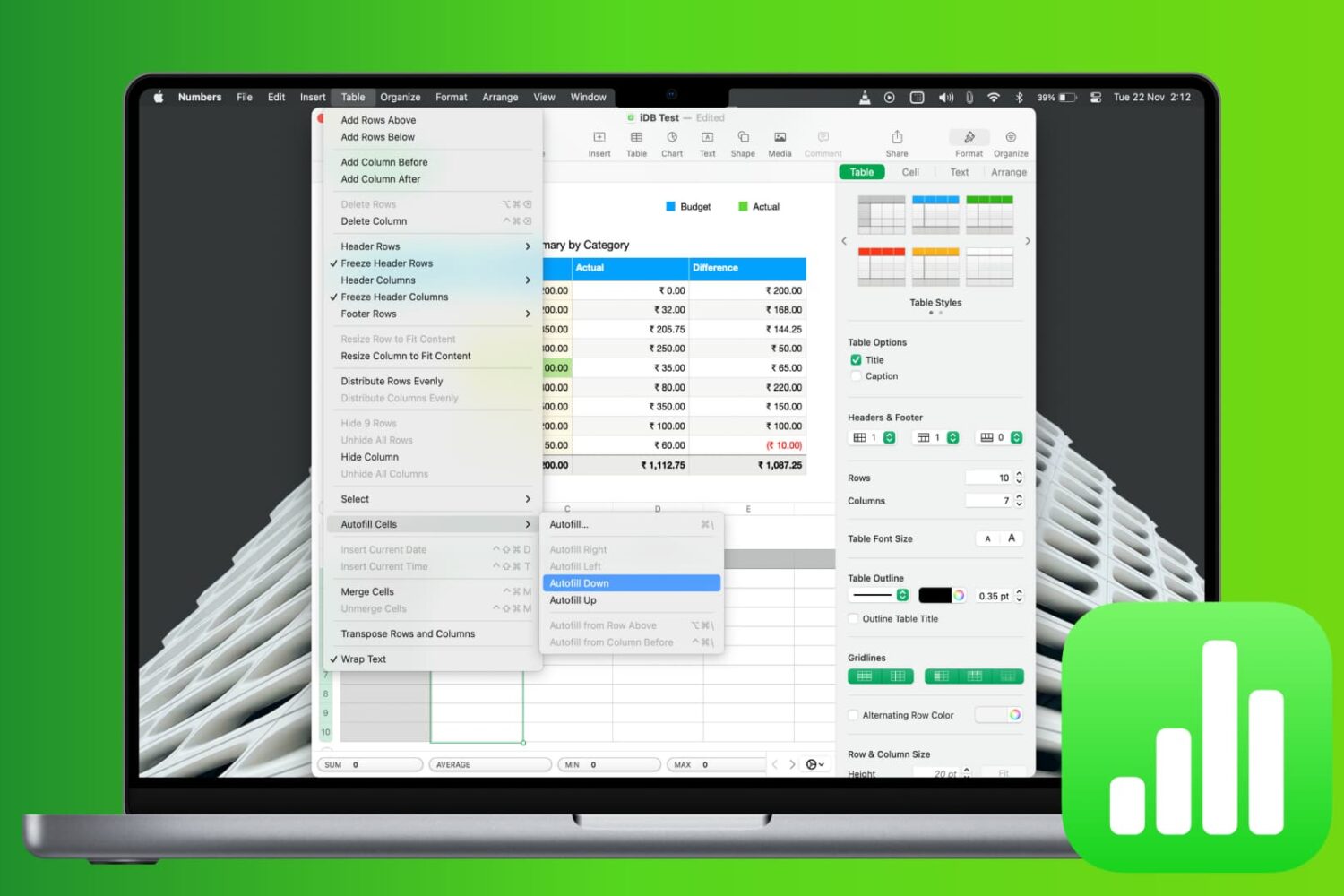
Learn how to save time and reduce errors by using the Autofill feature in the Apple Numbers app on Mac to fill cells with and without dragging.