Learn how to use the Apple Devices app on your Windows computer to update, restore, back up, and sync media on your iPhone, iPad, and iPod.
How to use the Apple Devices app on your Windows PC

Learn how to use the Apple Devices app on your Windows computer to update, restore, back up, and sync media on your iPhone, iPad, and iPod.

With the help of Apple’s Trade-in program, anyone seeking to upgrade to newer hardware can generally find some value in their older devices by trading them in to the company for credit toward their new purchase. This can reduce the bottom line for lots of consumers, making upgrades more approachable.
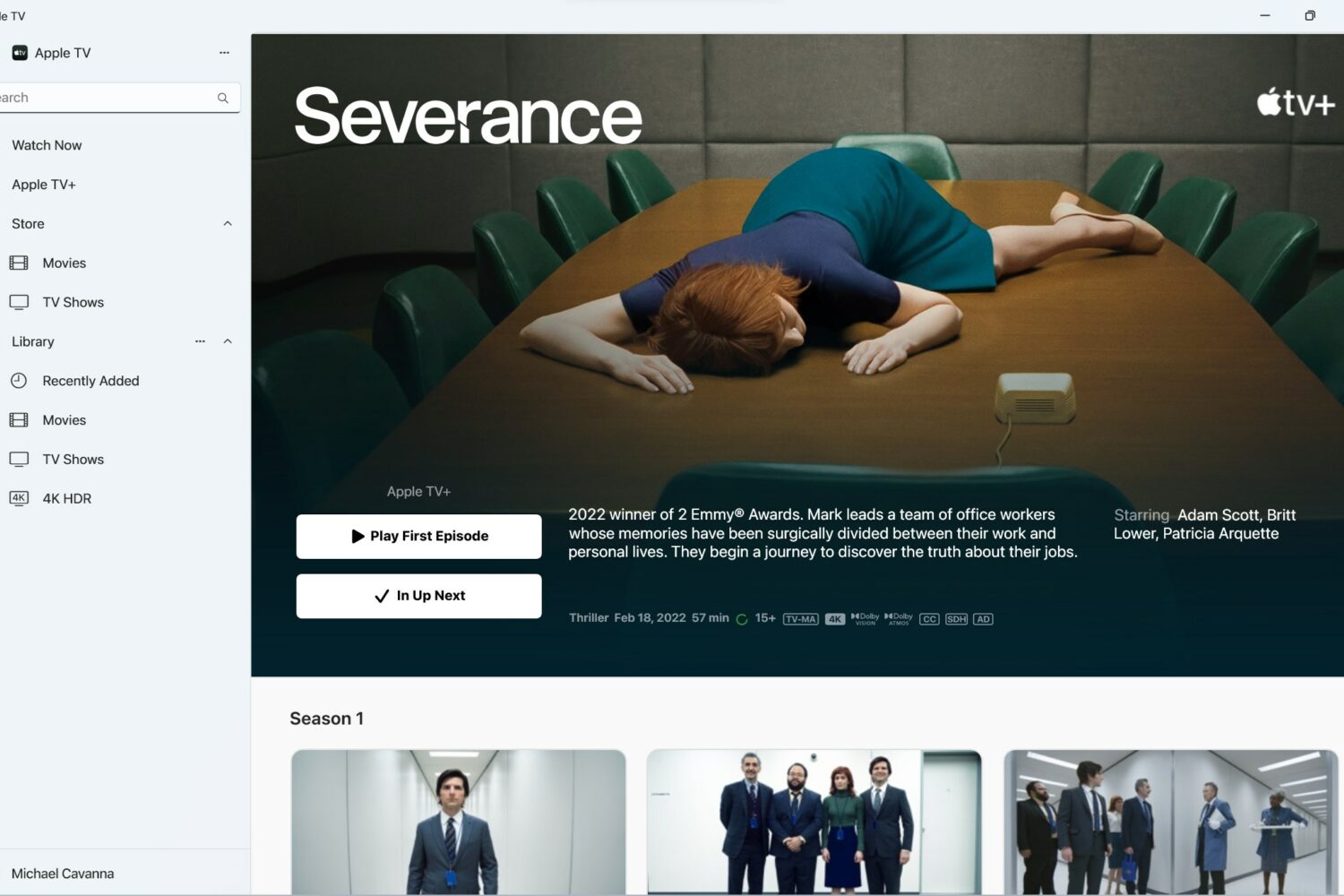
The standalone Apple Music, TV and Devices apps for Windows-powered computers have exited preview, and you can safely use them on PCs instead of iTunes.
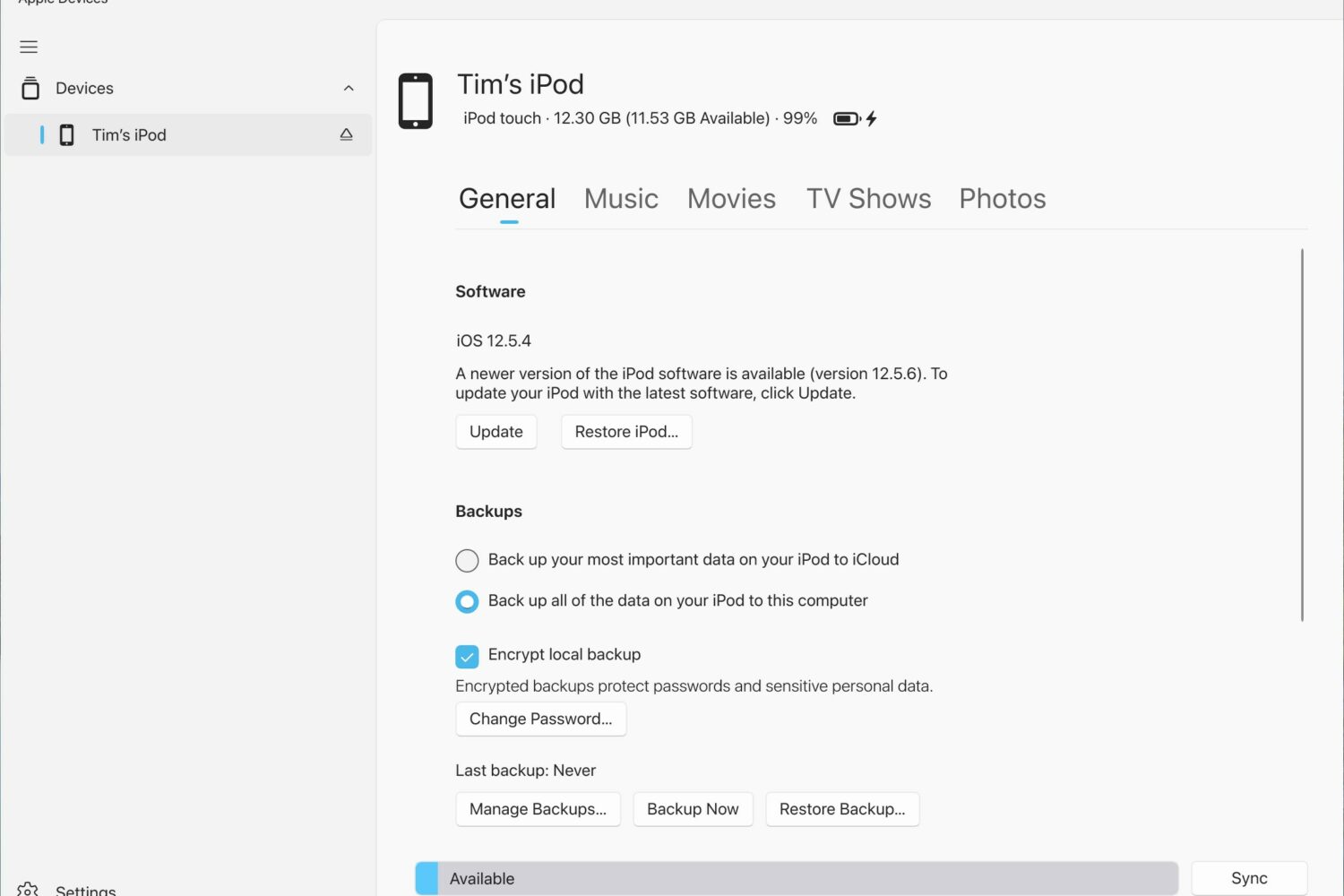
The “xrOS” and “RealityOS” Apple headset references recently found in the Apple Devices Windows app have been removed from the latest update.

Code for the Apple Devices Windows app mentions “Reality OS” and “xrOS,” referencing the rumored software platform that would power an Apple headset.
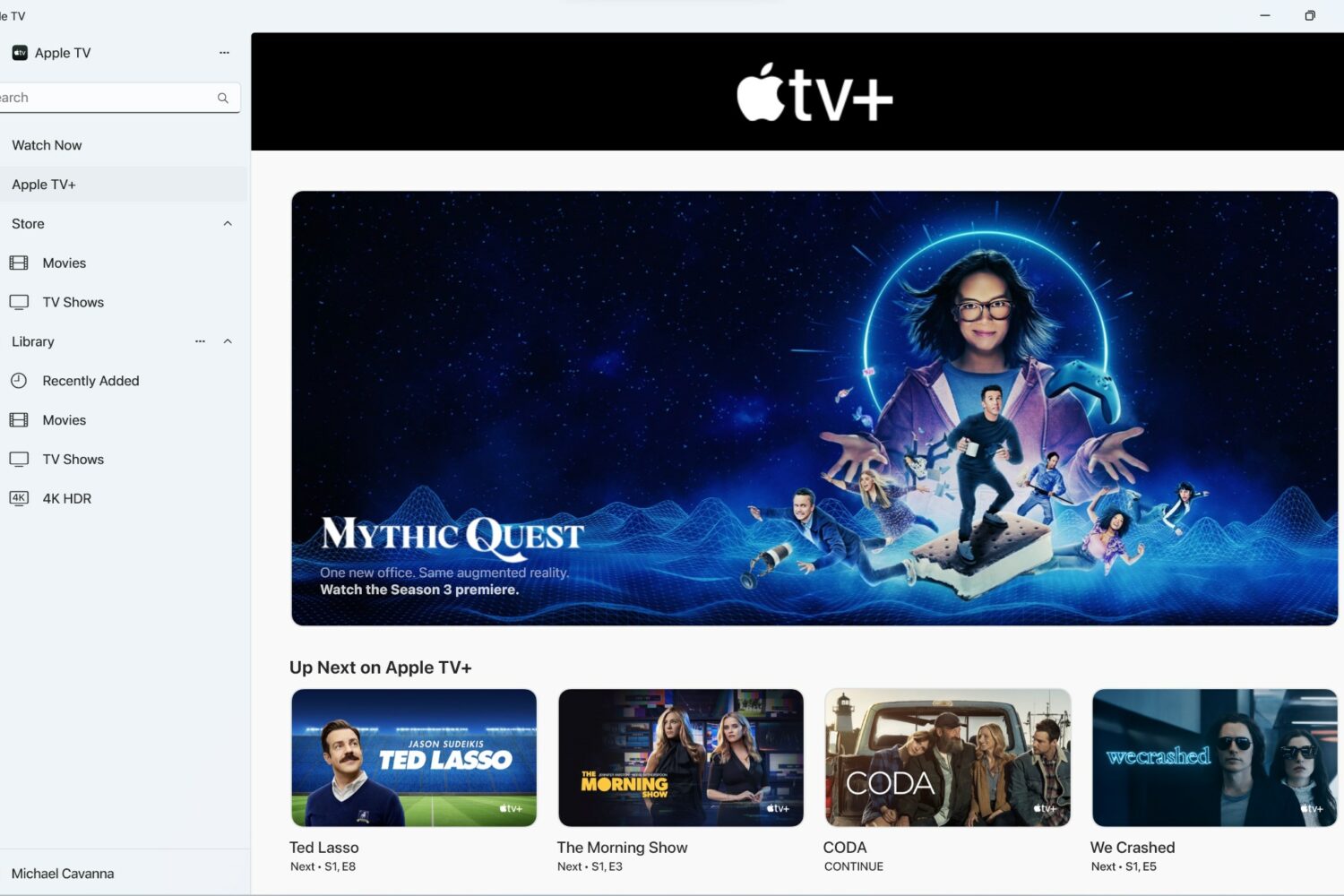
Windows previews of Apple's TV and Music apps are now available to download from the Microsoft Store, plus a preview of a new syncing app dubbed Apple Devices.