Learn how to revert Apple’s Liquid Glass design changes for your Mac’s menu bar in macOS Tahoe by replacing the default frosted look with a solid background.
How to show the top menu bar background in macOS Tahoe 26

Learn how to master your Apple devices with our comprehensive tutorials. From iPhone and iPad to Mac, Apple Watch, AirPods, and more, our expert guides will help you unlock the full potential of your Apple products. Discover new features, tips, and tricks each day to enhance your user experience.
Learn how to revert Apple’s Liquid Glass design changes for your Mac’s menu bar in macOS Tahoe by replacing the default frosted look with a solid background.

If you’ve ever worked in an office environment before, then you’re likely familiar with something called an Uninterruptible Power Supply (or UPS for short). They’re sometimes even referred to as battery backups, by those who hate big words.

Learn how to increase the Lock Screen clock size on your iPhone or iPad in iOS 26 to make it easier to read or to add an exciting new visual impact.

Learn how to remove an email address from your Apple account if you no longer need it for iMessage, FaceTime, App Store, iCloud and other services.

Learn how to fix wrong timestamps or capture dates and times for images and videos in the Photos app on your Apple devices.

Learn how to turn a regular 2D picture into a 3D spatial wallpaper on your iPhone or iPad to create an immersive Lock Screen experience.

Learn everything about sports mode on CarPlay, which lets apps display real-time stats for live sporting events on the Now Playing interface while streaming audio.

Find out how to stop your iPhone or iPad from automatically opening the screenshot and showing the full-screen preview after you take a screenshot.
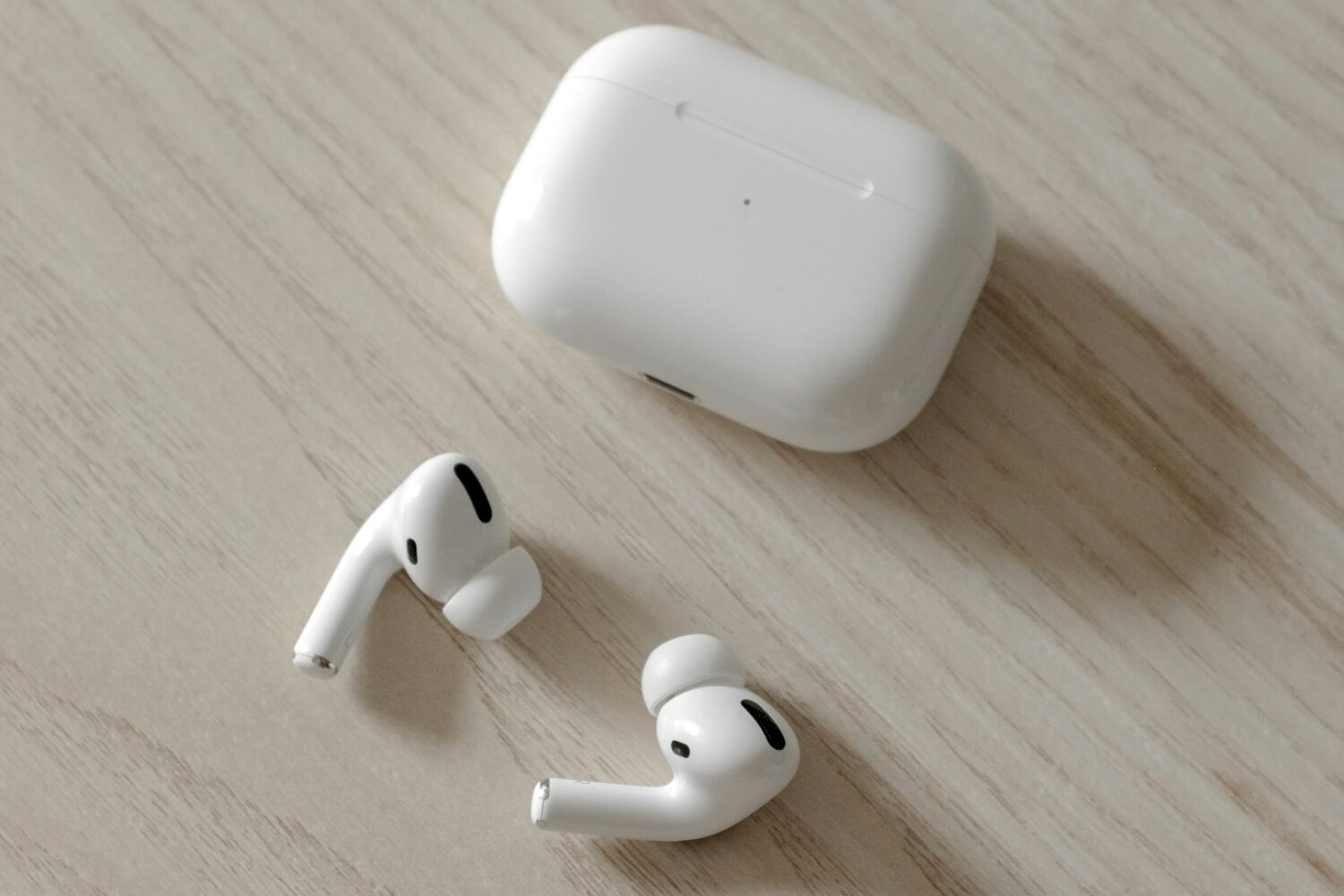
Learn how to configure your AirPods to automatically pause audio or video playback when you fall asleep so your favorite music or podcast won’t disrupt your sleep.

Learn how to put macOS Tahoe on a USB thumb drive so you can install macOS 26 on multiple Macs without downloading the huge software file each time.

