The Dockcase Studio hub packs in USB-C and USB-A ports, HDMI, CFexpress and UHS-II memory card readers, etc. Here's our hands-on review.
Review: Dockcase Studio is a portable hub for digital creators that supports the newest memory card standards

Stay up-to-date on the latest Mac news, and tutorials. Get expert tips and tricks to optimize your Mac’s performance and learn about the latest Apple products and software updates. Discover the best Mac apps and accessories to enhance your user experience.
The Dockcase Studio hub packs in USB-C and USB-A ports, HDMI, CFexpress and UHS-II memory card readers, etc. Here's our hands-on review.

Learn about the iPhone Mirroring feature on your Mac to see, control, and use iOS apps on your computer, without touching your iPhone.

Learn about the Apple Passwords app on iPhone, iPad, and Mac to conveniently see, save, autofill, and manage your various account login information.

The ChatGPT desktop app for macOS has been available for some time, but that didn’t mean everybody could use it. In fact, the ChatGPT desktop app experience was very much a phased roll-out, which meant that despite being downloadable by anyone, only select users could sign in and use the service on the desktop, regardless of whether they already used the mobile app or not.
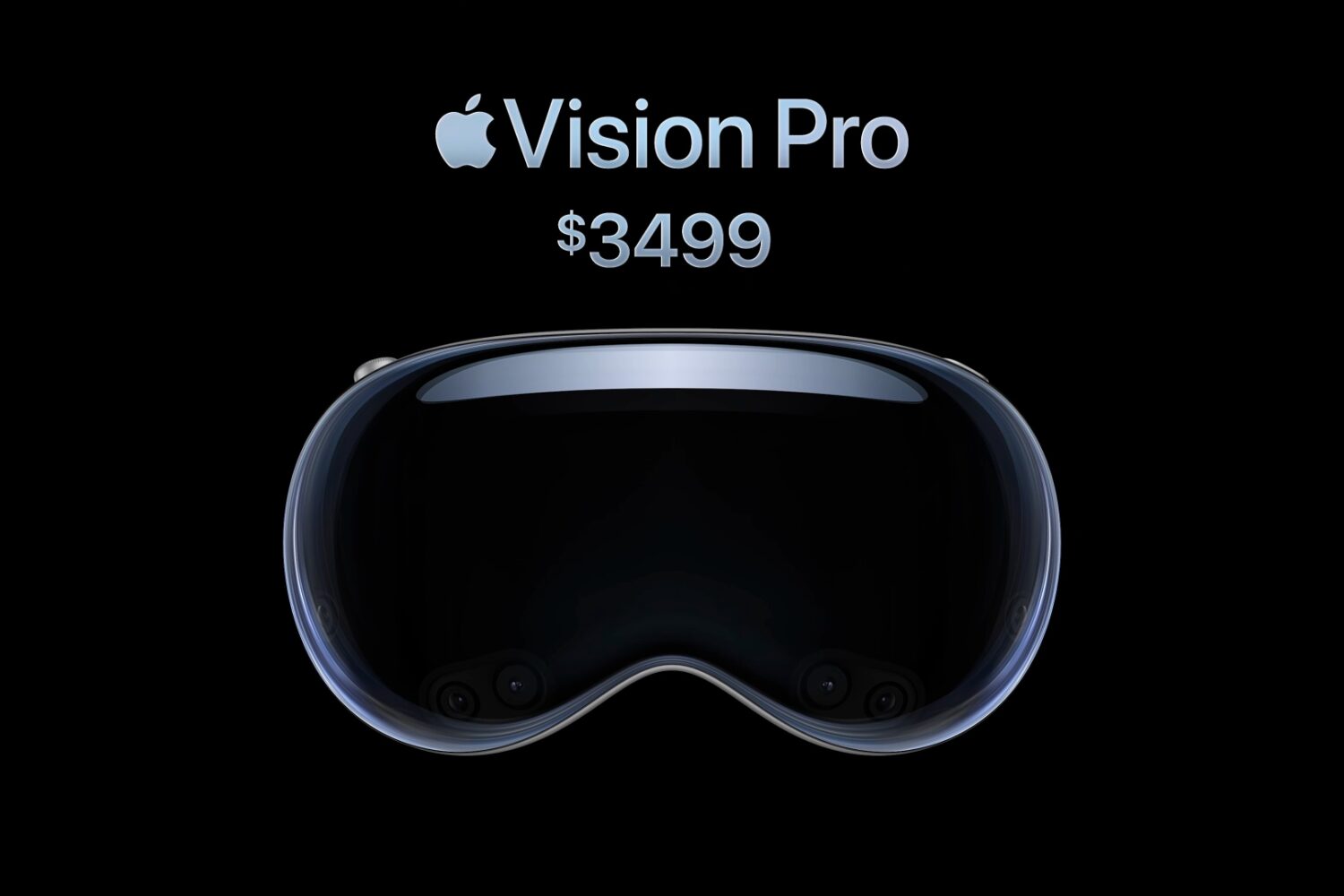
A cheaper Vision Pro could use less sophisticated components and require a tethered iPhone or Mac to provide the required processing oomph.

Learn how to improve your task management and streamline productivity by creating and managing reminders straight from the Calendar app on your iPhone, iPad, and Mac.

Apple Intelligence requires modern hardware to run on-device generative AI and large language models, so here's a list of compatible devices

Logitech's Keys-To-Go 2 keyboard has a function key row, supports three devices simultaneously, and comes in universal and Apple-optimized layouts.

The Game Mode feature which debuted on the Mac is available on the iPhone and iPad with Apple’s iOS 18 and iPadOS 18 software.

If your Mac laptop or desktop meets the system requirements for macOS Sonoma, it's also compatible with Sequoia— with the exception of certain MacBook Airs.

