Check out these tips to make the most of the Apple Notes app on your iPhone, iPad, or Mac and take your note-taking to the next level.
32 tips to use Apple Notes like a pro

Stay up-to-date on the latest Mac news, and tutorials. Get expert tips and tricks to optimize your Mac’s performance and learn about the latest Apple products and software updates. Discover the best Mac apps and accessories to enhance your user experience.
Check out these tips to make the most of the Apple Notes app on your iPhone, iPad, or Mac and take your note-taking to the next level.

Learn how to use the new Apple Intelligence Writing Tools to proofread, rewrite, or reformat your notes, emails, messages, documents, and other text on your iPhone, iPad, or Mac.
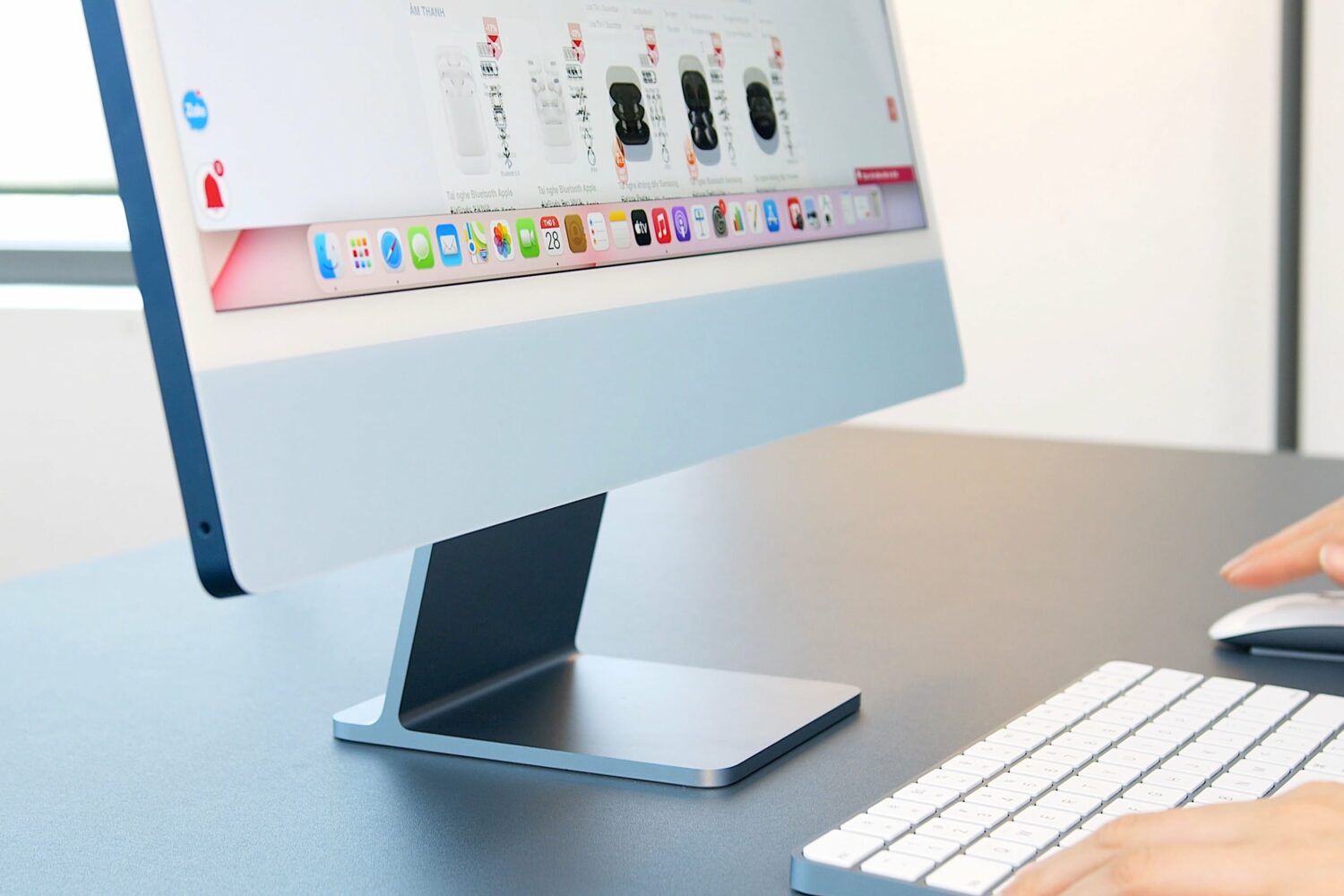
Apple usually updates its consumer computers like the iMac in October. But this time around, however, new M4 Macs might drop in November instead.
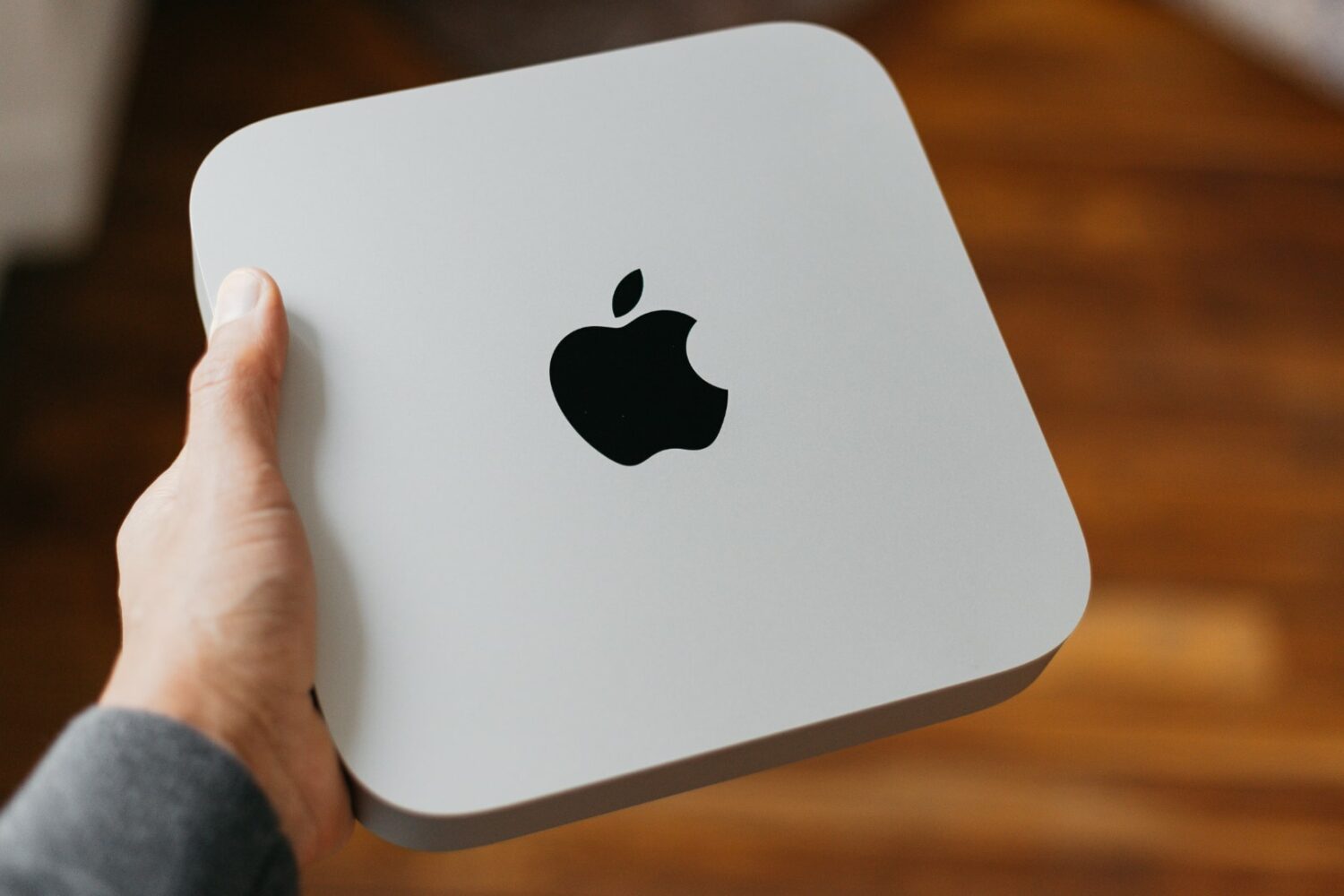
Apple should overhaul the Mac mini next month, equipping the miniature computer with M4 chips and removing the old-school USB-A ports from the lineup.

Learn about two quick methods to remove unwanted objects from your photos using the Apple Intelligence Clean Up feature or a free third-party app.

Learn how to create a shared grocery list in the Reminders app on your iPhone, iPad, or Mac and have your family members or roommates add items to it, edit them, and mark items as completed.

Upcoming Mac computers powered by Apple's M4 chip could double the base RAM from 8 to 16GB, saving you $200 in upgrade costs.

Learn what to do if you are unable to open an existing app on your Mac, even though it was working fine earlier.

Foldables may never happen at Apple: An analyst claims a folding MacBook has been delayed and won't launch for at least four more years.
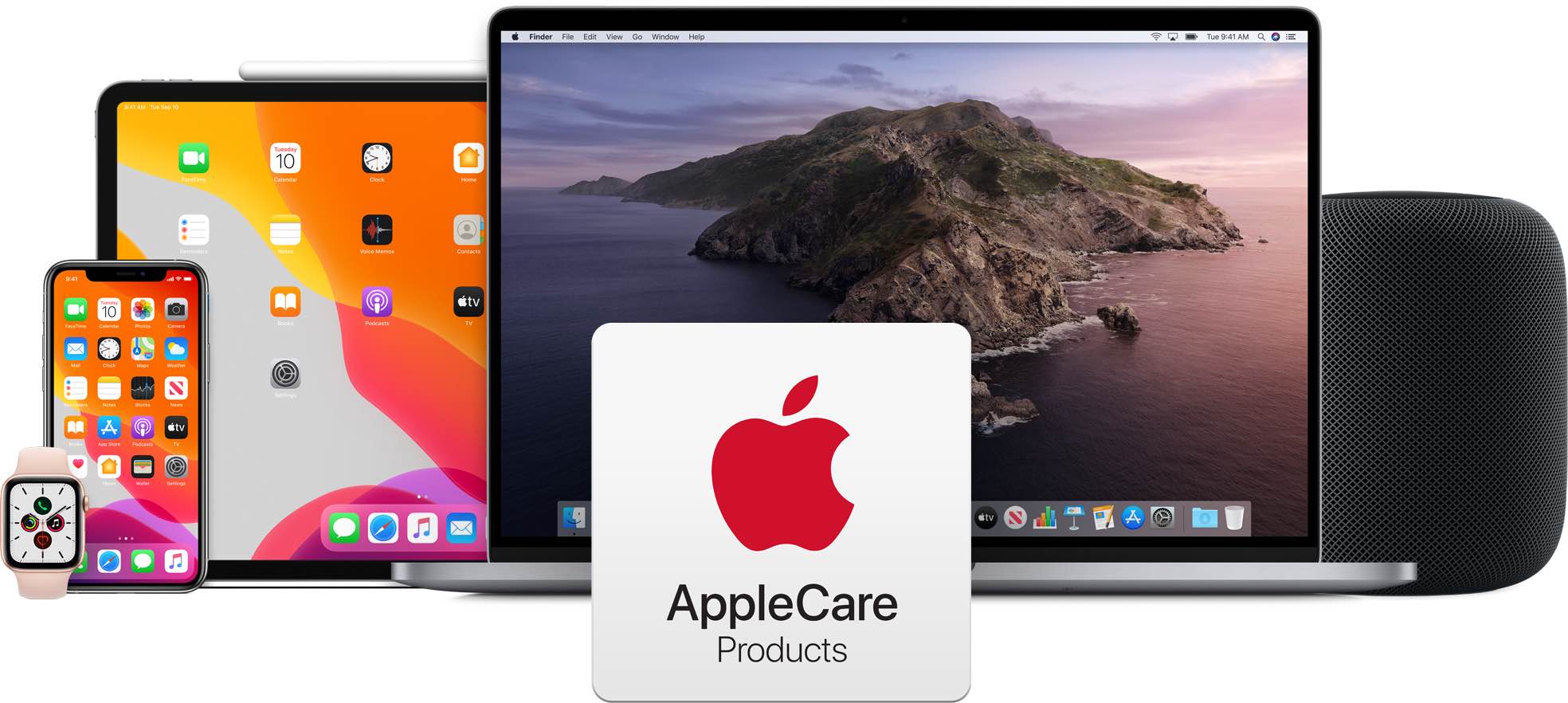
Apple has now extended the cut-off period for renewing AppleCare+ coverage from 30 to 45 days after the end of your original plan.

Pixelmator Pro and Photomator for iPhone, iPad and Mac have gained an updated Auto Straighten tool with 5x more accurate horizon detection.

Put yourself before the famous rainbow arch or in one of Apple Park's gorgeous interiors with new virtual backgrounds for video calls in macOS Sequoia 15.1.