Jailbreak

How to Jailbreak your iPad with LimeRa1n

Geohot just released LimeRa1n, a jailbreak for all iDevices including the iPad. This step by step guide and tutorial will show you how to use LimeRa1n to jailbreak your iPad iOS 3.2.2.

LimeRa1n is still very buggy and I don't actually recommend using it, so proceed at your own risks...

Step 1: Download LimeRa1n from our here.

Step 2: Plug your iPad in and launch LimeRa1n then click “Make it Ra1n”.

Step 3: Follow the onscreen instructions: hold the Home and Power button together.

Step 4: Release the Power button.

Step 6: LimeRa1n will have your iPad enter DFU mode and will then work its jailbreak magic.

Step 7: Your iPad is almost jailbroken and you should see the following messages.

Step 8: If you don’t see the LimeRa1n icon on your iPad , simply reboot it, then launch LimeRa1n on your iPad and select Cydia to install.

Step 9: Once Cydia is installed, you can uninstall LimeRa1n from the LimeRa1n app on your iPad.

Let us know how it goes for you.
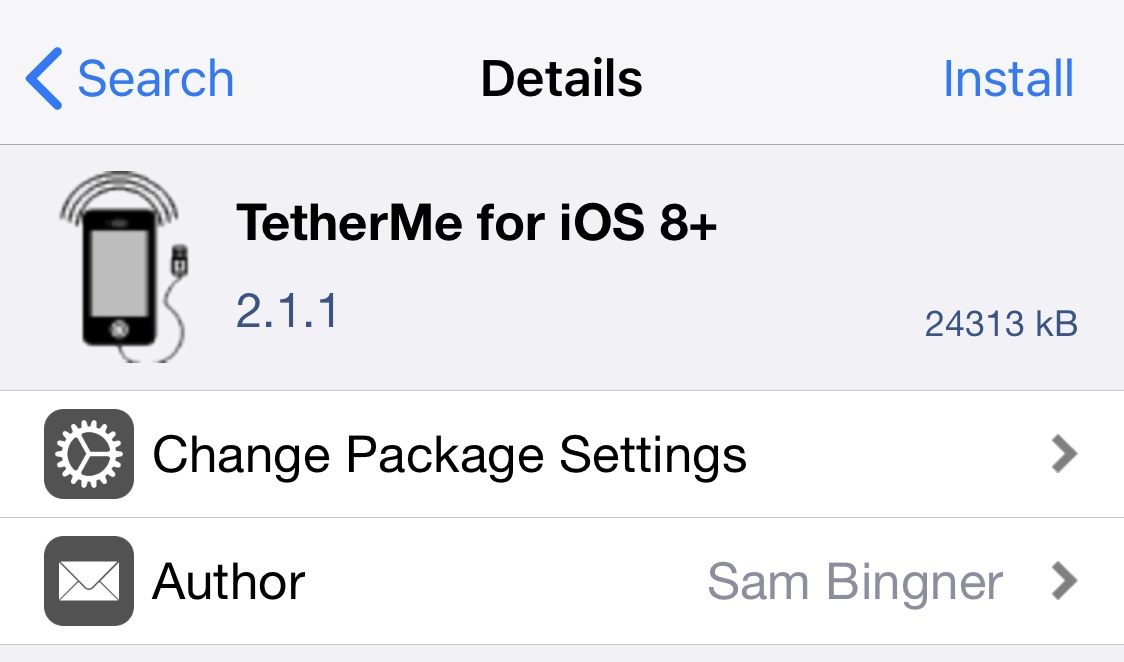
TetherMe Brings Native Tethering to the iPhone

TetherMe is a jailbreak tweak that brings native tethering to the iPhone, even when your carrier normally bars you for. Such activities. According to the app description, it should work for any carrier without the need for customized bundles or preferences.

TetherMe has been tested to work on all iOS versions from 8-14 and works by telling the iPhone to allow tethering on any APN that is used for iPhone data. As a result, you should not be charged extra from your phone company as all tethering data appears to come from the phone itself.

TetherMe also bypasses signature checking and allows you to edit your carrier bundle manually if you so desire. This is required to enable MMS functionality on T-Mobile. TetherMe does NOT enable the loading of APN configurations from .mobileconfig profiles at this time.

This app is different from my favorite jailbreak app MyWi, which allows to turn your iPhone into a wifi hotspot. Instead, TetherMe allows for native tethering as Apple intended it to be, using Bluetooth or USB.

There is no icon for this item. After installation and reboot, you'll be able to turn tethering ON in Settings > General > Network, or install the Tethering Toggle for SBSettings.

Available for $4.99 in Cydia, TetherMe is a great alternative to the more expensive MyWi if you don't want to share your Internet connection with other devices. If however you want to use your iPhone as a hotspot, then MyWy will still be your best bet.

Please let us know what you think of this application by leaving a comment below.

Using a Bluetooth Mouse on the iPad

There is a nice hack that let's you use a Bluetooth enabled mouse on your iPad. To do this, simply install BTstack Mouse from Cydia, pair your iPad with your mouse, and here you go.

The mouse can be configured in Activator so you can choose different actions for your clicks (I chose the right click to be the home button).

[JAiB]

How to Jailbreak Your iPad iOS 3.2.1 with JailbreakMe

There's a new jailbreak in town and its name is JailbreakMe. Jailbreak me will jailbreak your iPad running iOS 3.2.1 or lower in less time than it takes to say it.

JailbreakMe is what we call a browser-based userland jailbreak. It can be done directly from your iPad and doesn't require a restore or anything like that. This tutorial will show you how to jailbreak your iPad 3.1.2 using JailbreakMe.

Step 1: Make sure that you have backed up your iPad in iTunes. If something goes wrong, you can always restore.

Step 2: On your iPad, go to www.JailbreakMe.com.

Step 3: Slide the "Slide to Jailbreak" thinggy and let JailbreakMe work its magic.

Step 4: After a minute or so, you will get a pop up saying that Cydia was installed on your iPad.

Step 5: Reboot. Done!

Wasn't that easy?