Year: 2016

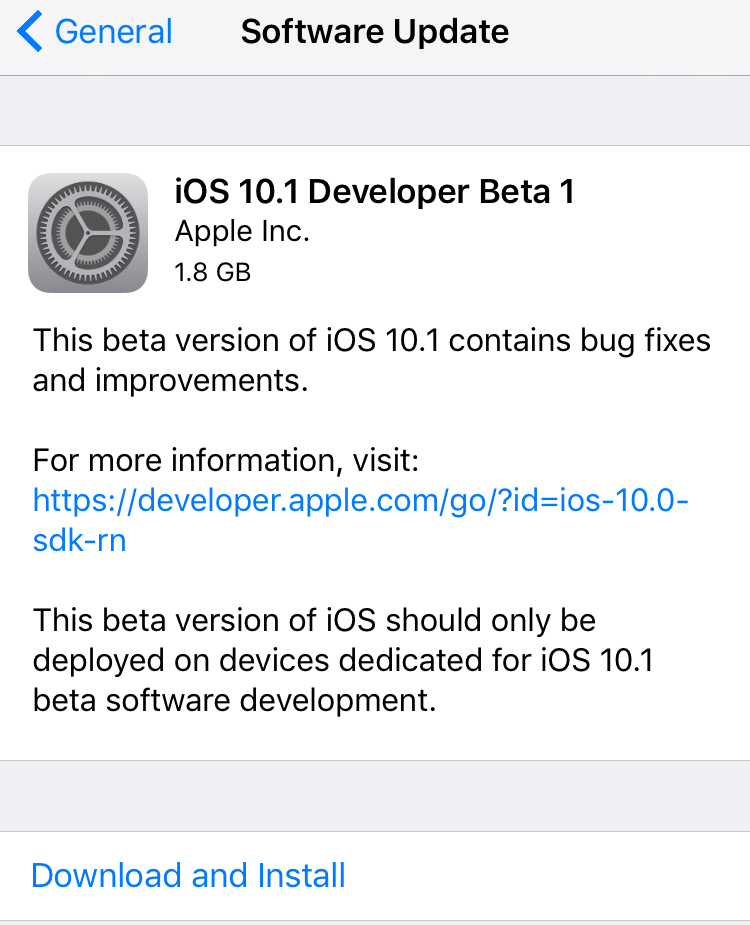
Apple seeds first beta of iOS 10.1 with new Portrait camera mode

Apple on Wednesday issued the first beta for iOS 10.1. Registered developers can grab the new software via the over-the-air update mechanism in the iOS Settings app, or via Apple's online developer portal.

Perhaps the most significant change in this first 10.1 beta is the addition of Portrait camera mode— a software feature for the iPhone 7 Plus Apple showed off earlier this month that creates a 'bokeh' effect.
How to set up Two-Factor Authentication for your Apple ID

Two-Factor Authentication strengthens the security of your Apple ID by preventing anyone from accessing or using it, even if they know your password. With Two-Factor Authentication, one of your trusted devices generates a one-time code when you make a purchase or sign in to your Apple ID, iCloud, iCloud.com, iMessage, FaceTime or Game Center account on a new device. Two-Factor Authentication is also required for Auto Unlock so you can unlock your Mac by wearing an Apple Watch.

In this tutorial we'll show you how to protect your Apple ID with Two-Factor Authentication or, if you're still using the older and less secure Two-Step Verification, upgrade to Two-Factor Authentication.

How to save drafts of Instagram posts to work on later

With Instagram drafts, you can save any half-finished photo edits and work on them later, which is handy for those times you get too busy to post right away. And if you run an Instagram account for your business, letting your social media manager save a post as a draft makes it easy for you to review it in advance of publishing.

How to use voicemail transcription on iPhone

One of the more useful features for iPhones that comes packed inside of Apple’s new iOS 10 release is voicemail transcription, which transcribes your voicemails into text so you can read them rather than listen to them.

The feature is available to users in the United States and it’s very much still in its beta stages despite the fact that iOS 10 is now a public firmware, but if you want to know how to use it, or to see if you can use it yet, then you’ll be happy to know it’s quite easy to follow.

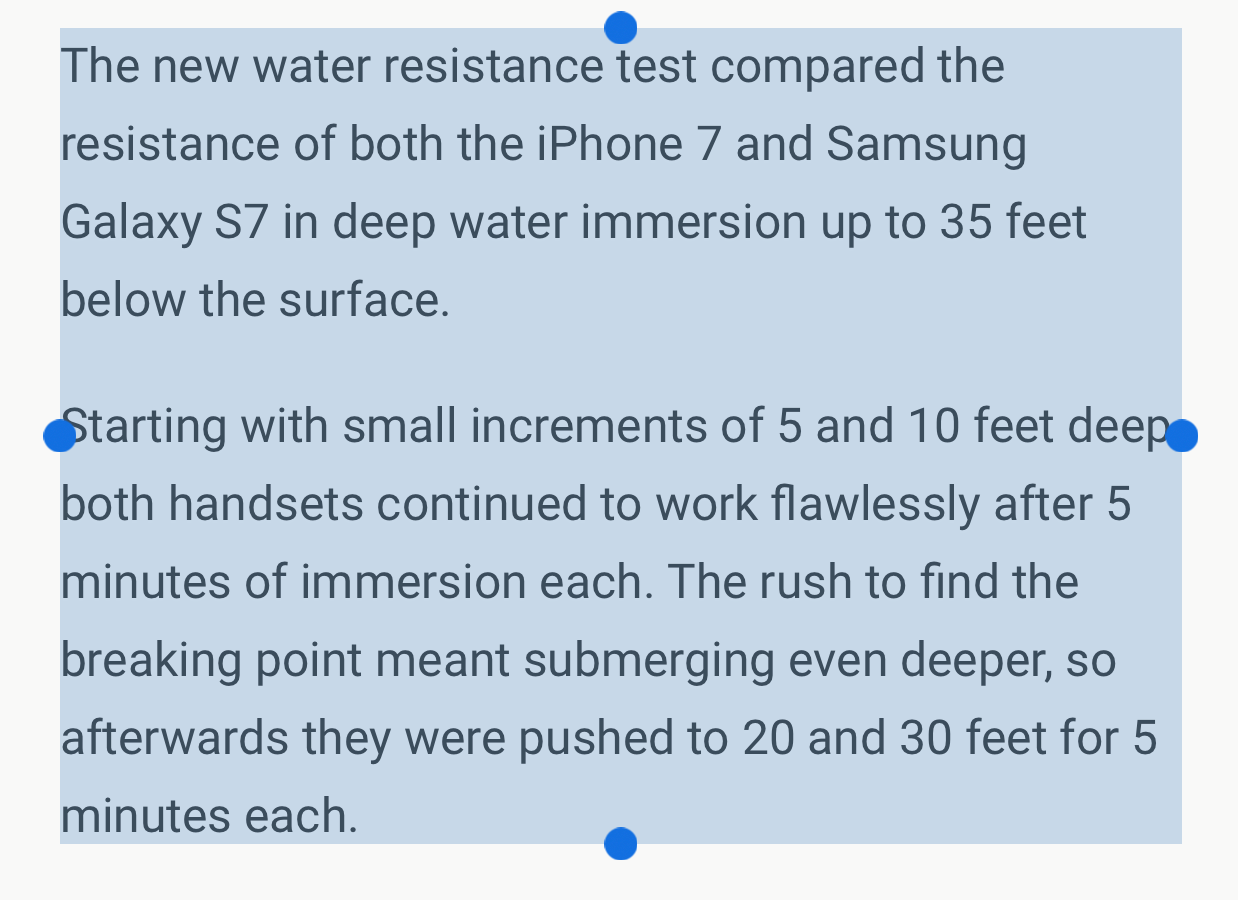
BetterTextSelection makes precise paragraph text selection possible on iOS

There are a lot of people who get away with using iOS' text selection just fine, but there are others who hate the way it's implemented and find using it to be a pain in the hind quarters.

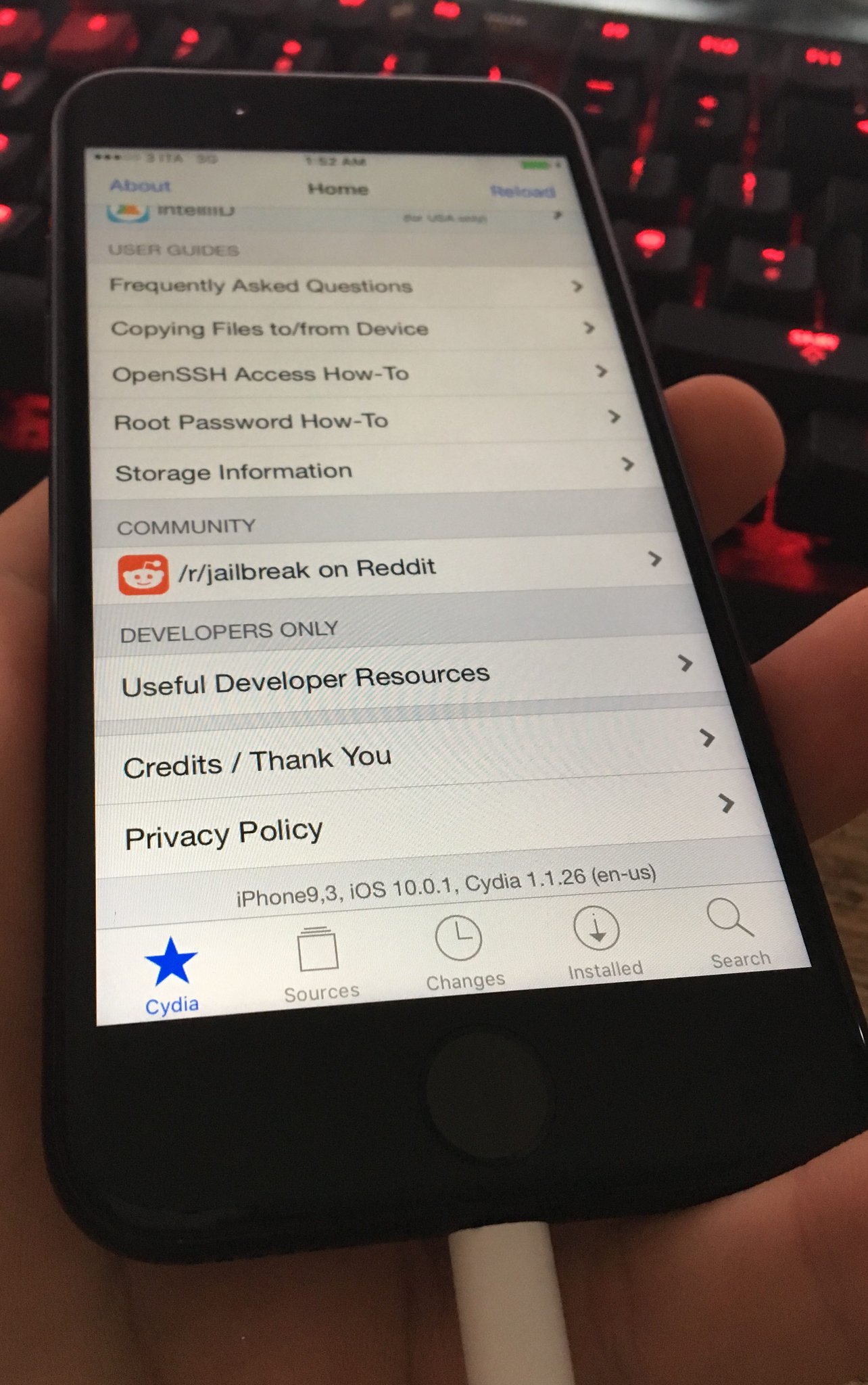
A new free jailbreak tweak release called BetterTextSelection aims to make the text selection feature in iOS a little more precise, especially in the context of selecting large excerpts of text from blocky paragraphs on a web page.

60+ new features in macOS Sierra

Apple released macOS Sierra today as a free update in the Mac App Store. Aside from headlining new features such as Siri, Auto Unlock, Universal Clipboard, picture in picture video, tabs in almost every app and so forth, Sierra happens to include a lot of under-the-hood tweaks and enhancements than we originally expected. To help get you up to speed, we've created this detailed overview of everything new in macOS Sierra so give it a read while Sierra is installing on your Mac.

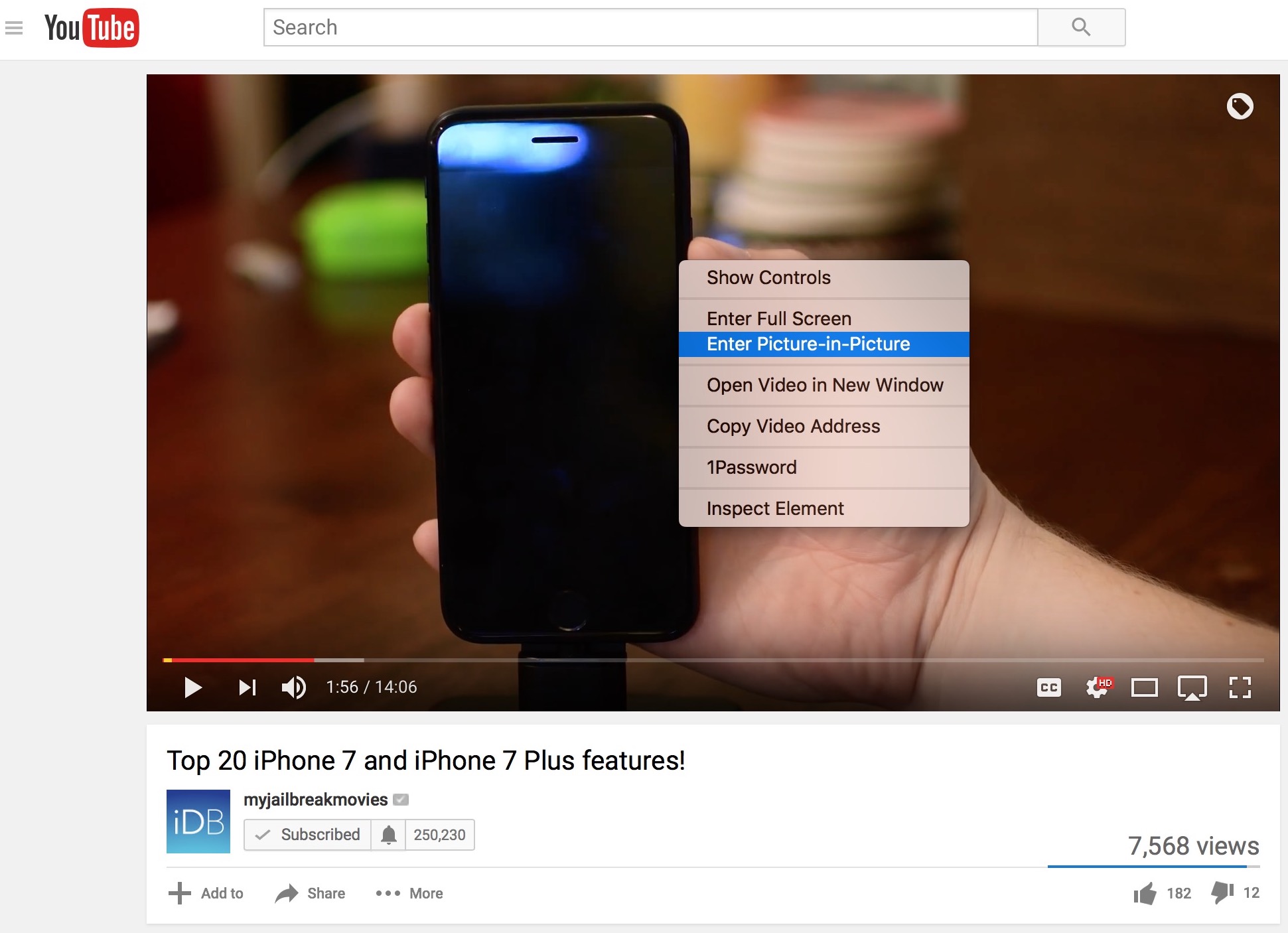
How to use Picture-in-Picture for YouTube videos on your Mac

macOS Sierra was just released with a flurry of new features, one of them being the ability to watch videos in a new mode called Picture-in-Picture. When enabled, this allows you to detach a video from its player, and place it anywhere in a resizable window on your screen. This is particularly handy if you want to watch a video while working, for instance.

While the majority of video players you will encounter will already support Picture-in-Picture, there are a few rebels out there that still don't, and YouTube is one of them. Fortunately, there is a simple workaround for this.

Apple updates Mac iWork apps with support for real-time collaboration

In addition to macOS Sierra, Apple on Tuesday also released updates for its Mac iWork apps to support real-time collaboration. The feature was announced at the iPhone 7 event earlier this month, and was added to iOS apps last week.

Real-time collaboration is exactly what it sounds like. With it, users can work simultaneously in any iWork app regardless of device. A list is displayed of all current document editors, and users see the others' cursor activity in real time.

How to invoke Siri with a keyboard shortcut on Mac

Your favorite assistant finally made its way to the Mac, starting with the macOS Sierra software update.

If you have used Siri on your iPhone or iPad before, then you'll probably feel right at home with the assistant on your Mac since it works in a similar way. However, unlike your iPhone, you don't have the ability to invoke Siri on your Mac by saying "Hey, Siri." Instead, you will have to click on the Siri icon in the Menu Bar, or in the Dock.

Another way to invoke Siri is by using a keyboard shortcut. Admittedly, this is my preferred way of activating the assistant as it feels faster and more efficient than reaching for the mouse or trackpad and clicking on the Siri icon.

Tweetbot for Mac updated with support for macOS Sierra, extended Tweets and more

Tweetbot users will be happy to hear that the Tapbots have updated their popular Twitter client today to support the just-released macOS Sierra software. The release brings the app to version 2.4.2, and it includes several improvements.

Among these improvements is support for extended Tweets—a change Twitter made to its service this week that prevents media URLs and Quote Tweets from counting against your 140 character limit. It also now supports extended videos.

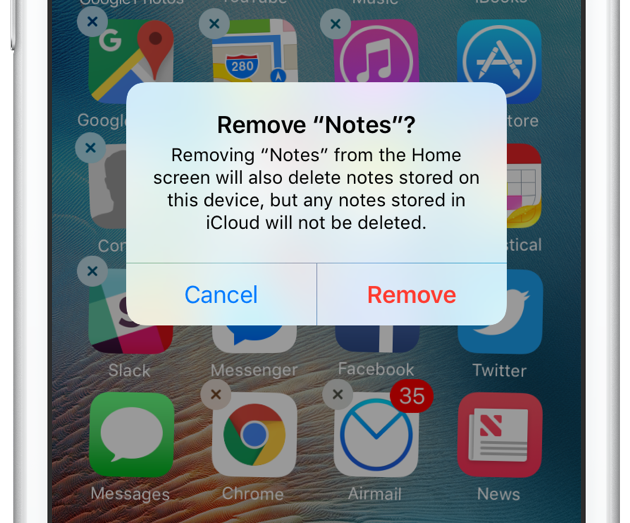
How to remove built-in applications from iPhone or iPad

Just like you probably do, I have a folder on my iPhone whose sole purpose is to store all of Apple's apps that I don't use. Stocks, Compass, Voice Memos, Tips, etc. They're all in there because I can't get rid of them. But this is changing!

Beginning with iOS 10, Apple now allows you to delete some built-in applications from your iPhone or iPad to help you tidy things up and bit and rid you of apps you don't actually use.

This comes with some minor strings attached. For one, apps aren't technically deleted from your device. That said, the process to remove them and get them back on the Home screen is similar to how you handle other apps. We'll have a look at all this right now.