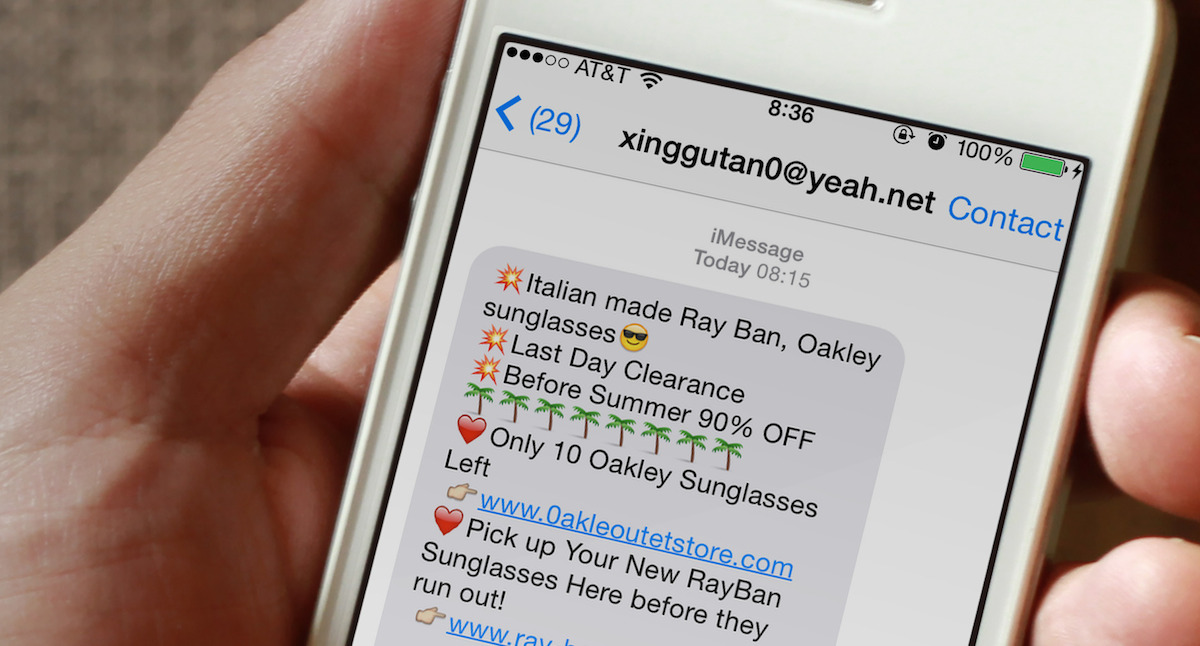
In this tutorial, we’ll share two simple tips to put an end to spam calendar invites on your Apple device.
How to stop spam calendar invites on iPhone, iPad, Mac
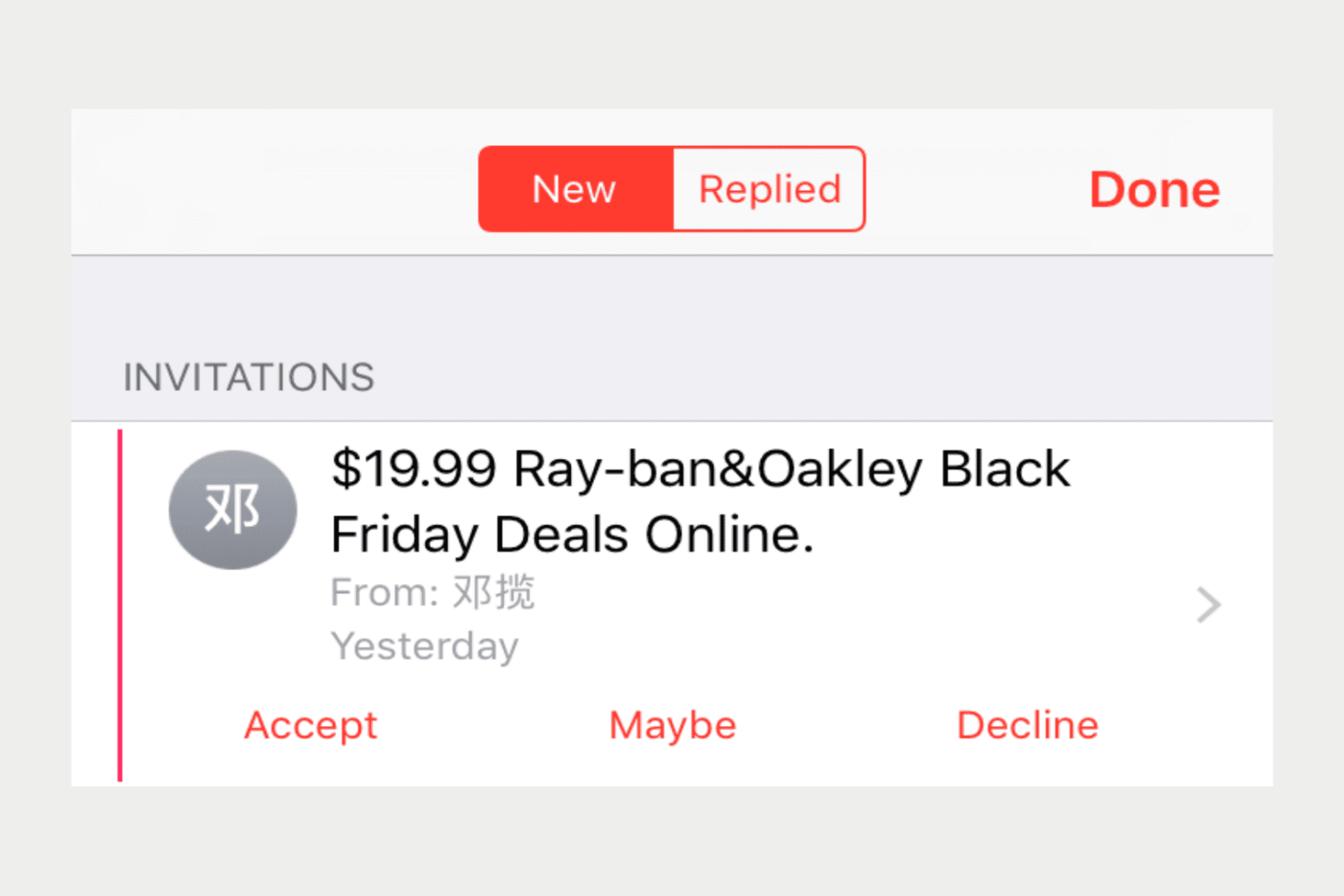
In this tutorial, we’ll share two simple tips to put an end to spam calendar invites on your Apple device.
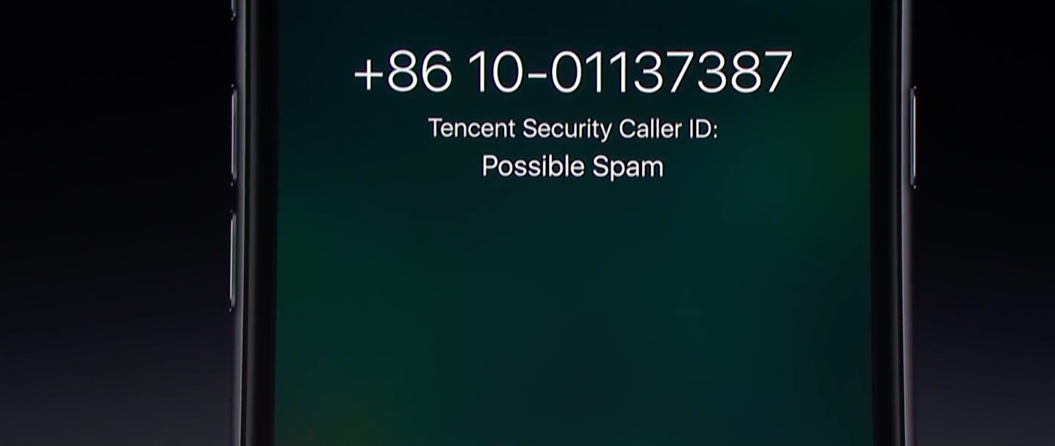
Starting with iOS 10, Apple is allowing a new type of applications in the App Store: apps that can detect and block spam phone calls from telemarketers, debt collectors, scammers, and automated systems. These apps act as an extension of the Phone application, and in theory, they can help you filter out those calls from people you don't want to talk to.
In this post, we will have a look at how these applications work and how to use them.

Robocalls, phone calls that uses a computerized autodialer to deliver a pre-recorded message, may become a thing of the past as Apple, Google and other Silicon Valley giants join forces with the United States Federal Communications Commission (FCC) to crack down on spammy automated phone calls, according to Reuters this morning.
AT&T CEO Randall Stephenson is expected to make the announcement at the first “Robocall Strike Force” meeting at the FCC later today.
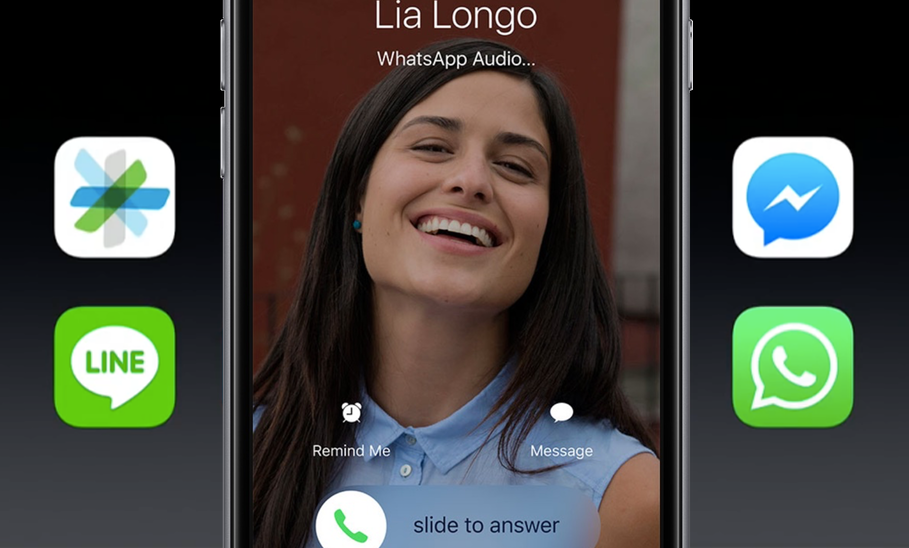
iOS 10 turns the iPhone's boring Phone app into a software platform in its own right. Developers are now permitted to add previously unheard-of capabilities to Phone using Apple's new application programming interface (API), called CallKit, allowing Voice over IP (VoIP) calls from apps like Skype and WhatsApp to behave like cellular calls.
CallKit-enabled apps put contact images on the Lock screen for incoming VoIP calls and are deeply integrated with Contacts and Phone's Recents and Favorites.
Phone on iOS 10 packs in other exciting improvements that we honestly started to believe would never get implemented on the iOS platform, like voicemail transcription à la Google Voice and third-party extensions for detecting spammy calls automatically.
So let's get to it...