In this quick tutorial, we show you how to make FaceTime calls and send iMessages to iPhones, iPads, and Macs that have the same Apple Account.
How to use FaceTime and iMessage on devices with the same Apple ID

In this quick tutorial, we show you how to make FaceTime calls and send iMessages to iPhones, iPads, and Macs that have the same Apple Account.

Learn how to use the new Edge Light feature in macOS Tahoe 26 that adds a simple but functional ring light around the display to improve your video call quality in low light conditions.

Apple's upcoming M5 iPad Pro may feature a second front-facing camera, allowing you to take great selfies in both portrait and landscape orientations.

This guide explains how to set up and use FaceTime and iMessage on your iPhone without a mobile number or SIM card, using only your Apple ID.

macOS Sequoia is annoying folks with a “Turn On Reactions” alert that pops up almost every time you start a video call, but, confusingly, not for all apps.

Explore these essential tips and tricks to maximize FaceTime's potential on your iPhone, iPad, Mac, Vision Pro, Apple TV, Android phone, or Windows PC for a better video calling experience.

Find out what to do if incoming, outgoing, or missed calls don’t appear in the Recents section of the Phone app on your iPhone.

Learn how to set up and use virtual backgrounds on your Mac during video calls to enhance privacy, or for creating a fun or professional look.

In this step-by-step tutorial, we’ll show you how to record cellular phone calls or FaceTime audio calls on your iPhone, transcribe and summarize the recording, and export the audio file.

In this tutorial, we will show you how to use the new iOS 18 Remote Control feature to see another iPhone’s screen on your iPhone and control that phone from miles away! This also works with iPads.

An Apple designer hinted at the possibility of a landscape FaceTime camera coming to all future iPads to improve video calls.
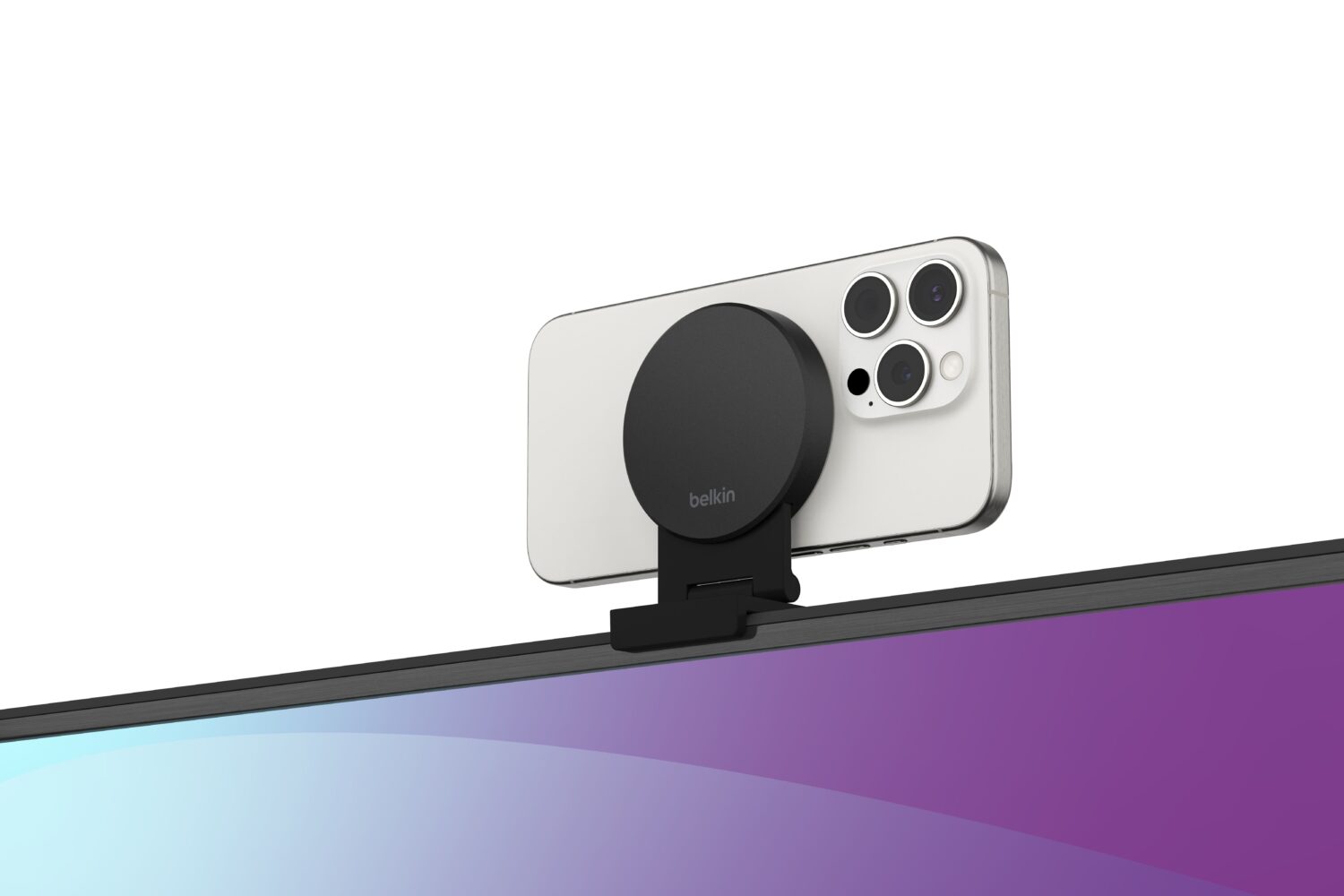
The team over at Belkin on Monday launched a new Continuity Camera-based accessory for the Apple TV 4K called the iPhone Mount with MagSafe for Apple TV 4K.