How to switch your jailbreak from mach_portal or Yalu to extra_recipe

If you're currently jailbroken with mach_portal for iOS 10.1(.1), you should switch over to the new extra_recipe jailbreak. It uses a different exploit from mach_portal, and boasts better stability. iPhone 7(+) users on iOS 10.0.0-10.0.3 can also get in on the fun, and some users of Yalu for 10.0.1-10.2 can make use of extra_recipe if they wish too. Follow our guide to see how to go about it.

iOS 11, macOS High Sierra, iMac Pro wallpapers from WWDC 2017

Last week, Apple announced and highlighted new versions of iOS and macOS. Improvements for both operating systems look impressive, especially iOS 11 for iPad. With each OS release, Apple also includes at least one new hero wallpaper that symbolizes the newer version. Then, a mad dash occurs to obtain the images, providing you access, even without the need to rely on a beta release. Take a step inside for three wallpaper downloads.

Jailbreak tweaks of the week: Apace, SocialDownloader, TimeMover, & more…

It has been a busy week amid preparations for WWDC 2017, but that hasn't stopped the jailbreak community from hammering out jailbreak tweaks to improve the aesthetic and function of jailbroken iPhones and iPads.

In this piece, we'll talk about all of the jailbreak tweaks that were released throughout the past work week. We'll start first by going in detail with our favorite released, then we'll outline all of the rest afterwards.

WWDC 2017: watchOS 4, macOS High Sierra, iOS 11, new iPads, new Macs, and other top stories of the week on iDB

Like every Sunday, we get to take a look at some of the most popular posts that were published on iDB during the week that just ended. Whether it is a news item, a new jailbreak tweak, a tutorial, or an app review, we sum it all up in one convenient place for you.

As always, if you like what you're reading, please feel free to spread the love by sharing our posts on your favorite social network.

We're usually hanging out a lot on Twitter and Facebook, more rarely on Google+.

Don't forget to listen to the latest episode of our new podcast, Let's Talk iOS:

Subscribe on iTunes

And of course, make sure to catch up with the new episode of Let's Talk Jailbreak:

Want to support iDB? Visit our Deals Store and buy something from us.

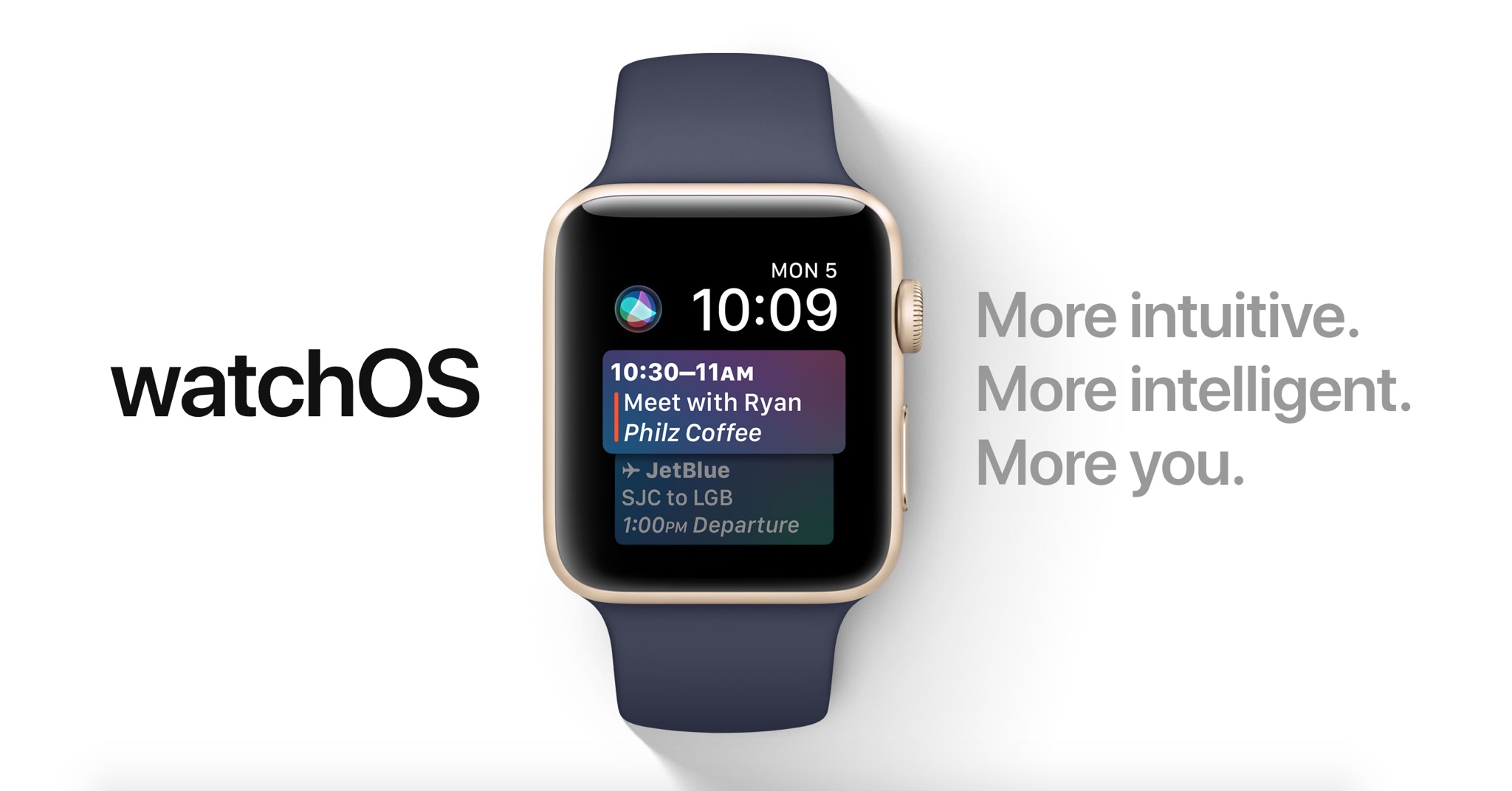
60+ new Apple Watch features in watchOS 4

Apple demonstrated a host of useful new features that will ship with watchOS 4 at the WWDC 2017 keynote, but as always, they were constrained on time and couldn’t show us everything the update has to offer.

In this piece, well talk about everything we’ve found new in watchOS 4 so far. We'll include everything Apple demonstrated in addition to lesser-known features that weren’t given the spotlight at the event.

Sherpa, Trybeo, Beacon, and other apps to check out this weekend

This week's edition of our Apps of the Week roundup features a new Instagram-based travel guide, an app for posting and accepting wild challenges, and a new social network for linking up with friends. And as usual, we've selected two great new games for you to check out.

Sherpa

Sherpa is a community-generated travel guide powered by photos shared on Instagram. It's actually a very clever idea: an app that scrapes Instagram for photos tagged in specific locations, organized into a travel guide. Sherpa allows you to discover over 15,000 cities, regions and countries through the authentic lens of world travelers, adventurers and locals. Save the places you want to visit, and put together the ultimate itinerary. There is one small caveat here: at the time of writing, the app requires an invite code. But it's pretty simple to download the app and request an invite, so this shouldn't be much of a problem. Sherpa is available for free.

Trybeo

Do you find your life bored or lacking direction? Would you like to step outside your comfort zone and discover exciting new people and adventures? Check out Trybeo. It's a social network based around challenges—you can either accept posted challenges or propose your own. These consist of anything from flipping water bottles to doing cartwheels down an isle at the grocery store, or trying to knock a cone off your friend's head with a football. Take on challenges to become the best player, or up-vote worthy opponents. Trybeo is available for free.

Beacon

Use Beacon to signal your availability to your friends and family. Going to be in town for work or just general visiting? Send out a Beacon. Have an extra ticket to an upcoming Concert or want to go see a movie Thursday? Beacon. Post your impromptu event in Beacon and your friends will be notified immediately. When your friends join the event, you're notified immediately. Everyone can comment in the thread, and you can tell people where to go and what to expect. Bored? You're only two taps away from hanging out with a friend. Beacon is available for free.

Cobi Darts

The Cobi games, for me, are always a good time. The gameplay is accurate, fast-paced and easy to learn. Even if you don't like throwing darts in real life, I imagine you can find some fun in the challenge of Cobi darts. Features include 9 awesome game modes, including classic 501 and 301 games, custom darts and characters and even iMessage support. Cobi Darts is available for free (with some IAPs).

Art of Conquest

Looking for something a little different this weekend? Check out Art of Conquest. This new strategy game gives you full control in a world full of dwarves, magic and monsters in a perfect marriage of MMO and strategy. Besiege enemy strongholds to expand your kingdom, slay nefarious dragons with a band of legendary heroes, and challenge players around the world in epic real-time battles. Command, summon, build and explore. Art of Conquest is available for free (with some IAPs).

More apps to check out Apple’s free app of the week: Framed Monument Valley 2 hits App Store Apple announces completely redesigned App Store

AdvancedStatusTime lets you customize the Status Bar time format

Your Status Bar is home to a digital clock that you can glance at throughout the day to keep track of time, but whether or not you like the way it’s formatted out of the box remains to be seen.

A new jailbreak tweak dubbed AdvancedStatusTime by iOS developer Maxwell Lang gives you a way to customize the time text string so that your time is displayed in the Status Bar how you want it to be.

TimeMover offers creative tools for moving and rotating your Lock screen clock

Depending on what kind of wallpaper you’re using on your Lock screen, a new jailbreak tweak dubbed TimeMover by iOS developer NeinZedd9 can help you re-orient your Lock screen clock to better match it.

Whether you want to move the time up or down or side-to-side slightly, or rotate it to follow the lines or effects appearing in your wallpaper, TimeMover has an intuitive tap and drag-based user interface for fine-tuning your Lock screen clock to match your unique setup.

AppLocker lets you secure apps with a password

AppLocker by iOS developer Ori Kadosh, is one of the most popular app security jailbreak tweaks in Cydia, and it has been updated this week with full support for iOS 10.

AppLocker lets you create a password that you will use to access your apps; it's requested every time you launch an app, and if you can’t provide it, you can't use the app.

QuickTrust makes it easier to trust sideloaded app certificates

Depending on how advanced of an iOS user you are, you may sideload apps from time to time.

In many circumstances, sideloading third-party apps via Impactor or Xcode involves trusting a certificate – a process you should be familiar with if you've jailbroken with Yalu102 or Pangu for iOS 9 – but iOS doesn’t make the trusting process easy or straightforward out of the box.

Here to fix that problem is a new free jailbreak tweak called QuickTrust by iOS developer 1GamerDev, which adds a “Trust” button directly to the certificate pop-up alert, as shown above.

The best cases for Apple’s new 10.5-inch iPad Pro

If you're in the market for Apple's 10.5-inch iPad Pro, you should know that any previous cases made for the 9.7-inch model will not fit the new tablet. It's slightly wider than its predecessor (6.8" vs 6.67"), significantly longer (9.8" vs 9.45"), and it has a larger rear camera.

Never fear, there are already several cases available for the new iPad, and we've taken it upon ourselves to track down the best options. Below is our list of the best cases for the 10.5-inch iPad Pro, selected based on manufacturers' reputation, user reviews, and case features.

Apple Smart Cover

If you want the best fitting/functioning cover for your new iPad, and money isn't really a factor, you're probably going to want to check out Apple's Smart Cover. It only covers one side of your iPad (display by default, rear if you fold it over), but it snaps on and peels off easily using magnets, and it folds up to act as a stand with multiple viewing angles. I also like that it's ultra-thin and comes in several colors.

Buy for $49.

Apple also has a more expensive and luxurious cover for the 10.5-inch iPad Pro called the Leather Smart Cover for $69.

JETech Case Cover

JETech is a popular accessory-maker on Amazon known for offering OEM-style products at cheap prices. Their products typically get high ratings from customers, and we've had good experiences specifically with their iPad cases. This is their Apple Smart Case-esque Case Cover. The synthetic case slips on the rear of the iPad and then the front is covered by a Smart Cover-like flap—includes magnets that activate the iPad's Sleep/Wake function. If you like this style of case and don't want to pay Apple's prices, check this one out.

Buy for $15.

I-Blason Slim Halo Case

The Halo case from i-Blason is a clear protective cover for your 10.5 inch iPad Pro. It has a completely transparent back, which also features a convenient stand that makes it easy to watch shows and videos hands-free. Other features include a slim design and full shock, drop and scratch protection. This is a heavier duty case than those mentioned above, but not so much so that it makes the iPad a nuisance to travel with.

Buy for $15.

Supcase Unicorn Beetle Pro Case

The Supcase Unicorn Beetle Pro offers dual layer protection and convenience without compromising sensitivity. Thermoplastic polyurethane and polycarbonate provide cushion during accidental drops. All phone ports are covered to block dust and debris. Built-in screen protector protects the screen from scratches. This case is designed to withstand heavy use and demanding conditions. This is a little more rugged than the i-Blason Halo, but note that it is not waterproof.

 Buy for $25.

Moko Slim Stand Cover

This one is similar to the aforementioned JETech Case cover, which again is a lot like Apple's Smart Case. It has a synthetic back cover and a folding, magnetic front cover that can automatically wake the iPad up and put it to sleep. It has a premium PU leather on the outside, microfiber on the inside to protect your iPad from scratches, and no bulky bezels around the display to allow for unobstructed swiping. Comes with a lifetime warranty.

Buy for $9.

Moko Clear Grip TPU Case

For those looking for a more minimal case, check out the Clear Grip from Moko. It's a soft TPU case that snaps on the back of your iPad Pro and it has a unique ruffled design for a grippier feel. Other features include raised edges at the 4 corners for added screen protection, cutouts for all of the ports, buttons and speakers, and it even comes with a lifetime warranty from the manufacturer.

Buy for $8.

Belk Vintage Leather Folio

If you're looking for something a little more professional, check out this Vintage Leather Folio from Belk. It's not real leather, but Belk says they used premium PU leather here with a special texture to give it that vintage look and feel. Like most folios, this case has a book-like design with a snap-in cradle for your iPad—giving it full protection. Other features include built-in magnets that activate your iPad's auto-sleep/wake functions and built-in slots for an ID, credit cards and cash.

Buy for $16 (sale price).

Logitech Slim Combo Keyboard Case

And for those of you in the market for a keyboard case, there's the Logitech Slim Combo. This case was designed specifically for the new 10.5-inch iPad (there is also a 12.9-inch model). It has no charging cable or batteries—it gets all its power through the iPad via its Smart Connector. This allows it to sip power—0.3% - 2.3% of battery per hour of typing—and makes pairing instant. Other features include full-size, backlit keys, with 3 levels of brightness and an Apple Pencil holder.

Buy for $130.

Did we miss a great 10.5-inch iPad Pro case? Let us know in the comments below!