Those who already have YouTube's new artificial intelligence (AI) feature will see a Jump Ahead button when double-tapping to skip ahead.
A new AI feature in YouTube’s iPhone app lets you skip boring parts of a video

Those who already have YouTube's new artificial intelligence (AI) feature will see a Jump Ahead button when double-tapping to skip ahead.

Speculation that Apple scraped YouTube videos and subtitles to train its artificial intelligence (AI) models is false, here’s why.

Keeping money in your wallet is what we’re here for. We not only find you the best games and accessories you can buy for the Nintendo Switch week after week, but we do it in such a way that you don’t spend full-blown retail prices, allowing you save as much as possible.

Apple has annonuced new series, films, concerts and more in the Apple Immersive Video format for viewing on the Vision Pro headset.

The Apple TV+ streaming service might offer more movies in the future as Apple is reportedly talking with Hollywood studios about licensing their films.
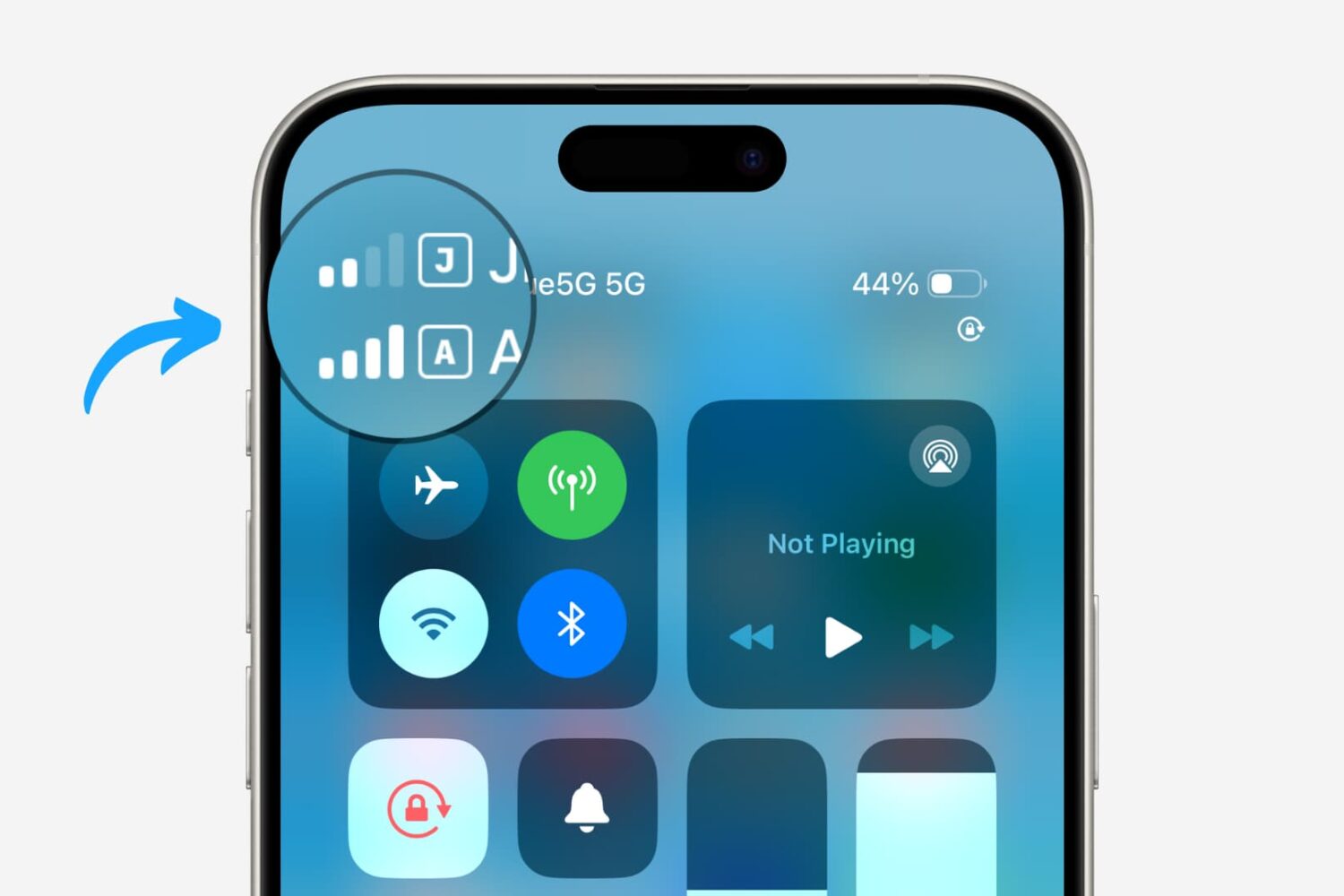
Dual SIM functionality really took off on the iPhone platform with the adoption of eSIM technology. What first started out as one physical SIM and one eSIM quickly became dual eSIM to become the new standard today.

Learn how to record audio in the Notes app on your iPhone, iPad, or Mac, and also see and copy the transcription of that voice clip.

You can use sound search and generative AI in the YouTube Music app to find songs by humming their melodies and create radio stations from prompts.

I’ve always admired the Apple Watch’s unique Home Screen experience when compared with the iPhone’s sameness that I’ve been using for well over a decade. That said, perhaps it’s not extra surprising that iOS developers bring this user experience to jailbroken iPhones.

It wasn’t very long ago that we talked about a relatively new piece of sideloading software called SideStore, which strives to be more of an untethered sideloading experience than the already ever popular AltStore software.

Learn how to use the window management features on your Mac desktop or MacBook to better position your apps on a busy desktop.

Apple Photos on iOS 18, iPadOS 18 and macOS Sequoia will automatically recover your lost or damaged images and videos, saving them in a special album.