Jailbreak Mod Supposedly Boosts Your iPhone Volume

By Sebastien Page on Aug 28, 2010

There is a new jailbreak app available called Volume Booster 4.0 that supposedly boosts up the volume of your iPhone. I say “supposedly” because it didn’t work for me, although I tried on 2 different iPhones. Maybe you’ll be more successful than I was…

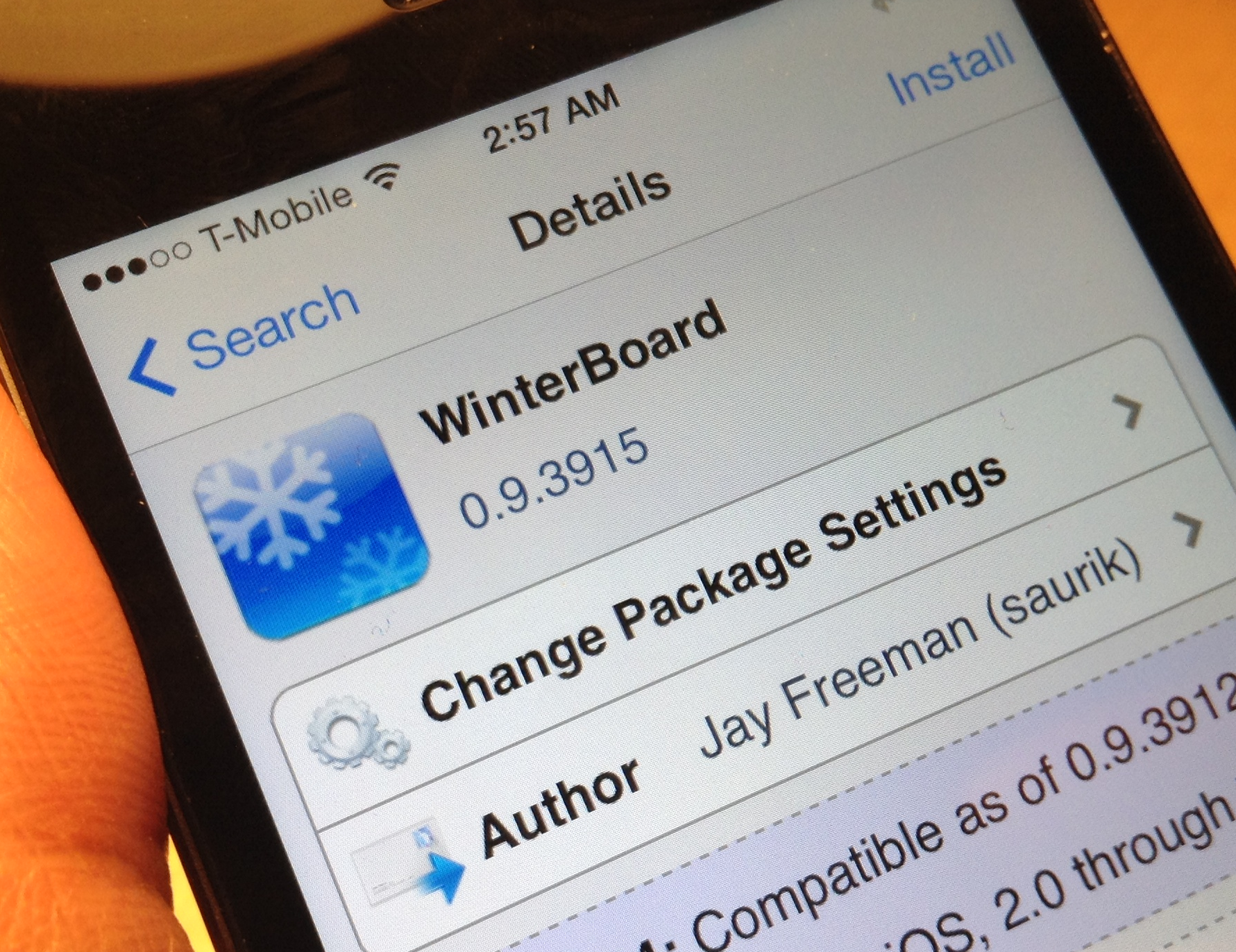
After downloading Volume Booster from Cydia, you have to go an activate it in WinterBoard, just like you would activate a theme. You won’t see any icon or options in the settings.app. Read More


The Art Of iPhone Customization

By Guest Author on Aug 3, 2010

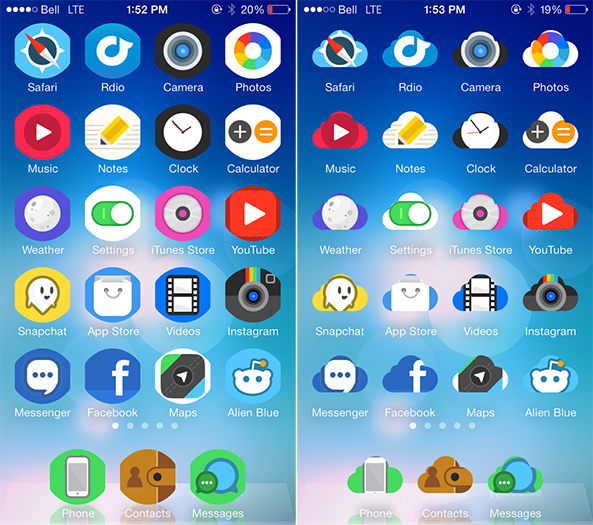
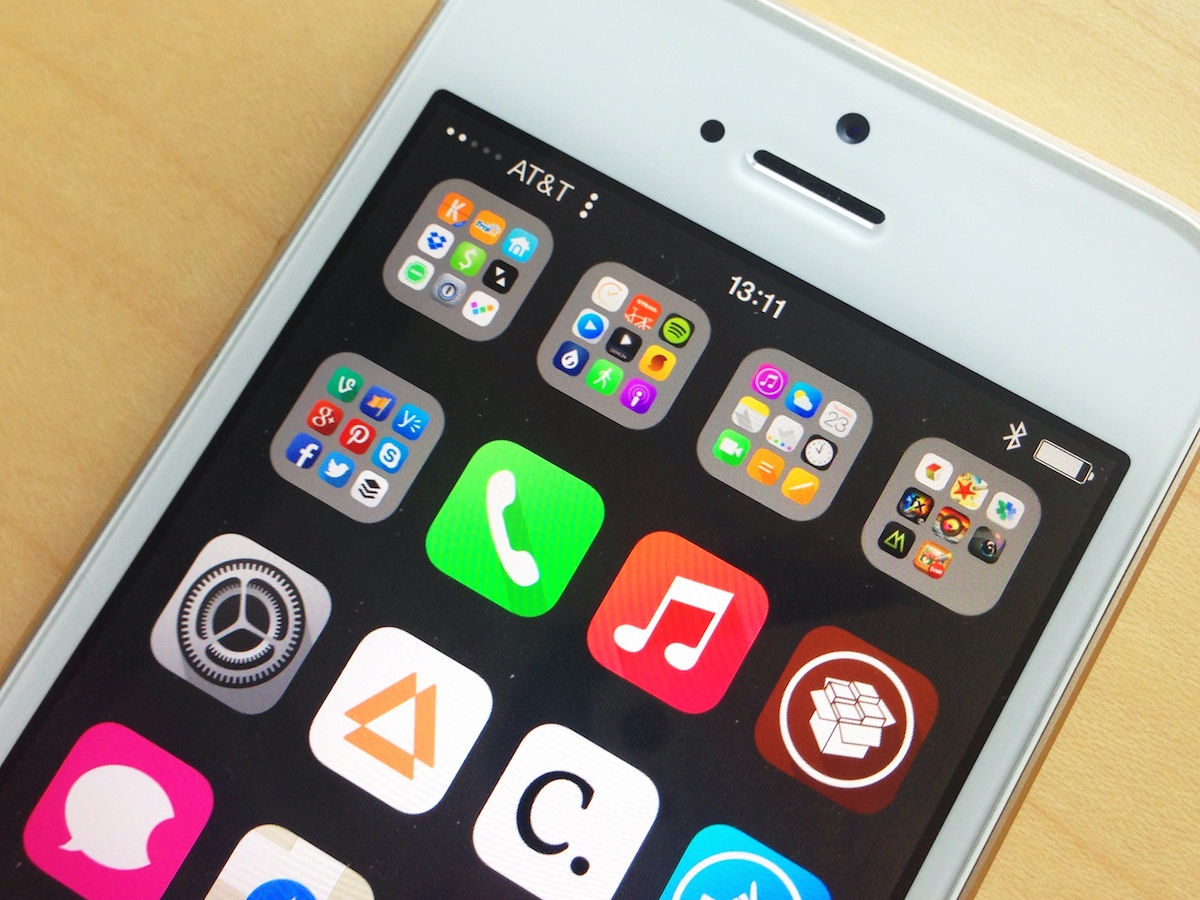
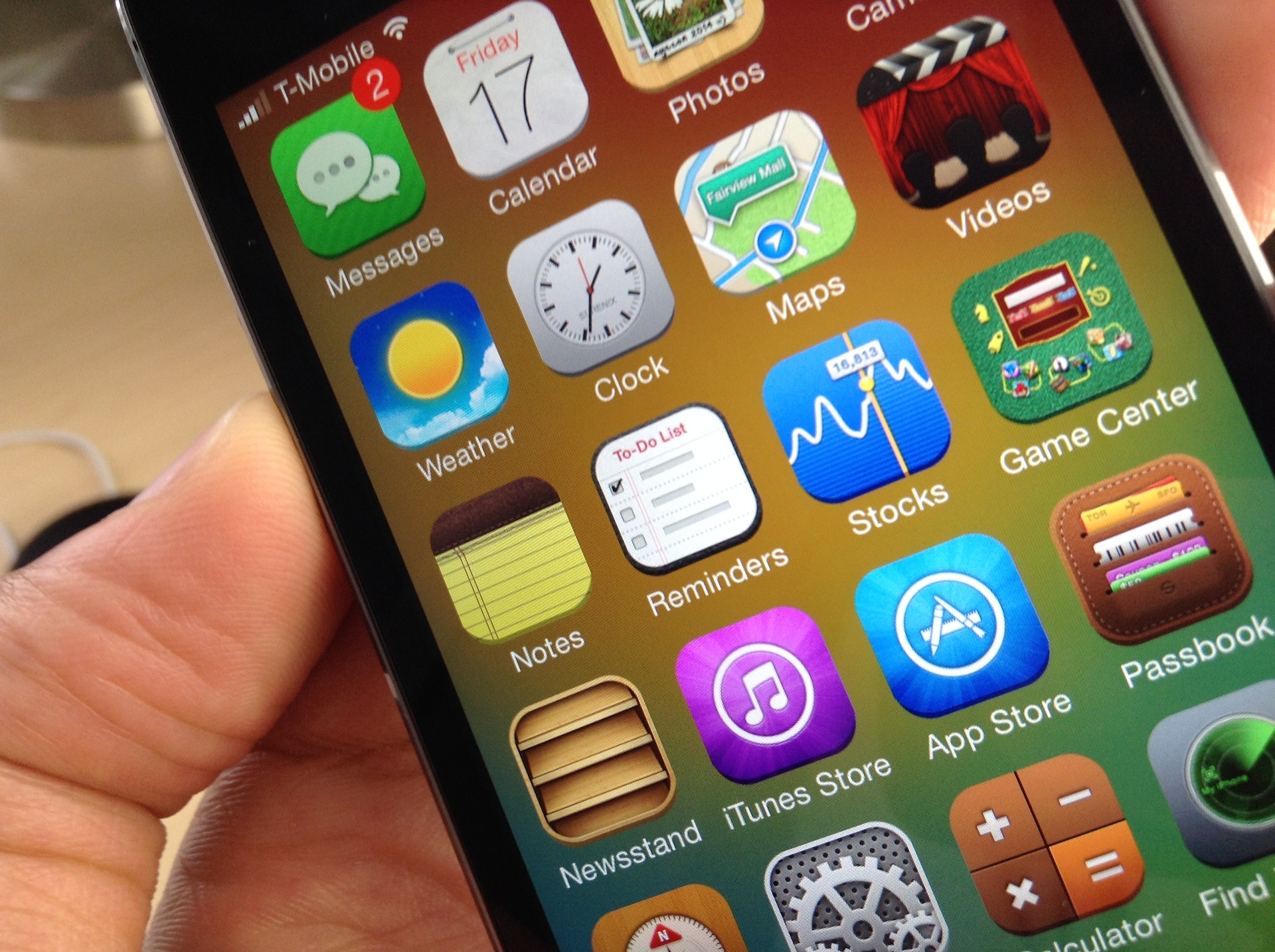
Customization is probably one of the biggest reasons people jailbreak their iDevices, I know personally I love the ability to make my iPhone mine. There are endless possibilities for customizing you device starting from the smallest things such as battery themes to full blown all out UI custom themes. There is a plethora of themes to choose from on Cydia and all of them are beautiful in there own right. Some of them are free and some you have to pay for. In my experience the paid themes are usually worth the money because they are 100% original and are normally a work of art.

I have recently got into building themes which started of as just graphical but I soon realized that it went a lot deeper. I started learning a little HTML and .css (style sheets that simplify HTML) and springboard strings, just to name a few non graphical modifications that can be made. I soon had created my own complete theme, Carbon OS which has a lot of extras (and is available in Cydia).

I thought I would share some easy and effective methods for learning to build these themes in case you guys want to get into doing it too. I have compiled a small list of things you will need to do so and some pointers to help you get started. First things first though lets make sure we have a jailbroken device with Winterboard installed and have the ability to SSH into your device. If you need help with any of this check out our forums or our jailbreak section on this blog. Now on to what you need. Read More


Stickers: A Really Original iPhone Theme

By Sebastien Page on Jun 2, 2010

This theme is called Stickers and is available on Cydia. I like it so much that I installed it on my iPhone. The only downside is that there are very few custom icons for it. Looks great though. What do you think?


How to Customize Your iPhone With Themes

By Sebastien Page on May 20, 2010

In this article, I would like to show you how to customize your iPhone, iPad or iPod Touch by adding a theme to it. This is a very simple thing to do.

The most advanced readers of this blog will most likely see this as old news but not everyone is an iPhone expert and I’ve been getting the same questions a lot lately:

  • how can I customize my icons?
  • how can I add a theme to my SMS application?
  • how can I add a wallpaper to my springboard?
  • etc…

By default, your iPhone is not very customizable. Sure you can add a wallpaper to the lockscreen, but that’s about it. iPhone OS 4 will give you more options and will allow you to also add a wallpaper to your springboard, but that’s still not enough to many of us who wish to customize our iDevices from head to toes.

Thankfully, the jailbreak community is here to take over where Apple stopped.

Theming your iPhone is very easy. Follow these simple steps and you should be good to go in 10 minutes.

Step 1: Jailbreaking

The very first step is to have a jailbroken iPhone (or iPad, or iPod Touch). I understand that “jailbreaking” can sound intimidating, especially for those of you who aren’t very technical people. But jailbreaking is a fairly simple and safe process.

For more information about jailbreaking, I suggest you read about what jailbreaking is and why jailbreak your iPhone.

If you haven’t been discouraged yet, then it’s time for action! There are various methods for jailbreaking your device, depending on the model and the software version.

At the time I am writing this, the latest iPhone firmware is 3.1.3 and can be jailbroken with a tool called Spirit in less then 1 minute (see Spirit tutorial here).

To make sure you are using the latest jailbreak available, please visit this page and search for your device model and firmware version, then use the relevant jailbreak tool.

After jailbreaking your iPhone, you will have a new application called “Cydia” on your spingboard. Cydia is like the App Store for jailbreak apps.

Once you have jailbroken your iPhone, we can go to the next step.

Step 2: Install WinterBoard

In Cydia (the new app that was installed when you jailbroke your iDevice), search for WinterBoard.

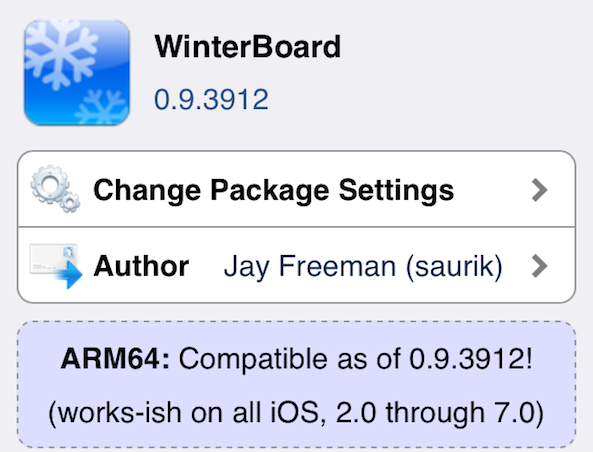
WinterBoard is an application available for jailbroken iPhones and idevices only. This application allows you to download themes and to activate and manage them on your iPhone.

Once you have located the application, install it. It should take no more than a few seconds. After installing WinterBoard, I suggest you reboot your device.

Step 3: Find and Activate Themes

Now that we have installed our theme manager WinterBoard, we need to find themes. This is probably the hardest part of the job because there are hundreds, if not thousands of themes available.

To search for a theme, go to Cydia > Sections > Themes. You will notice there are sections for specific themes such as battery themes, keyboard themes, etc, but I just want to focus on the essential.

There are themes for every tastes: bands, cars, celebrities, colorful, abstract, etc… Chances are if you’re looking for something specific, you will find it.

Not all themes are equal. Some themes only include a wallpaper, some include full customization with battery, dock, icons, dialer, keyboard, SMS, and more. Again, you will have to spend some time browsing to find the right theme for you.

Once you found a theme, simply install it in Cydia, then go back to WinterBoard to activate the theme. In WinterBoard, go to “Select Themes” and select the theme you just downloaded.

Close WinterBoard and wait for your iPhone to respring.

You’re done! Your iPhone or iDevice is now customized.

Once you’re more familiar with themes and WinterBoard, don’t hesitate to explore more themes and the various options of WinterBoard. You can customize virtually every aspect of your iPhone, iTouch, or iPad.

Happy theming!


Featured iPhone Theme: iAwesome

By Sebastien Page on May 10, 2010

I found out about a very nice theme called iAwesome thanks to AIS so I wanted to share it with you.

iAwesome is a WinterBoard theme that contains 304 redesigned icons (though all icons are modded… more to come on that), wallpaper, status bar, lock screen wallpaper, lock screen battery, badges, pop-ups and quite a few UI mods.

The nice thing about this theme is that it contains an icon overlay which means that all icons are modded… not just icons that have been designed for the theme. If you go into the App Store, you will see that even the icons in the AppStore are modded with the overlay.

What do you think of this theme?


17 Pink iPhone Themes for Women

By Sebastien Page on Apr 22, 2010

Is your girlfriend’s iPhone a little boring? Then spice it up with this selection of 17 pink iPhone themes for women, or for men with very girlie tastes…

All these pink iPhone themes are available from Cydia and are for use with WinterBoard. Needless to say that you have to jailbreak your iPhone before being able to install any of these themes. Read More


Create Your Own Custom Theme With iPhone Theme Simulator

By Sebastien Page on Jan 21, 2010

If you don’t like our iPhone Download Blog theme, then you might be able to create your own custom iPhone theme with iPhone Theme Simulator.

iPhone Theme Simulator is a new tool that lets anyone easily create and test WinterBoard themes for iPhone and iPod Touch right from your PC.

This neat little software easily lets you customize most parts of the UI, including the lockscreen, springboard, wifi and carrier logos, apps icons, and much more.

What’s great about iPhone Theme Simulator is that it allows you to test your theme directly from your PC, without having to load it on your iPhone and respringing it. It’s definitely a great tool for anyone interested in iPhone theme design.

You may download iPhone Theme Simulator from here.

If you have tried iPhone Theme Simulator, I’d like to hear your comments on it.


Get This iPhone Theme Now!

By Sebastien Page on Jan 19, 2010

If you’re a fan of this blog, then you owe it to yourself to download and install this WinterBoard theme designed by iTito, and specifically branded for the iPhone Download blog.

This is a beautiful Darkblue Theme which includes more then 70+ icons, Lockscreen, Landscape SMS Theme, Dock and status bar.

You can download the theme from here, or go to Cydia and search for “Darkblue iPhone Theme”.

I want to thank iTito for his great work on this custom theme for the blog.

Do you like it?


Featured iPhone Theme: Amphibious

By Sebastien Page on Dec 24, 2009

I found this really funny theme on Cydia called Amphibious so I thought I would feature it on the blog. I personally don’t see myself with such a theme but it is pretty original…


“Why I Jailbroke My iPhone” From An Anti-Jailbreaker

By Guest Author on Nov 16, 2009

I have to say I’m a very patient man.  I tend to wait for products to come on sale rather than make a rash purchase.  That’s also how I approach the iPhone.  Instead of jailbreaking my iPhone 3G or buying workaround apps for functionality that will eventually be free, I am usually good at waiting.  But, my patience with Apple reached a breaking point and I decided to jailbreak.

The changes I made to my 16 GB iPhone 3G may seem small, but I now feel like I have a brand new phone!

So, here are my reasons for jailbreaking:

Customization – I’ve been told that themes are Microsoft Windows-centric and Apple is not into themes.  Skins are not available for iTunes, unlike Winamp (remember that program?).  But, isn’t Apple supposed to be the “fun” computer company?  After 16 months of looking at the same basic home screen, I’m ready for a change.  Enter WinterBoard.  With a stock iPhone, you can only change the wallpaper on your lock screen.  With Winterboard, you can change your home screen background, add a percentage for your battery meter (for non-3GS users), as well as change the logos for your carrier, 3G and Wi-Fi icons.  The theme I chose is called Blue Thunder.  It also changed the stock icons of the apps that came with your iPhone and a number popular apps in the App Store.  I kind of understand Apple not wanting to give us the power of customization, lest our iPhones turn into obnoxious MySpace pages.  But, I’m tired of being a slave to Big Red.

Home Screen Managing – I’ve always thought folders on your iPhone home screen would be incredibly useful.  And, again, this thinking may have originated with my Windows upbringing.  But, wouldn’t you think it would advantageous to Apple to have the iPhone and iPod Touch be able to max out the number of apps possible by internal storage rather than home screen real estate?  I know you can install apps that will no longer show up on the home screen but that’s counterproductive.  With Categories, I trimmed down 10 pages of apps to 4 pages and everything is easy to get to.  Spotlight Search also works well with Categories.

Video Recording – I thought that since the iPhone 3GS gained video recording capabilities Apple would make video recording possible for the 3G.  Nope.  Instead, you have to choose between buying a new 3GS starting at $199 with a new 2-year contract or jailbreaking your iPhone.  Easy choice there.  So, I got Cycorder.  And I bet Apple was also behind the gimped version of Qik in the App Store which cannot do live streams.  Another reason to jailbreak.

I have at least another 7 months to wait for the next iPhone announcement.  I’m going to spend those months with my jailbroken iPhone 3G.  And I wouldn’t have done it if Apple was on its game.


How to Solve iFunBox, iPhoneBrowser, DiskAid, and WinterBoard Issues After Using BlackRa1n

By Sebastien Page on Oct 21, 2009

After jailbreaking using BlackRa1n, you may be facing an issue where you can’t access the root folder of your iPhone using tools such as iFunBox, DiskAid, and iPhoneBrowser. Some users also report issues when using WinterBoard. I said it and I’ll say it again, BlackRa1n is crappy. If you have the option, I recommend using PwnageTool instead. It is a much more reliable and stable jailbreak than BlackRa1n.

The problem comes from the fact that BlackRa1n doesn’t add the afc2 support to your iPhone that is necessary for iPhoneBrowser, iFunBox, and DiskAid to access the file system and allow the transfer of files such as Winterboard  themes, NES ROMs, etc…  to the iPhone. In other words, you can’t access the root partition of your drive.

To fix this annoying issue, simply install the afc2add patch from Cydia then reboot your iPhone. Done!

Have you had many issues with BlackRa1n? Let us know what you think about this jailbreak by leaving a comment below.


10 Beautiful and Original iPhone Themes

By Sebastien Page on Sep 2, 2009

One of the main reasons to jailbreak your iPhone is that it allows you to add custom themes and make it stand out from the crowd of blend and boring iPhones out there. Using WinterBoard you can customize the look of your iPhone, including icons, wallpaper, dock, etc… You can literally spend hours creating and tweaking themes to make them unique, and original.

Within the past few weeks, I have been selecting several beautiful and original iPhone themes that I’d like to share with you today. More after the break… Read More


Give A Matte Twist to Your iPhone UI

By Sebastien Page on Aug 15, 2009

WinterBoard is one of my favorite jailbreak apps because it allows me to customize my iPhone and make it “stand out” from the crowd. One of the latest tweaks I found to push the customization a little further is to have a full custom UI.

There is a great-looking UI tweak available in Cydia called Matte UI Graphite.

Here are a few screenshots of what the new UI looks like. Changes are very subtle, yet very elegant…


How To Install An iNav Theme On Your iPhone

By Sebastien Page on Jun 2, 2009

If you’re iPhone is jailbroken and that you look at Cydia apps and mods from time to time, you most likely came across the iNav themes. iNav themes are a little more complex than your usual theme and simply activating the theme in WinterBoard won’t be enough. You will need to prep your iPhone and that’s exactly what I’m going to show you today.

Installing an iNav theme is not hard at all but it will take a few minutes of your time. Read More


My Theme – Danny’s Theme

By Guest Author on Mar 10, 2009

So I thought I would post my iDevice theme as well. It is a combination of a few Winterboard themes and packages and some icons made or shown here. And here it is:

So what did I use?

  • I installed “Five Icon Dock”, “ReflectiveDock”, and “LiveClock” from Cydia.
  • In Winterboard I enabled “Transparent Dock” and “No Undocked Icon Labels”
  • And then I applied my theme.

You can download my theme here. Again, credit goes to those who made these. I just combined them. You like?


My New Favorite iPhone Theme: ReText

By Sebastien Page on Mar 8, 2009

It had been a while since I had found a good iPhone theme in Cydia but this morning, when I refreshed the sources, I came across ReText. A quick look at the theme preview and that was it! I installed the theme and activated it in WinterBoard, and here we are. Isn’t it nice?

Check it out; it’s from the MacCiti repo.


This Is My New Favorite iPhone Theme

By Sebastien Page on Jan 18, 2009

This is my new iPhone theme. I find it absolutely gorgeous! It’s called Aladar and it’s available through the MacCiti repo on Cydia. I tweaked it a little bit so it doesn’t look exactly like the original, but it’s still very close. You will need WinterBoard to activate this theme.

Do you like it?


Elegance Is My New Favorite iPhone Theme

By Sebastien Page on Dec 19, 2008

I am not a big “theme guy” but from time to time, I find some very cool themes and I like to feature them on the blog. That is the case of a new theme that is available since this morning in Cydia called Elegance.

I had to manually customize this theme a little bit as it was created by an Italian designer and most of the icons were in Italian, which prevented my iPhone to recognize most of them and display them correctly. For example, the “Maps” icon is named Maps.png but it is named Mappe.png in Italian, and my iPhone didn’t show it as it was looking for the English version.

To edit some of the icon names, I plugged my iPhone to my computer and launched iPhoneBrowser. In a couple minutes, I renamed the 5-6 icons that I needed… and voila!

Elegance includes a lock screen, custom slider, wallpaper, tons of icons, SMS background and more. As you can see from the image above, Elegance really deserves that name. I think it is a beautiful theme that might get to stay on my iPhone for a while…


iGameBoy Theme for iPhone

By Sebastien Page on Oct 31, 2008

If like me you’re a kid of the 80′s, you probably had a Nintendo GameBoy at some point. I remember begging my Mom to get what at the time was the best portable gaming device. That was before Sega showed up with its Game Gear. Anyways.

There is a theme available in Cydia that replicates the look of the GameBoy screen; you know this greenish and pixelized screen. I couldn’t resist so I downloaded this theme and activated it with WinterBoard.

This theme you see below is called iGameBoy Buttons. There is another version called iGameBoy Fullscreen, which is the same except it doens’t show the control pad.


FlowDock is like coverflow for your dock…

By Sebastien Page on Oct 30, 2008

There is a new app available in Cydia called FlowDock and like its name suggests, it brings coverflow style to your dock icons. It looks pretty nice but there are a few restrictions. First you need to have 5 apps in your dock. And second, these apps have to be Safari, mail, phone, iPod, and SMS. Once downloaded from Cydia, you need to activate it in WinterBoard.

Here is a picture, compliment of iSpazio. If you installed FlowDock, tell us what you think about this app in the comments.