100 Beautiful iPhone Wallpapers

by Sebastien on Jan 7, 2009

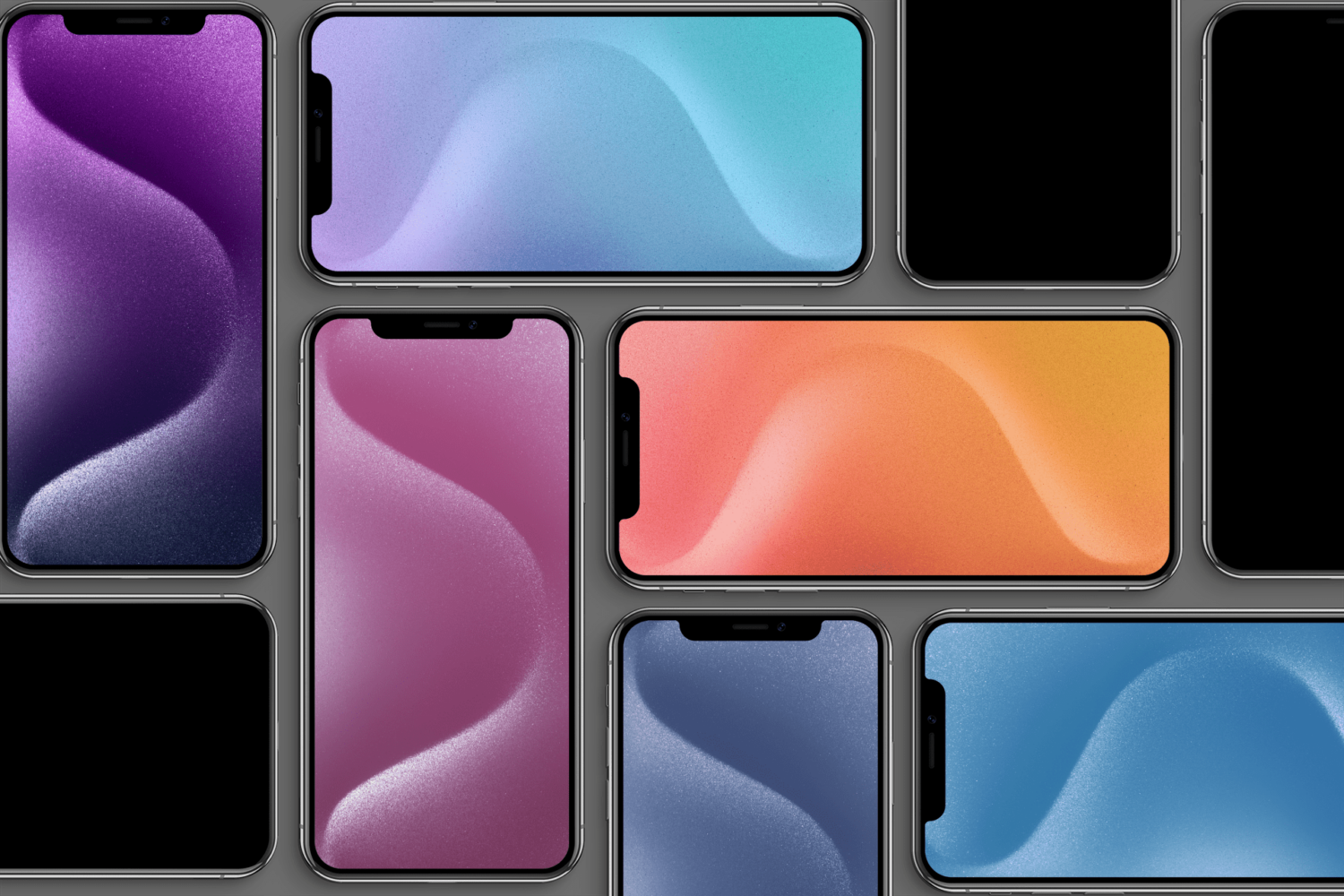
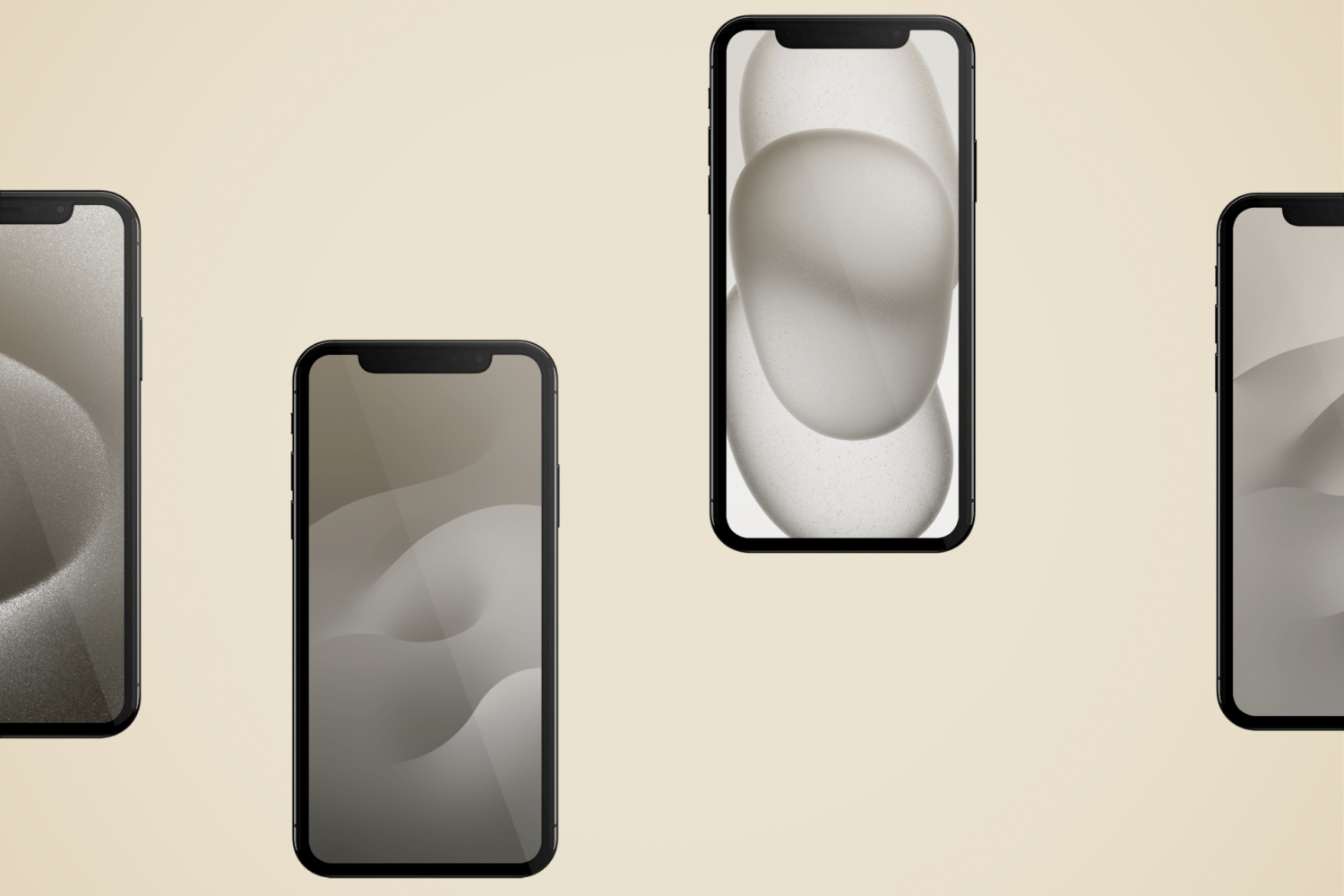
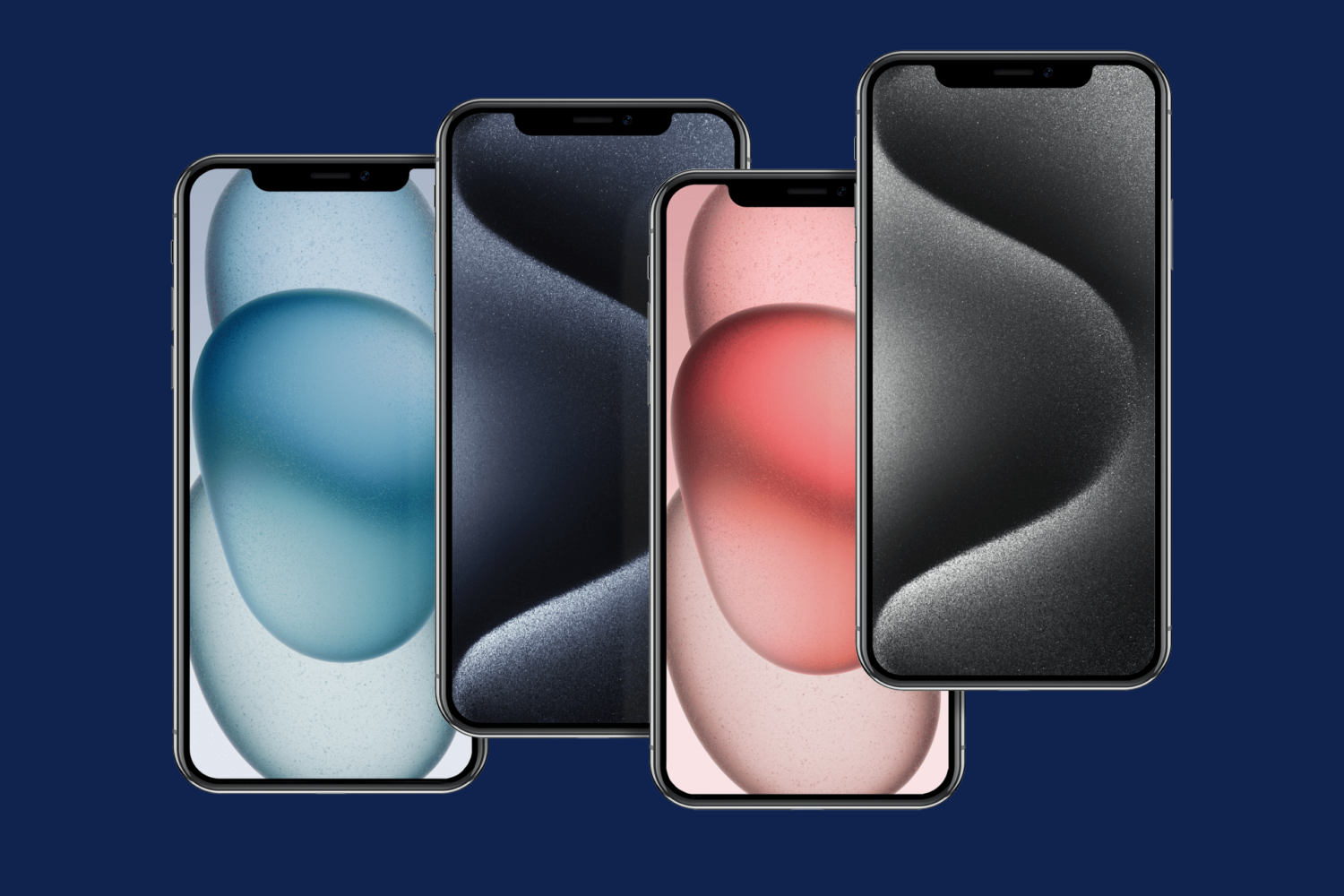
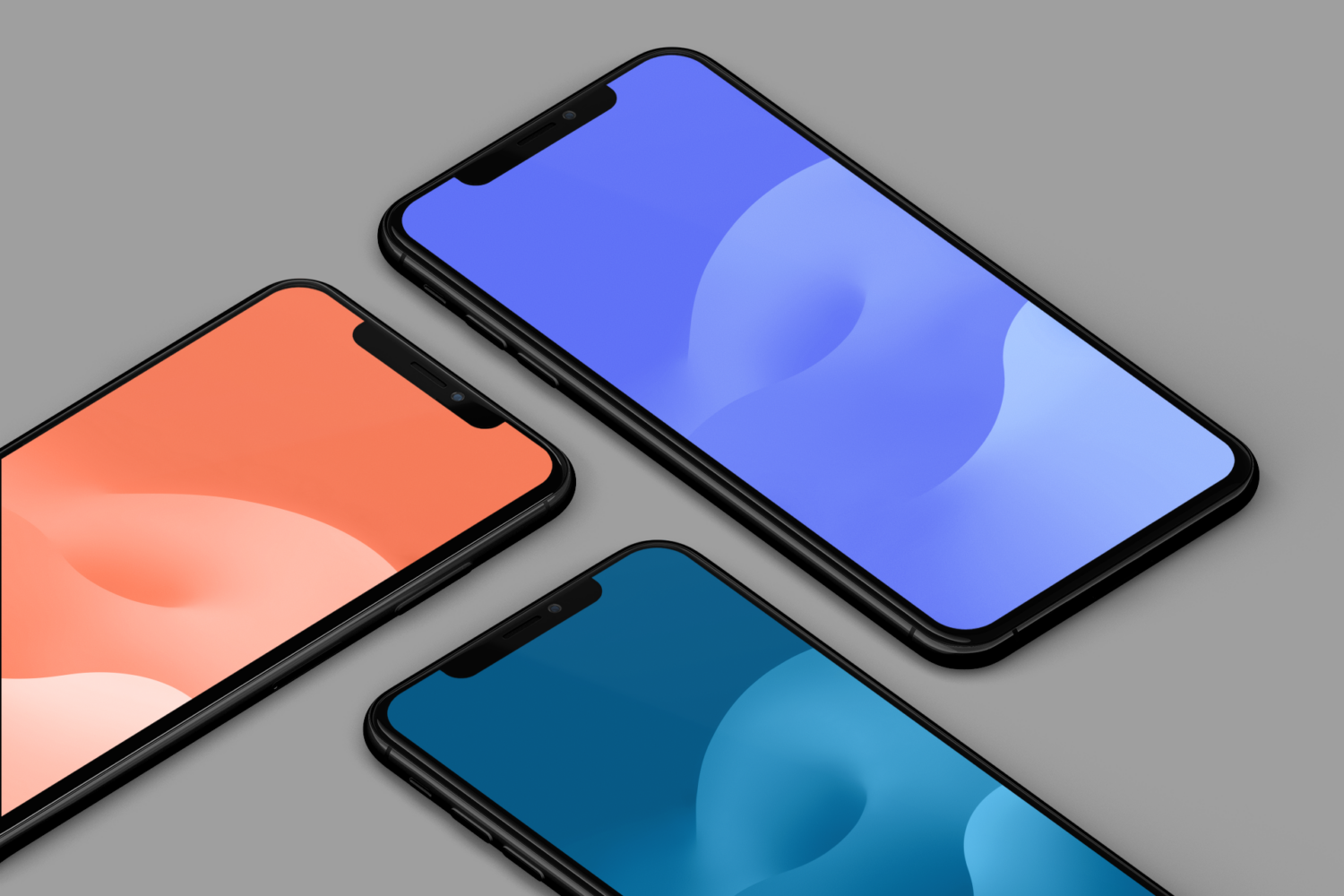
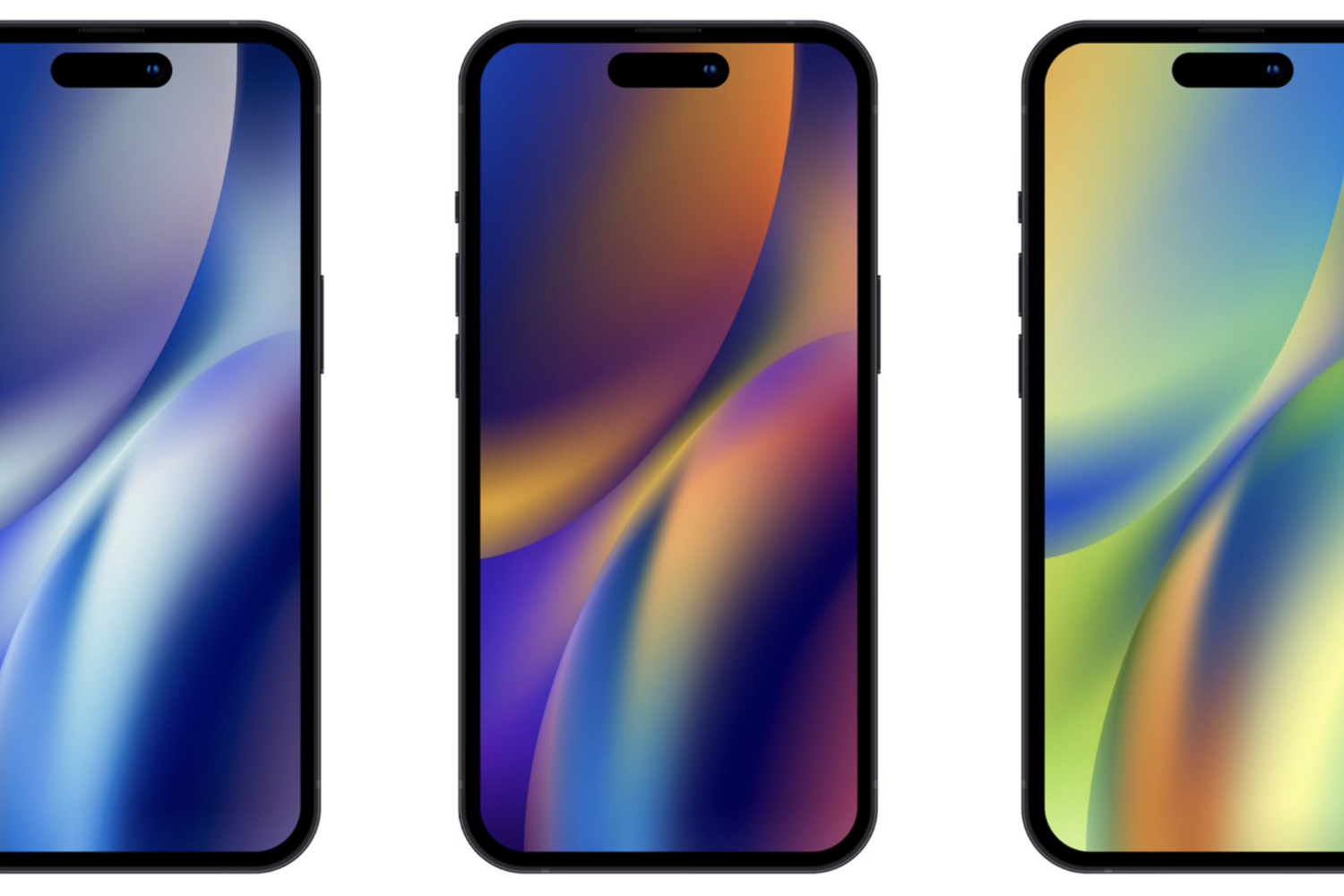
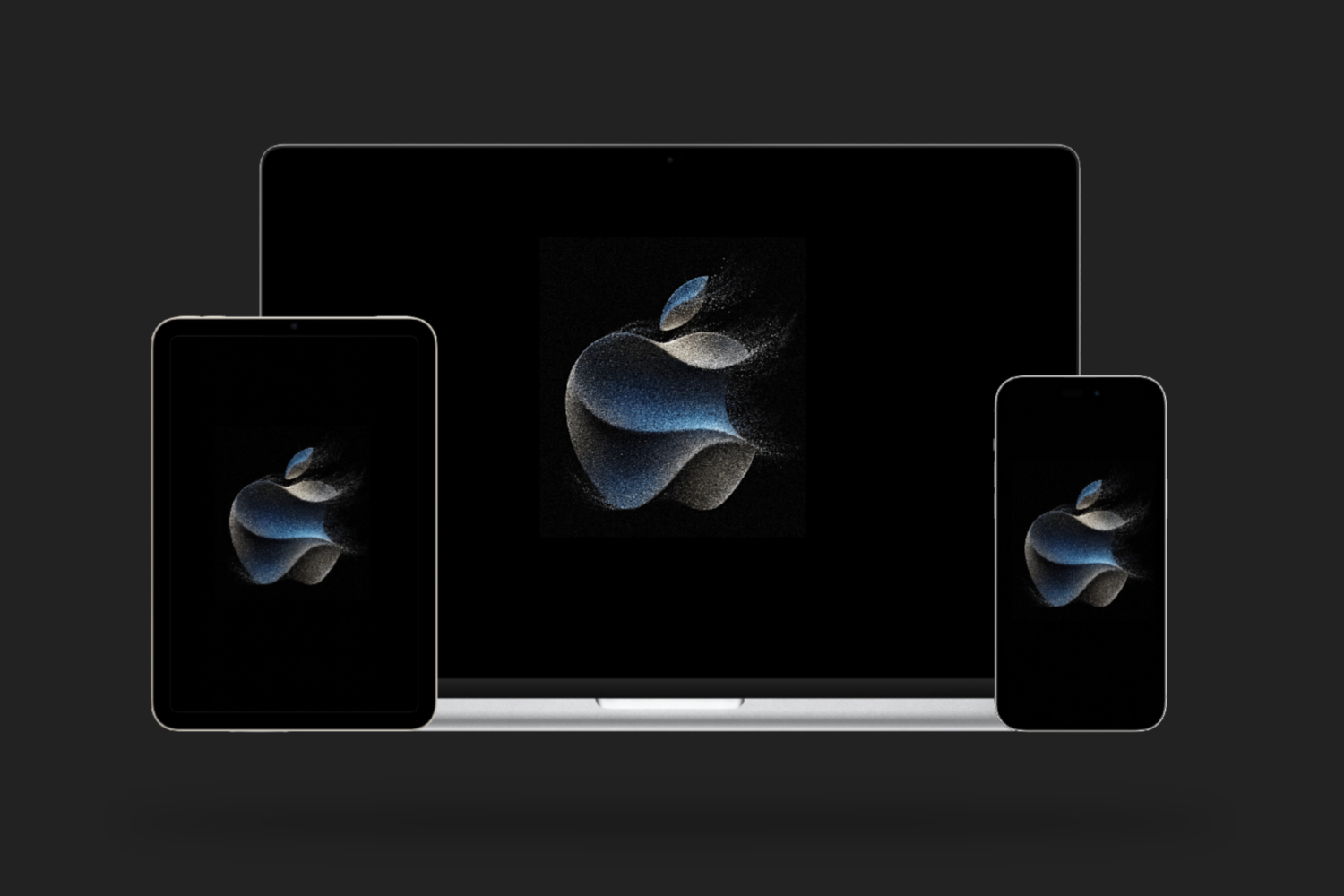
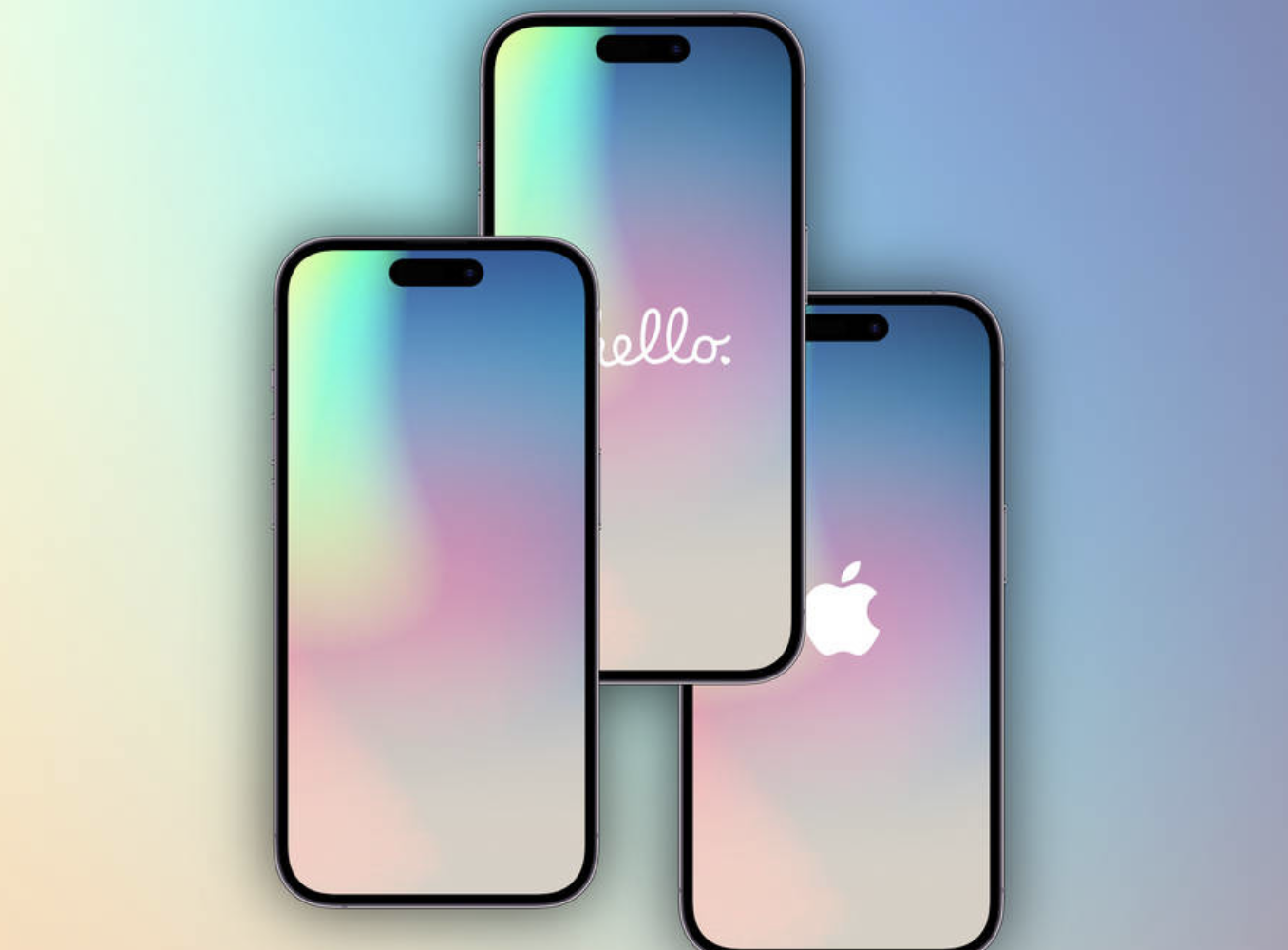
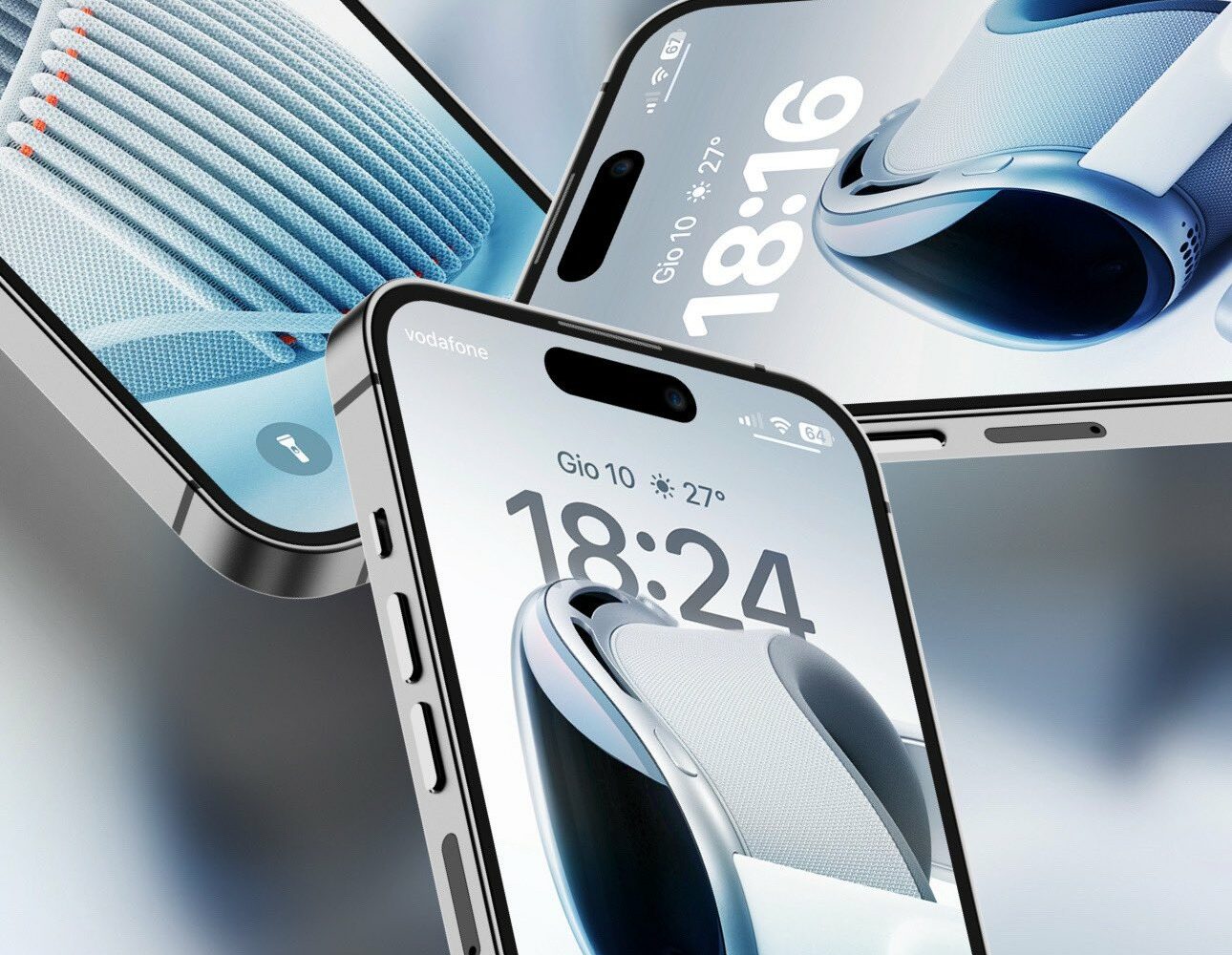
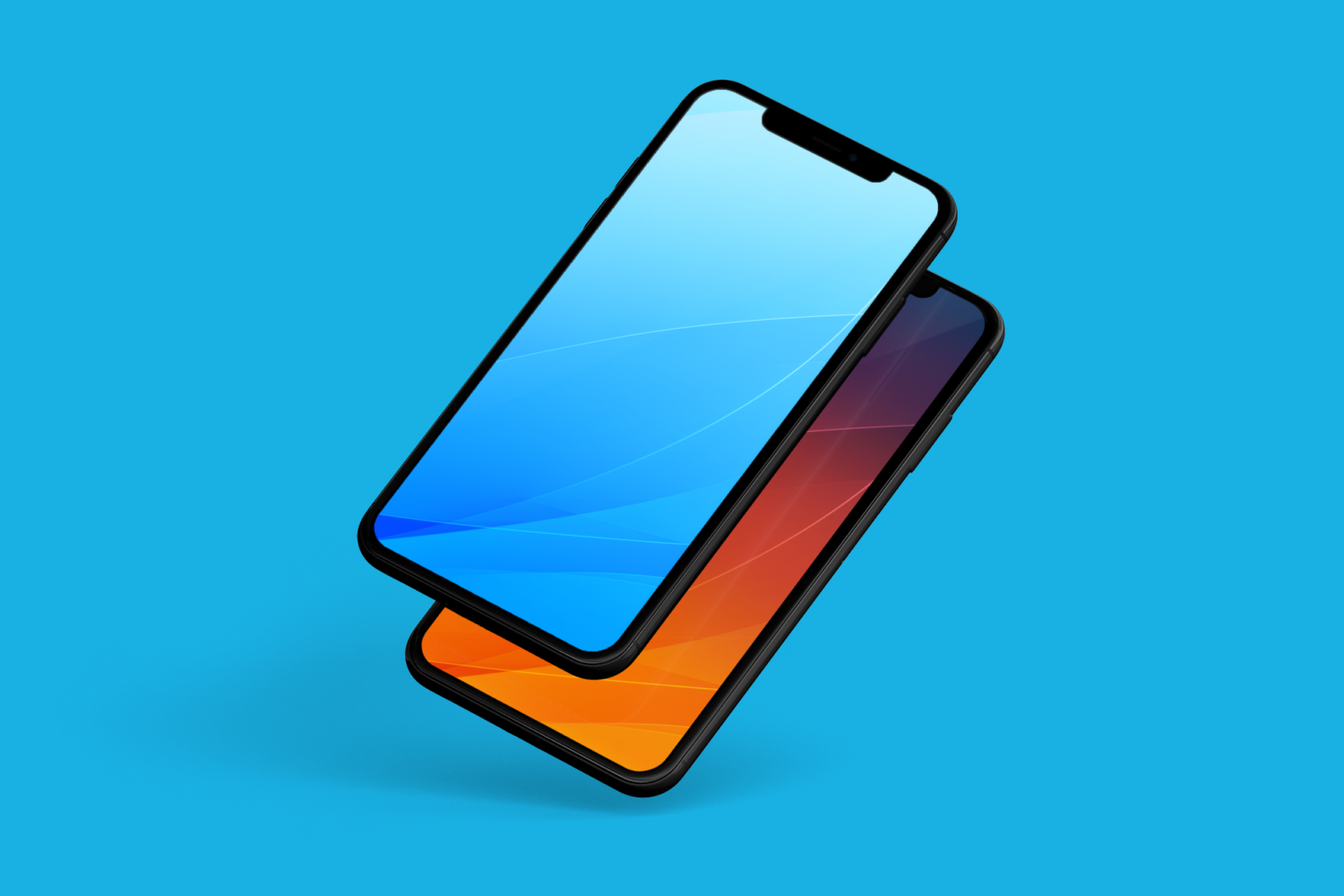
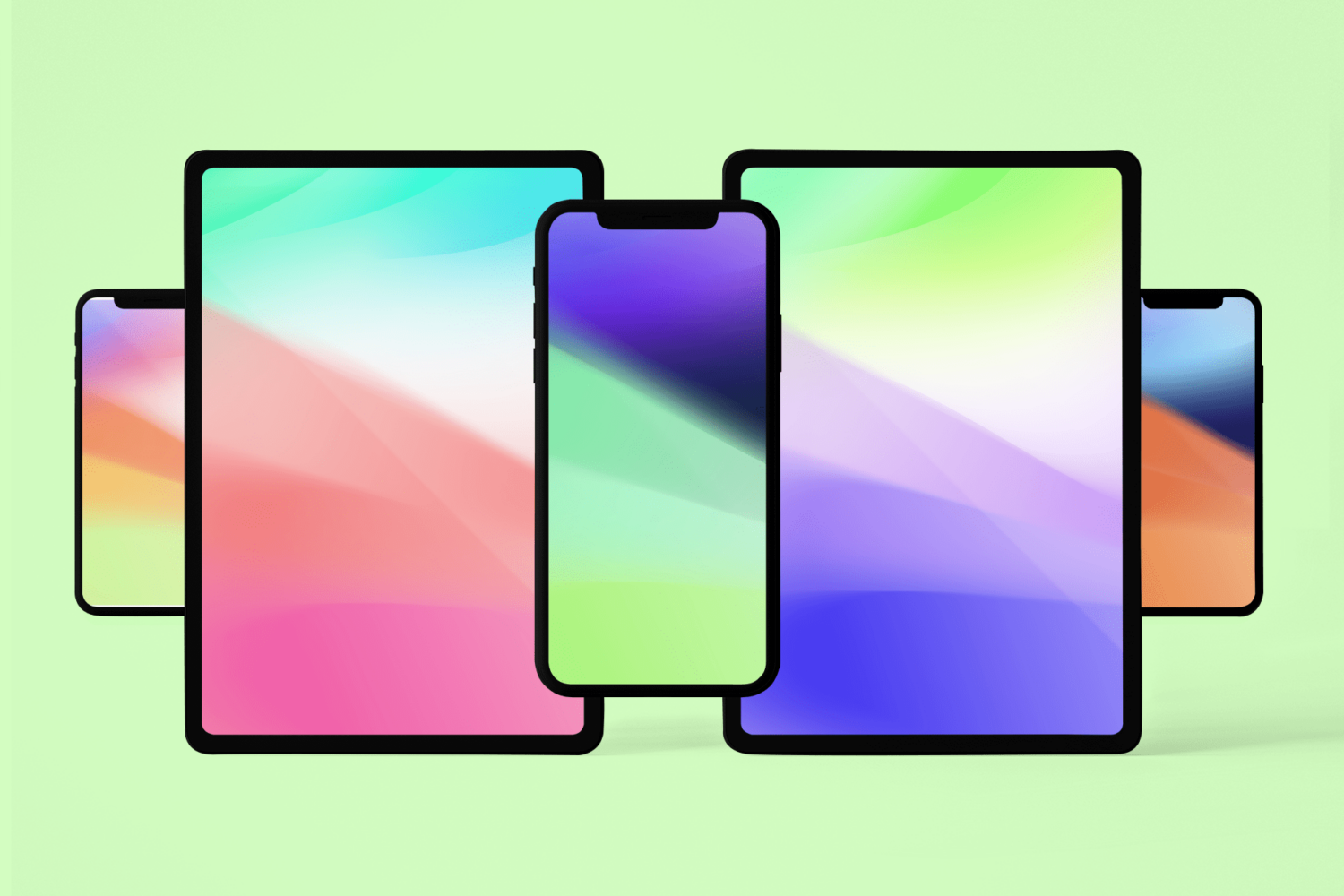
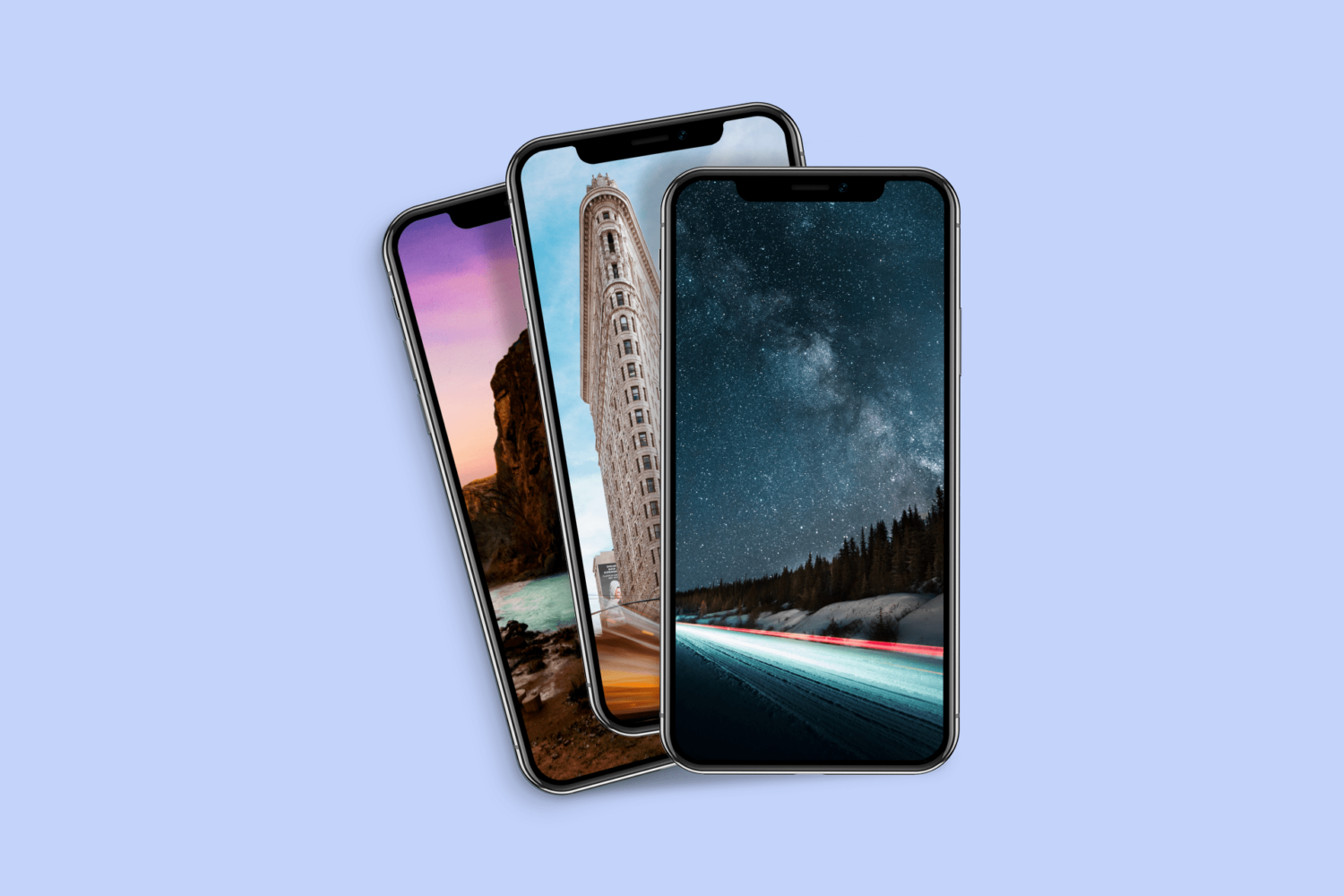
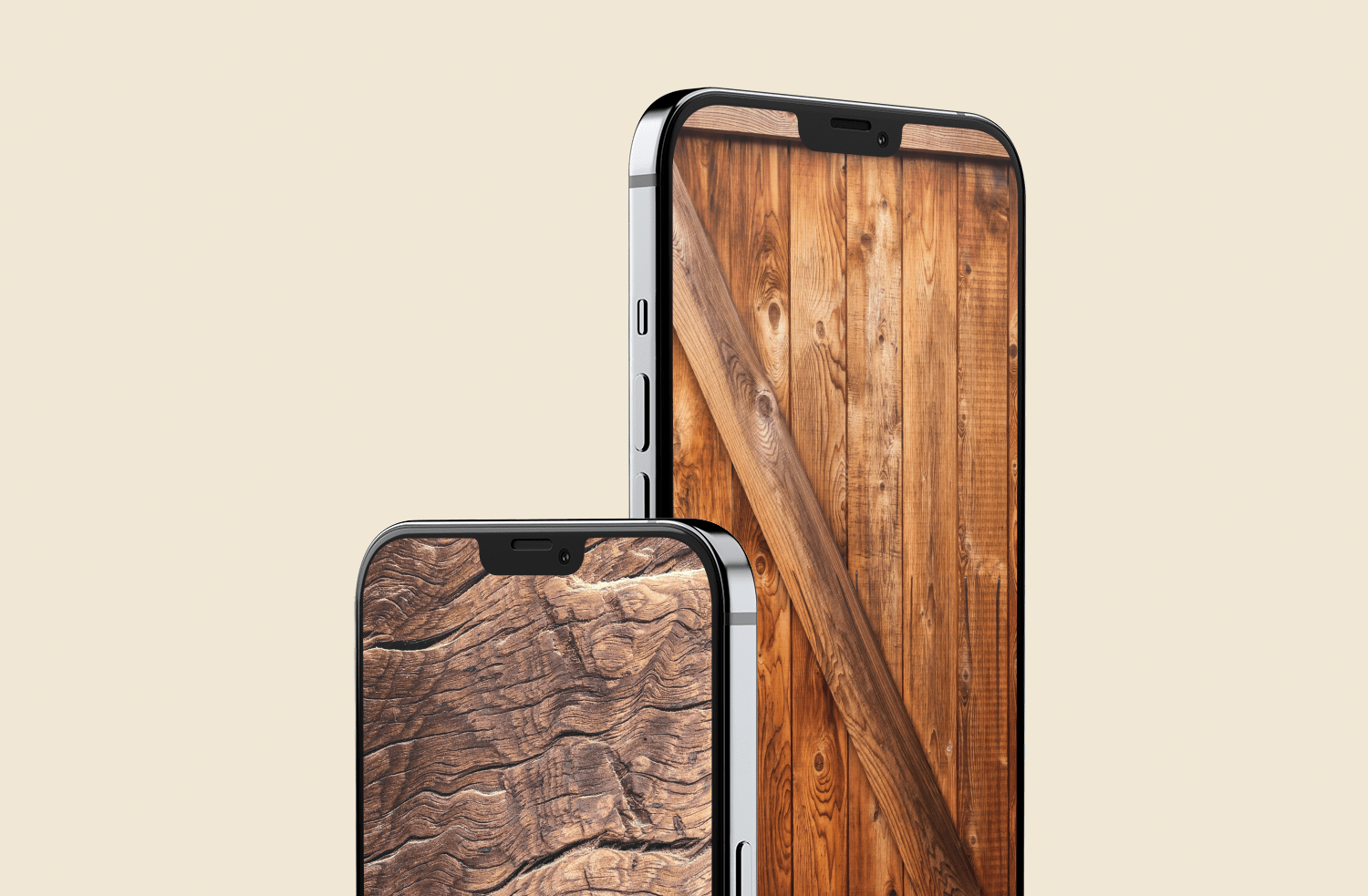
Smashing Magazine has an amazing post with 100 absolutely breath taking iPhone/iPod Touch wallpapers.

Here, we proudly present the 100 Beautiful iPhone wallpapers, designed by some of the finest and most creative artists around. The wallpapers are 320×480 pixels in resolution and are usable on the iPod Touch as well. In this post we cover typography, nature, retro and vintage, illustrations and artwork, Apple wallpapers, abstract, space. Other topics will be covered in next posts. All of the images are clickable and linked to their source.

Hop over to Smashing Magazine to view all the wallpapers.

Via JAIB


Elegance Is My New Favorite iPhone Theme

by Sebastien on Dec 19, 2008

I am not a big “theme guy” but from time to time, I find some very cool themes and I like to feature them on the blog. That is the case of a new theme that is available since this morning in Cydia called Elegance.

I had to manually customize this theme a little bit as it was created by an Italian designer and most of the icons were in Italian, which prevented my iPhone to recognize most of them and display them correctly. For example, the “Maps” icon is named Maps.png but it is named Mappe.png in Italian, and my iPhone didn’t show it as it was looking for the English version.

To edit some of the icon names, I plugged my iPhone to my computer and launched iPhoneBrowser. In a couple minutes, I renamed the 5-6 icons that I needed… and voila!

Elegance includes a lock screen, custom slider, wallpaper, tons of icons, SMS background and more. As you can see from the image above, Elegance really deserves that name. I think it is a beautiful theme that might get to stay on my iPhone for a while…


iPhone Theme Generator

by Sebastien on Nov 11, 2008

New website iPhone Theme Generator does exactly what its name tells you: it allows you to create your own iPhone theme, in just a few clicks. Simply choose your wallpaper, dock and status bar from a library or upload your own. You also have the ability to choose your own icons.

Once you’re done, click “Compile Theme” and it will generate a download link. Download the zip file, unzip it and install the theme through SSH or using iPhoneBrowser.

I think this website has great potential, expecially for theme freaks like me that love to create their own.


iGameBoy Theme for iPhone

by Sebastien on Oct 31, 2008

If like me you’re a kid of the 80′s, you probably had a Nintendo GameBoy at some point. I remember begging my Mom to get what at the time was the best portable gaming device. That was before Sega showed up with its Game Gear. Anyways.

There is a theme available in Cydia that replicates the look of the GameBoy screen; you know this greenish and pixelized screen. I couldn’t resist so I downloaded this theme and activated it with WinterBoard.

This theme you see below is called iGameBoy Buttons. There is another version called iGameBoy Fullscreen, which is the same except it doens’t show the control pad.


Family Guy iPhone Theme and Wallpapers

by Sebastien on Oct 11, 2008

Last week I posted about the American Dad theme and today I saw in Cydia that there was a Family Guy theme. Family Guy is one of my favorite shows so I decided to give a try to the theme. I downloaded it and when I went to WinterBoard to set it up, I realized that it had also downloaded 3 Family Guy wallpapers.

After setting it up, my iPhone resprung and I had to “slide to unlock” to go to my springboard. The slider is Quagmire’s face and when you slide it, it goes “Giggity giggity giggity giggity”. Haha, funny. Read More


Nightmare Before Christmas theme

by Sebastien on Oct 8, 2008

Nothing less than 2766 files contained in this 13.9MB download. No wonder why it took over 5 minutes to download this Nightmare Before Christmas theme from Cydia. But what a great theme it is! I mean this iPhone theme has definitely been thought through and designed with the greatest care.

I downloaded and activated the theme in WinterBoard. My iPhone automatically resprung and when I tapped on the screen to “unlock” the iPhone, I was greeted with a “Well, well, well, look who’s here”. I haven’t seen the movie but I’m pretty sure it’s a line from it. Pretty cool, yet pretty scary when you don’t expect it!

A few seconds after installing this theme, I received an email and instead of having the default new email sound, this theme added a music from the movie. At this point, I was still impressed by the quality of the theme and I decided to explore more of the sounds. I sent and received text messages, emails, new voicemails, and for every of these actions, a special music would play. That’s nice but it gets very annoying in the long run. I mean, I really don’t want to hear a 5 second music every time I send or receive a text message…

A cool feature of this theme is that when you open an application, it displays an image while the application is opening. Since firmware 2.1 is pretty laggy, it’s nice to have an image instead of a blank page when trying to launch an application…

A couple hours after installing this theme, I had a quick look at my battery life…. Wow it was half way gone. These cool sounds are nice but they will sure kill you battery.

All in all, it’s a great theme and like I said earlier, every little detail of it was perfectly done. Unfortunately, features like the musics playing every time you do something on the phone not only annoy me, but they also drain my battery. These are 2 deal breakers.

Read More


American Dad theme for iPhone

by Sebastien on Oct 7, 2008

Yesterday I talked to you about the VisLiX theme that I had installed on my iPhone for a few hours only. Still in my quest for the perfect theme, I downloaded this morning the American Dad theme from Cydia, without having much hope for it but I just wanted to see what it would look like.

I am not a big fan of the show but I was curious to see how this American Dad theme would render on my iPhone. Turned out to be ok but one problem I had (again) with this theme is that the icons don’t match the apps (see images below). Read More


VistLiX theme

by Sebastien on Oct 6, 2008

There was a new theme available in Cydia this morning called VistLix. Wondering what VistLix means? Well, looking at the screenshot below, you might be able to find out by yourself. VistLiX is actually a mix of Vista, Linux and OS X. Clever, isn’t it?

So I installed this theme this morning, and although it looks pretty cool with its 80 something icons, status bar, and wallpaper, I can’t get used to it. It’s just too overwhelming for me as I usually like my themes clean with very soft lines.

Another thing I don’t like about this theme is that the icons are too confusing. I guess you can’t tell from the screenshot below but I was lost in all these unfamiliar icons. The funny side of this theme was not enough to allow it to stay on my iPhone any longer so I had to say goodbye to it…

Have you tried this theme yet? If so, tell us what you think.