Tip: How to Stop Text From Appearing Over Your iPod Album Artwork

by Alex Heath on Jan 27, 2011

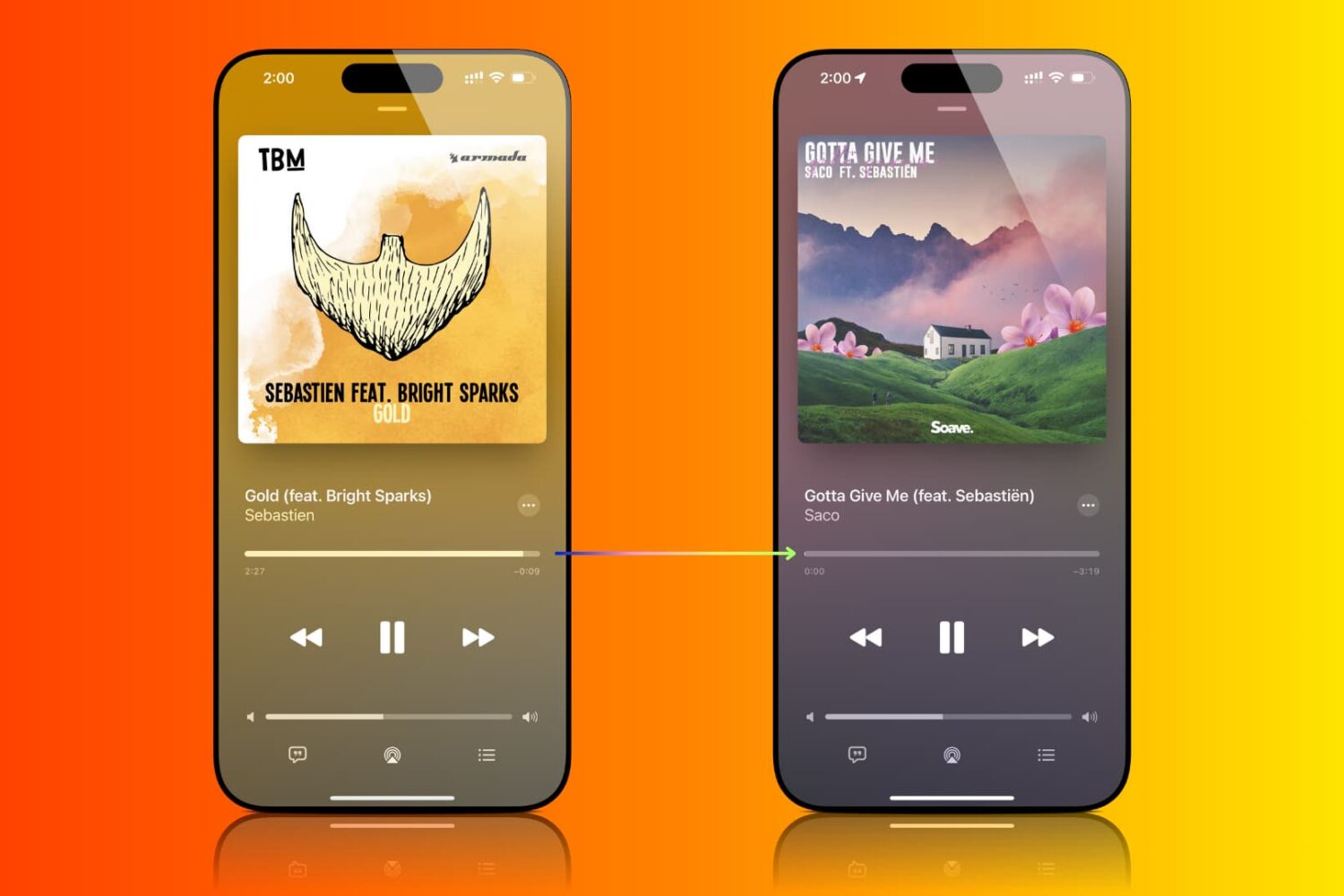
Annoyed by text appearing over your album artwork in your iPod app? What about all that description junk that usually appears over podcasts? Whenever you tap on your song/podcast’s album cover, the time “scrubber” drops down with other settings like shuffle and repeat.

Depending on your song/podcast’s metadata, tapping the album artwork could also result in text being displayed over the artwork. You can download songs with lyric or credit info in the description. Lots of podcasts use this window to display episode descriptions and show notes.

Some people really like this feature of the iPod app. It does have its positives. However, if you find it annoying, we’ll show you how to easily hide text from appearing over your album artwork…

Read More


How to Prevent Taking Blurry Pictures with Your iPhone

by Sebastien on Jan 14, 2011

Ever took a picture with your iPhone and realized it was all blurry? Yes, don’t worry, you’re not alone. There are a few applications in the App Store that can help you with that, but nothing’s better than a good old manual trick.

Here is a quick and simple tip shared by Tap Tap Tap, the developers of the successful Camera+ app that will show you how to take less blurry pictures. Check out the video below for the full details… Read More


Keep Redsn0w Open for a Quick and Easy Tethered Boot

by Jeff Benjamin on Jan 11, 2011

If you’re using RedSn0w as a tethered jailbreak solution for your iPhone, then you undoubtedly try to avoid rebooting your iPhone whenever possible. That’s because, as we’ve previously discussed, a tethered jailbreak requires a computer in order to reboot your iPhone successfully.

This “tethered boot” is accomplished by means of RedSn0w, and the Dev Team has tried to make it as painless as possible with new solutions like ‘one click’ support. However, if you still find that the tethered boot process is consuming a lot of your time, you may want to try leaving RedSn0w running on your computer indefinitely…
Read More


Taking Screenshots With Your iPhone

by Jeff Benjamin on Jan 6, 2011

Taking a screenshot is probably one of the first “tricks” you learn as a new iPhone owner. For those of you new to the iPhone, you may still be wondering how to take a screenshot.

In this latest iPhone Basics tutorial, we show you how, and why taking screenshots with the iPhone can prove to be quite useful in your day-to-day activities…

Read More


iPhone Quick Tip: How to Email a Photo

by Sebastien on Dec 10, 2010

My cousin jut got his first iPhone a few months ago and he’s what I’d call a total noob about it. A couple days ago when we were in Vegas, he asked me how to email a photo he had taken with his iPhone. I couldn’t help laughing at him but I quickly realized that if he didn’t know how to do that, there’s probably other people out there in the same situation, which is why I thought it’d be a good thing to write up a quick tip about this.

Obviously, this is a tip for beginners. If you’ve had an iPhone for a while, you most likely already know how to do that.

In this post, I’ll show you 3 ways to email pictures from your iPhoneRead More


iPhone Quick Tip: How to Quote Text in an Email Reply

by Sebastien on Nov 30, 2010

This is a ninja tip that was sent to me by an anonymous reader about how to quote text in an email reply. Let’s say you receive an email from someone. In your reply, you want to quote some of the text to comment on it for example.

To do that, simply select the text you want to quote and hit the “reply” icon. This way, only your selected text will be copied in your email reply… Read More


Tip: How to Quickly Respring your iPhone

by Alex Heath on Nov 19, 2010

Many of us jailbreakers know how frustrating it can be to debug the modifications we make to iOS. When installing an app in Cydia, if the app requires it, Cydia gives you a prompt to restart your springboard.

There are two types of restarts you can have on your iPhone: a hardware restart and a software restart. A hardware restart takes considerably longer, and it is when you see the Apple boot logo (or your own, modded logo). A simple software restart usually does the trick for installing new packages on your iPhone, and it also helps with ironing out the bugs you may be experiencing… Read More


iPhone Quick Tip: How to Create Folders

by Sebastien on Nov 13, 2010

Today in our quick tip section, we will see how to create and manage folders on your iPhone. Again, if you’re not new to the iPhone, you may want to skip this article as you won’t learn anything new here.

With iOS 4, Apple introduced a new way to organize your icons inside folders. Folders are an easy way to put related applications under the same label (ie. games, photography, etc…). Personally, I’m a big fan of folders. They make my iPhone screen look clean and organized

Here is how to organize your icons into folders… Read More


iPhone Quick Tip: Rearranging Your Icons

by Sebastien on Nov 11, 2010

Today, in our iPhone Quick Tips section, we will learn how to rearrange your iPhone icons. While this might sound like the very basics to most of us, I can tell you from experience that some people out there still have no idea they can move their icons around. Don’t laugh! You were an iPhone beginner once too.

You can easily customize the layout of application icons on the home screen of your iPhone, including the dock icons at the bottom of the screen… Read More


iPhone Quick Tip: Having Internet Access on an Airplane

by Sebastien on Nov 9, 2010

This article is the first of a series of quick tips that will be especially helpful to iPhone beginners. In this series, we’ll go over some iPhone basics to make sure our new fellow iPhone owners get the best out of their device. Today, our quick tip is about being able to have Internet access while flying.

Many airlines now offer in-flight wifi, which is a great way to kill time during a long flight. When boarding an airplane with a phone, you are required to either turn it off or activate the airplane mode, which basically turns off the iPhone cellular, wifi, bluetooh, and GPS to avoid interfering with the aircraft.

But did you know you can still enjoy Internet access while still on airplane mode? Read More