Starbucks app finally updated to bring iPhone 5 support

By Sebastien Page on Dec 3, 2012

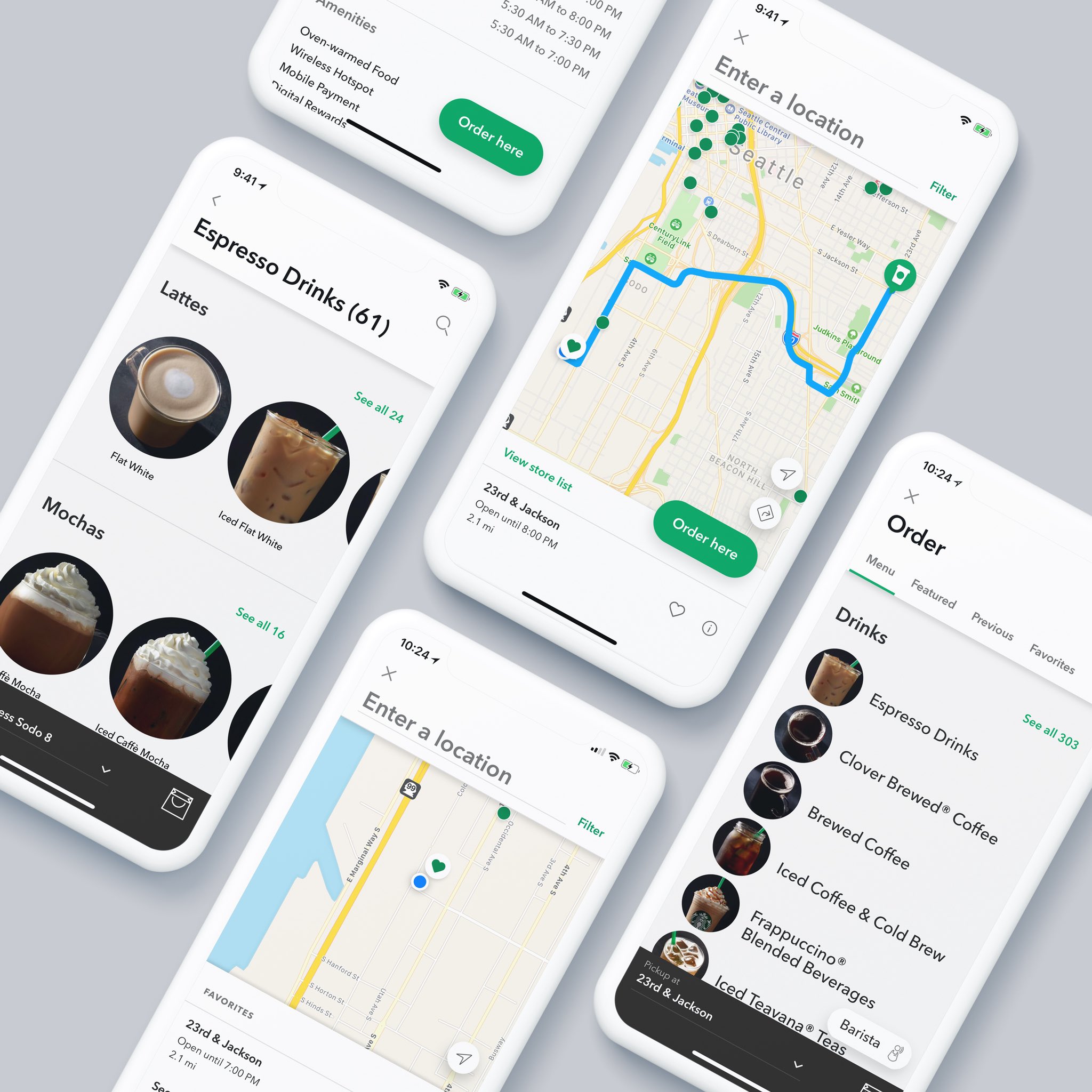
Better late than never, as we say in French. Over two months after the iPhone 5 was launched in the US, Starbucks finally blessed us with an update that supports the device’s taller screen.

Besides the iPhone 5 support and the usual bug fixes, this updated version added an option to turn On/Off the annoying sound of the stars dropping in the cup after completing a purchase… Read More


Starbucks and Apple launch new (RED) gift card

By Cody Lee on Nov 29, 2012

This is kind of cool: Apple and Starbucks have teamed up to offer the Starbucks iTunes (RED) eGift basket, a joint gift card that offers credit for both Starbucks and iTunes purchases. And, as you might have guessed, the (RED) moniker means that a percentage of the profits made from the eGift basket will go towards AIDS research… Read More


Starbucks app now supports Passbook: get your skinny vanilla latte orders ready

By Jeff Benjamin on Oct 3, 2012

Finally, the moment we’ve all been waiting for. The real reason Passbook was invented — Starbucks.

Indeed, the official Starbucks app was just updated, and it brings the long awaited Passbook support with it. This means that you can now create a pass to store in Passbook, and pay directly with said pass.

It’s super easy to setup, and apparently, it uses the same scanners that scan the “touch to pay” feature inside the official app. In other words, it’s ready to use out of the gate. Read More


Starbucks to update its iOS app for Passbook by month’s end

By Oliver Haslam on Sep 21, 2012

Been wondering when you would be able to take your shiny new iPhone into a Starbucks and use Passbook to pay for your grande skinny vanilla latte? Well, wonder no more.

We’ve just spied a Twitter update from the company itself in which we learn that an iOS 6 compatible version of the app, complete with Passbook support, will be with us by the end of the month!

What’s more, Starbucks even added a little bit of geekery to proceedings by signing off with a spot of binary code, just for the lolz… Read More


You’ll soon be able to pay for lattes at Starbucks using Square

By Christian Zibreg on Aug 8, 2012

Twitter and Square founder Jack Dorsey last evening announced an interesting partnership with Starbucks, an international coffeehouse chain, that will allow coffee lovers to pay for their lattes via Square’s iOS and Android app, as well as its merchant software and the iPhone credit card reader dongle.

Micro-payments will be initially accepted at nearly 7,000 Starbucks locations in the United States. Furthermore, Starbucks will invest millions in Square as part of the company’s Series D financing round. Not bad for a little more than two-year-old mobile payment startup… Read More


Tetris for iPhone is Free at Starbucks This Week

By Sebastien Page on Jan 20, 2012

A quick heads up for iPhone gamers out there. EA announced on their site earlier today that the legendary game Tetris is Starbucks’ Pick of the Week.

That means you can get the game for free simply by walking in any Starbucks location and picking up one of these redeem codes (they’re usually by the sugar/creme booth)… Read More


Great Deal: Starbucks Offering Free Apps, Grab “Momento” This Week

By Oliver Haslam on Sep 27, 2011

You’ve heard about Starbucks and their weekly ‘Pick of the Week’ music offers right? Now everyone’s favorite (and most expensive!) coffee outlet is offering a free iOS app each and every week, and this week’s offering is the excellent Memento.

Memento, from D3i LTD, offers an excellent way to keep track of your online life, and it’s all locked safely behind a password protected app… Read More


Starbucks Adds iBooks to iTunes Giveaways

By Cody Lee on Sep 18, 2011

It’s no secret that Starbucks has been in bed with Apple for a long time. The popular coffee chain has been giving away free iTunes tracks to its customers for years.

Last month we told you that the pair had stepped up their partnership to start offering free apps in Starbucks stores, and now they’ve added more media content to the promotion… Read More


Starbucks Now Offering Free App “Picks of the Week”

By Cody Lee on Aug 16, 2011

In a move that is likely to make most of the iDB staff weep for joy, Starbucks and Apple have just started a new promotion. The deal allows Starbucks customers to download a free application as they sip on their beverage of choice.

Starbucks is a long-time Apple partner, and has offered free iTunes downloads in the past. But now it looks like the pair are ready to take the relationship to the next left, with the Starbucks App Pick of the WeekRead More


Apple and Starbucks – Honeymoon Over?

By Guest Author on Oct 5, 2008

Something is going on between Apple and Starbucks. For a while, it seemed that they seemed to be getting closer, but now I think there might be trouble in paradise.

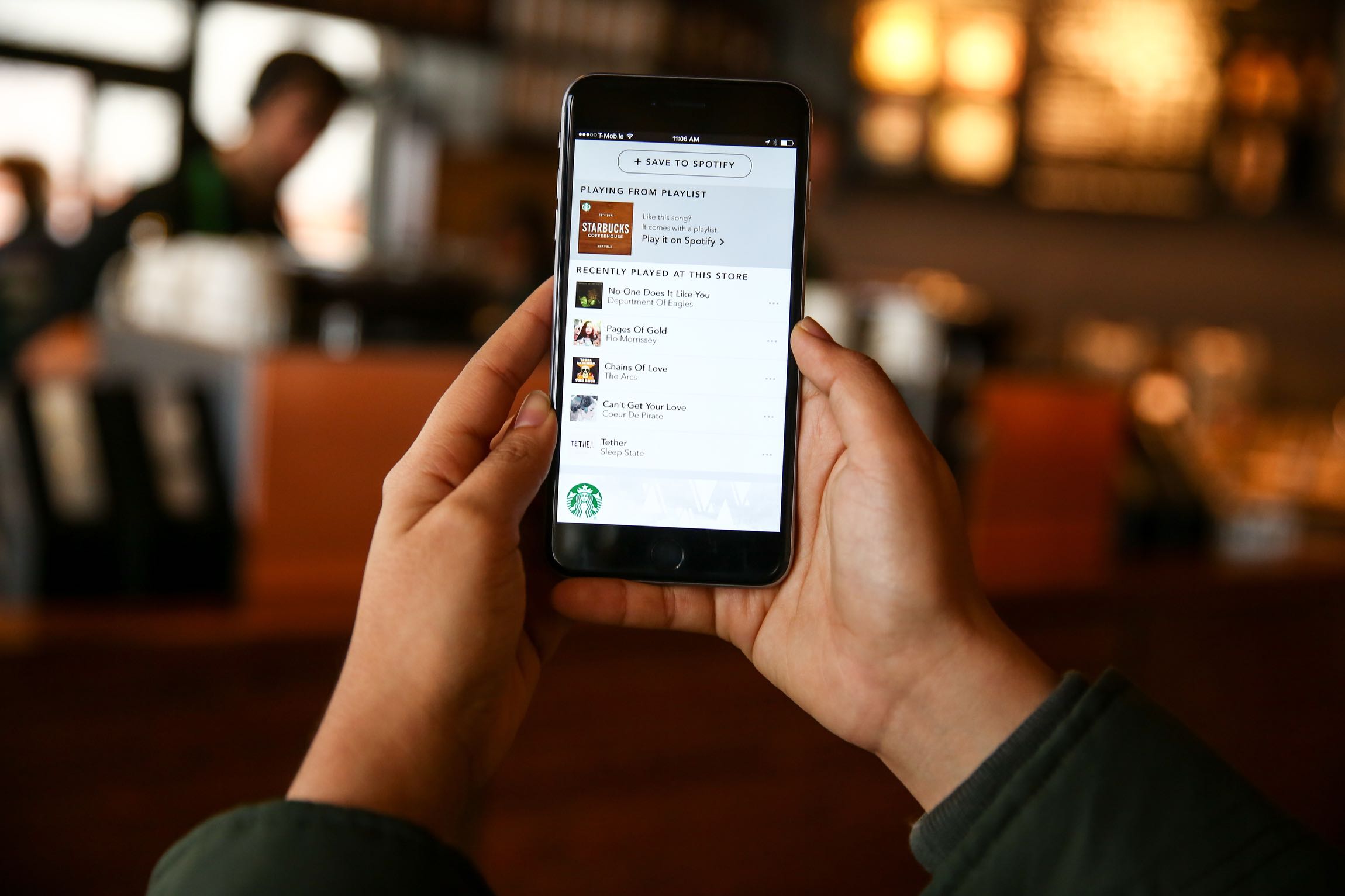
The Starbucks Icon in the iTunes WIFI store seems to be broken. For those of you who haven’t tried this feature, you get an extra Starbucks icon in iTunes whenever you are in a participating Starbucks.  When I first got my iPhone, I went to a Starbucks and tried it out.  The Starbucks page showed me the name of the Currently Playing song, a history of the last songs played, and links to find out more about the Song and Artists, and links to buy these songs in the iTunes WIFI store.

Users are reporting in many support forums and discussions that instead of seeing the Now Playing Starbucks screen when they touch the Starbucks Icon in iTunes WIFI Store, they see a never ending “Loading…” Screen.

Apple not only seems to be ignoring these threads, they seem to even be trying to remove Starbucks References on their Web pages. Even the links to the Starbucks agreement on Apple.com are no longer there (www.apple.com/itunes/starbucks) and reroute you here instead. A search on “Starbucks” on the Apple site shows you the preferred link to iTunes WIFI store, but takes you back to the same place as before. In fact if say “View All Search Results” after searching on the Apple page, all four top links take your right back to the same place. It’s as if they had removed references to Starbucks from everywhere but their support forum.

And there are lot of links there. All where people are saying that instead of getting a Starbucks page in the iTunes Store, their iPhone is just showing a screen with the word “Loading…” that goes on and on.

There are many other forums out there with people talking about this problem.  So far, I haven’t seen a published work-around or response from Apple.

After my first upgrade to 2.0.1, it stopped working. Each time I go into Starbucks now the endless “Loading…” screen.   Every 30 seconds or so I see a flash of the screen that is supposed to be showing, but it quickly goes right back to “Loading…” again.

I have been trying to pin point the issue. I have read that the older iTouch’s don’t seem to have this problem, but I have tested on both the iPhone 3G and the iTouch 2G and they both have the same issue.

Talking to support on both sides of this is getting me nowhere. Support on both sides of this issue don’t seem to be aware of the feature, never mind the problem. I talked to the Manager at the local Starbucks and they had no idea that the feature was even available. They had a “guy” that they used to fix their network problems, but he only came in when they called him. They seemed to think it was a non-issue and I could tell fixing this wasn’t there first priority.   So I called the Starbucks customer support and they said that it was an iPhone issue, not a Starbucks issue. They said they would talk to the local manager of my Starbucks and have them see what they could do. The follow up phone call I was promised never happened.

So then I tried calling Apple support.  At first, they too were confused about the feature even existing.  After explaining it to the Customer Support rep, they switched me to the iTunes Support group. This person said that it was a known problem and had to do with the way the network was configured at the Starbucks.  They sent me some links and encouraged me to go back to the Starbucks and get the Network Administrator to call Apple. I printed out the links (which really said nothing much) and tried again with the Starbucks. No Joy! This was about two weeks ago and it still is saying “Loading” each time I go.

Anyone else have any experiences to report on this? Please let us hear about it.