FullForce Forces Your iPhone Apps to Display in Full Screen Mode on iPad

By Sebastien Page on May 8, 2010

A few days ago I shared with you a hack to make your iPhone apps run in full screen mode on your iPad. This hack requires a few steps that might scare away those of you who don’t feel like playing with the core files of applications.

Lucky for us, one of my favorite jailbreak developer, Ryan Petrich, created FullForce, an application that “force selects applications to show in full screen iPad mode, even if the developer hasn’t certified them as compatible”.

The result? Even if an application like Facebook can’t be properly displayed in full screen mode on your iPad, FullForce will work its magic and make the app fit the whole screen without pixelizing it.

You can download FullForce from Cydia for free. Once installed, go to the settings.app and in the FullForce options, select the applications you want to force.

Note that FullForce doesn’t work with all applications. Just like the hack, text based apps such as Facebook and Tweetie work best in full screen mode.

FullForce is developed specifically for iPad so it can safely be added to the list of iPad compatible jailbrak apps.


Multitasking 101: Activator

By Guest Author on Apr 6, 2010

When it comes to multitasking, the Apple line of iDevices falls short. Very short. Apple’s claims are more or less valid; multitasking drains the battery. While this may be true in some cases, it doesn’t completely hold up to that claim. There are millions of people who jailbreak their devices just so they can multitask.

As of this writing, all generations of the iPhone, iPad and iPod Touch cannot multitask applications that are not part of the stock firmware. This means that you cannot download applications from iTunes App Store and minimize it (run it in the background). Have you ever become frustrated that you can’t listen to Pandora radio and surf the web with Mobile Safari? Yeah? So have many of us.

Rumors are piling up that Apple will finally allow these 3rd party applications to run in the background. On white paper, this means you can run applications such as Pandora and play games simultaneously at the expense of a generous battery tax. At least the choice would exist. We own the devices after all.

The intriguing part of the iPhone is the fact that there is only one main button. Equally as important is the power button and the volume controls. This opens up new questions as to how to activate backgrounded applications. It’s clear that Apple invents but it’s also clear that Apple sometimes “borrows” code from the open source projects.

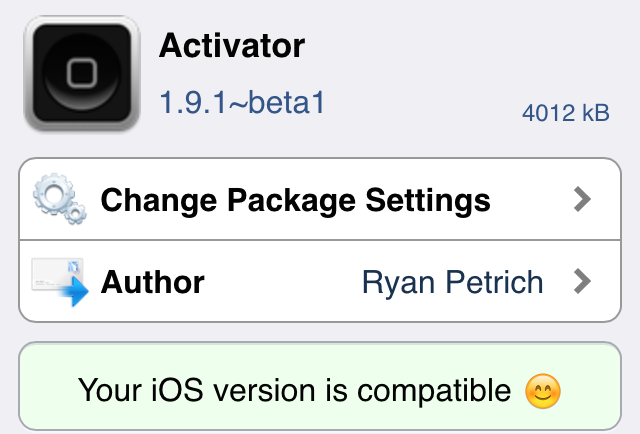
Enter Activator. A free and open source library and Mobile Subtract extension, developed by Ryan Petrich (better known as @rpetrich on Twitter), available to any developer to include with their development projects. That’s great for developers. What about the average user?

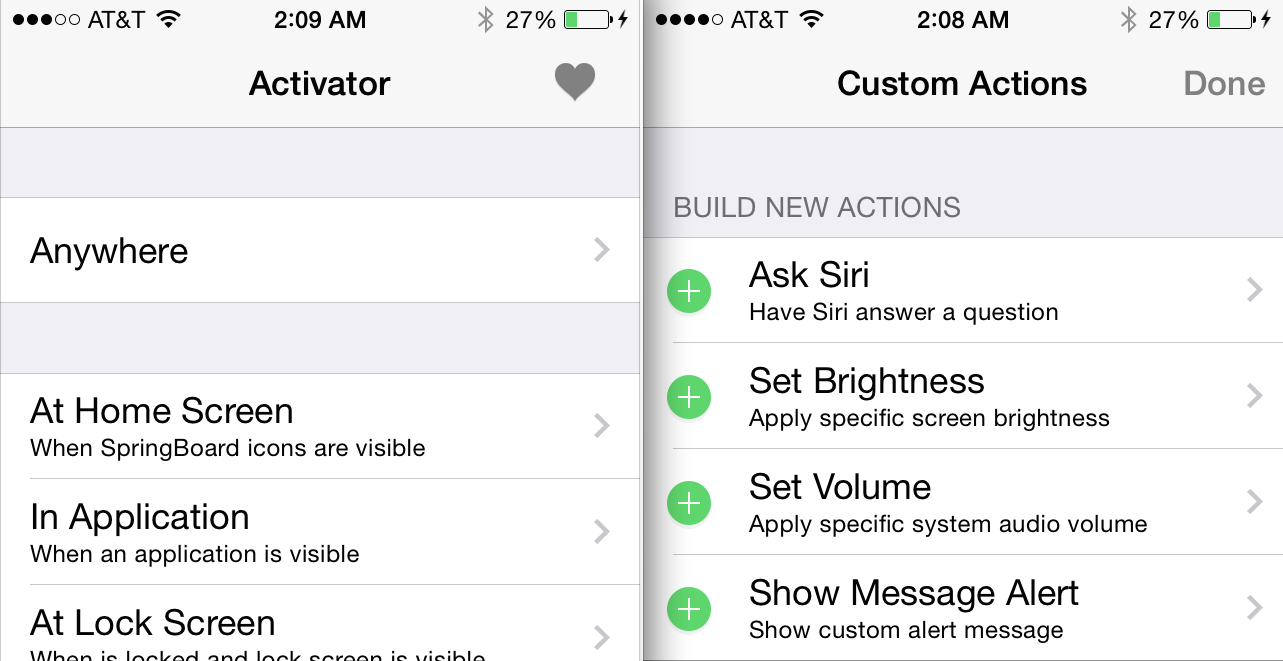
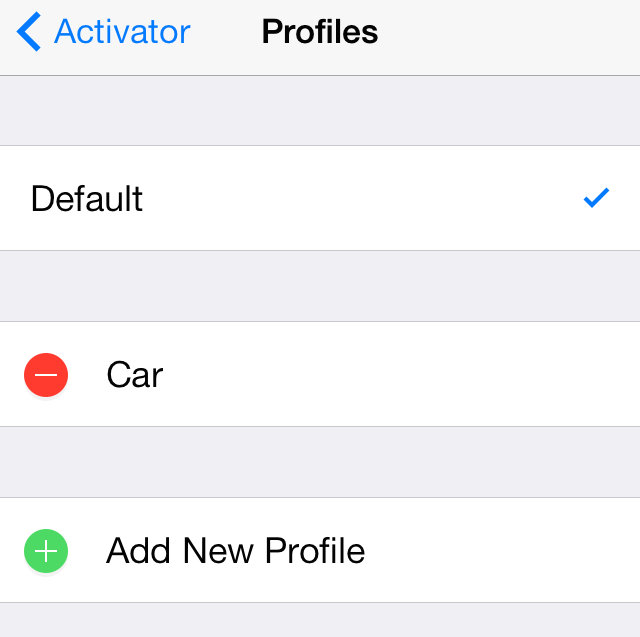
To the average user, the only catch is Activator is a forbidden fruit and only available for jailbroken devices and only available in the Cydia Store. Anyone using Overboard and/or Snappy is already familiar with the library since Activator is a required library for both applications and is automatically downloaded and installed when either application is installed. It can also be installed as a stand alone application so there is no obligation to install anything else. Just do a search for “Activator” in Cydia and install. Then go to Settings.app and scroll down to your jailbreak settings table and configure your gestures.

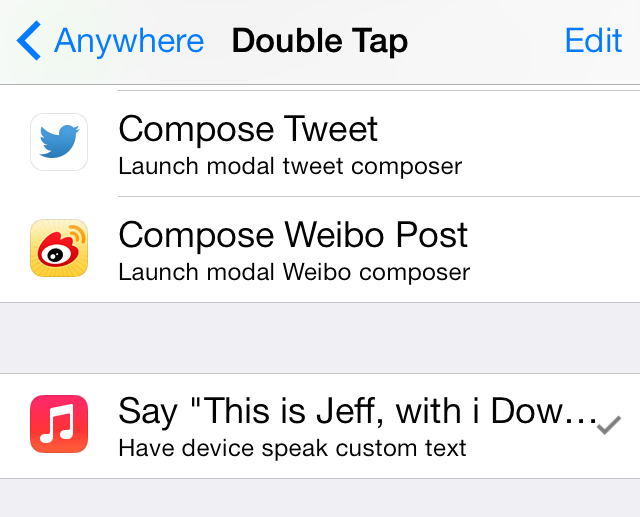
Activator installs a handful of gestures, or activation methods, that can be assigned to any application, even applications from the App Store. How cool is that? This allows users to quickly access, or activate, background processes by simply swiping a finger or quickly tapping the home button. Of course, this genius developer also included support for using the volume buttons and the power button.

Assuming all said rumors of multitasking are true, what are your thoughts on handling backgrounded applications? Will Apple develop their own gesture code or “borrow” and close the doors? Activator is there… in all its glory. Free and open. One thing is certain; the current gesture API will need to be updated because one home button cannot do all the work.


Action Menu Considerably Improves Your iPhone Copy/Paste Experience

By Sebastien Page on Oct 7, 2009

Action Menu is one of those mods that once you try it, you simply can’t live without it anymore. I’ve had the opportunity to use Action Menu for about a month now, and it has quickly become my favorite Cydia app. So what does Action Menu does?

Action Menu takes a stab at enhancing the copy/paste function of your iPhone by adding a bunch of add-ons to it. The lite version is free but for $2.99, you can get the full-featured app, which I think is well worth the money (even though I have to admit I didn’t pay for it since the dev gave me a promo code).

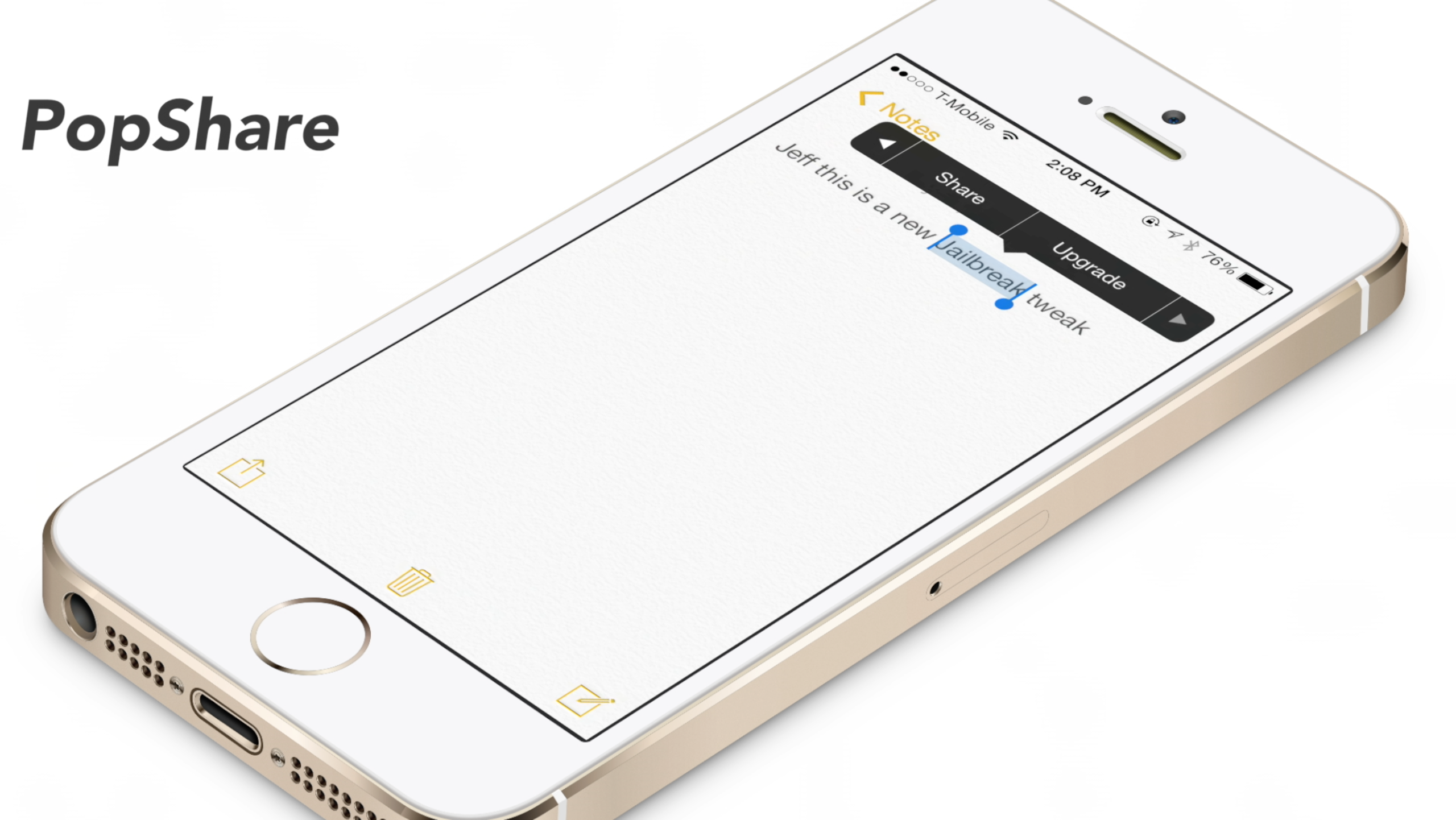
In addition to the stock cut/copy/paste functionality, the app has many features that are very useful, such as:

  • Select all – select all the text at once
  • Dial – dials any number that you select
  • To top – scroll all the way up the page
  • To bottom – scroll all the way down the page

Very helpful but not “ground breaking” features, right? Well, this is just the tip of the iceberg because Action Menu also comes with some very useful features that I use every day:

  • History – all your copied or cut text is saved to a clipboard for easy access. You can edit the clipboard to delete them and move them up and down the list, just like hClipBoard and Clippy used to do.
  • Favorites – this is my top fav of them all. If there is text that you have to paste on a regular basis, just add it to your favorites for quick and easy access. That favorite text could be an email signature for example, a phone number, a website URL, etc… I currently have 6 favorites. I use this all the time.
  • Lookup – don’t know what this word means? Want to know how to translate this word in French? Just select a word or sentence and hit the “lookup” button. You will have the ability to search this word in Google, Wikipedia, dictionary, or even translate it in the language of your choice. Very handy, especially for a Frenchman like me…
  • Tweet – Select some text and hit the “Tweet” button. It will open your favorite Twitter app and copy the text into it.

Action Menu is available from Cydia and if your iPhone is jailbroken, I really suggest you at least try the free version. I bet you won’t be able to live without it anymore after trying it.

I also bet you that Apple noticed this application and they will implement these features in the next 4.0 OS next year. Take that as a prediction.

What are you still doing here reading this? Launch Cydia and download Action Menu now! Then come back here and tell us what you think about this application :)