Back in 2022, we showed you a jailbreak tweak called CopyLog that was essentially a clipboard manager for pwned devices. But what if we told you that you didn’t need a jailbreak to use it?
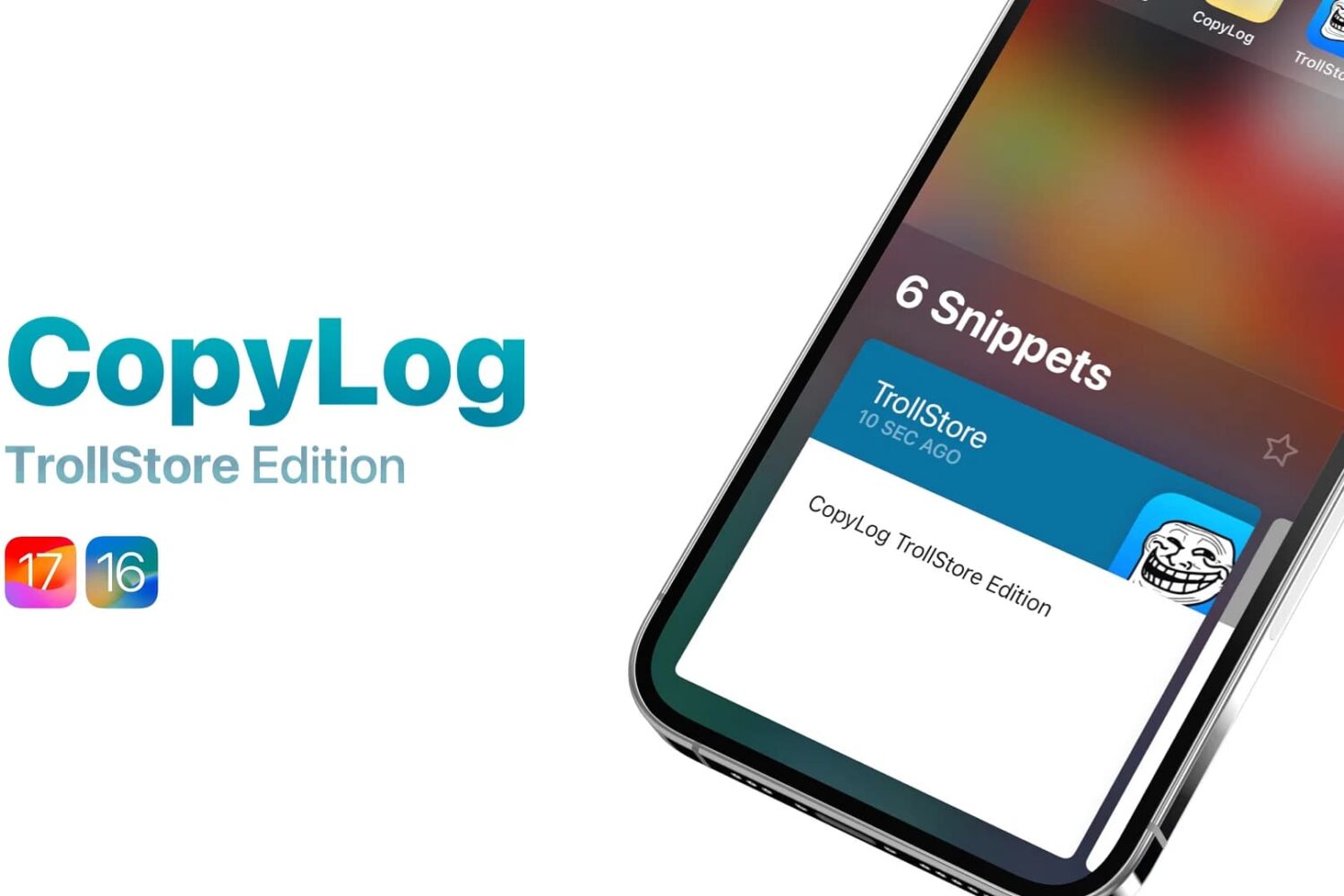
Back in 2022, we showed you a jailbreak tweak called CopyLog that was essentially a clipboard manager for pwned devices. But what if we told you that you didn’t need a jailbreak to use it?
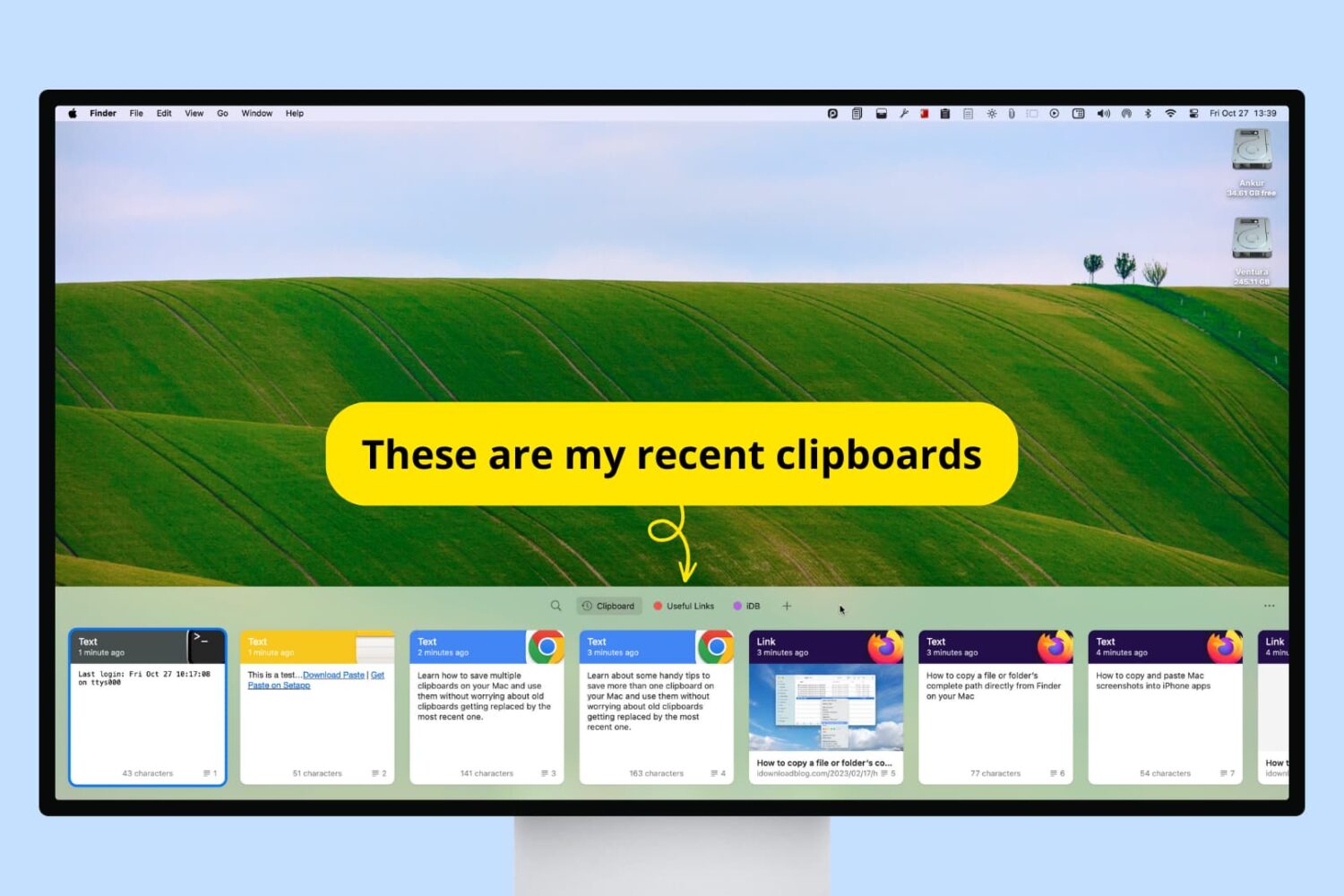
Check out these handy tips to have more than one clipboard on your Mac, and use them without worrying about old clipboards getting replaced by the most recent one.
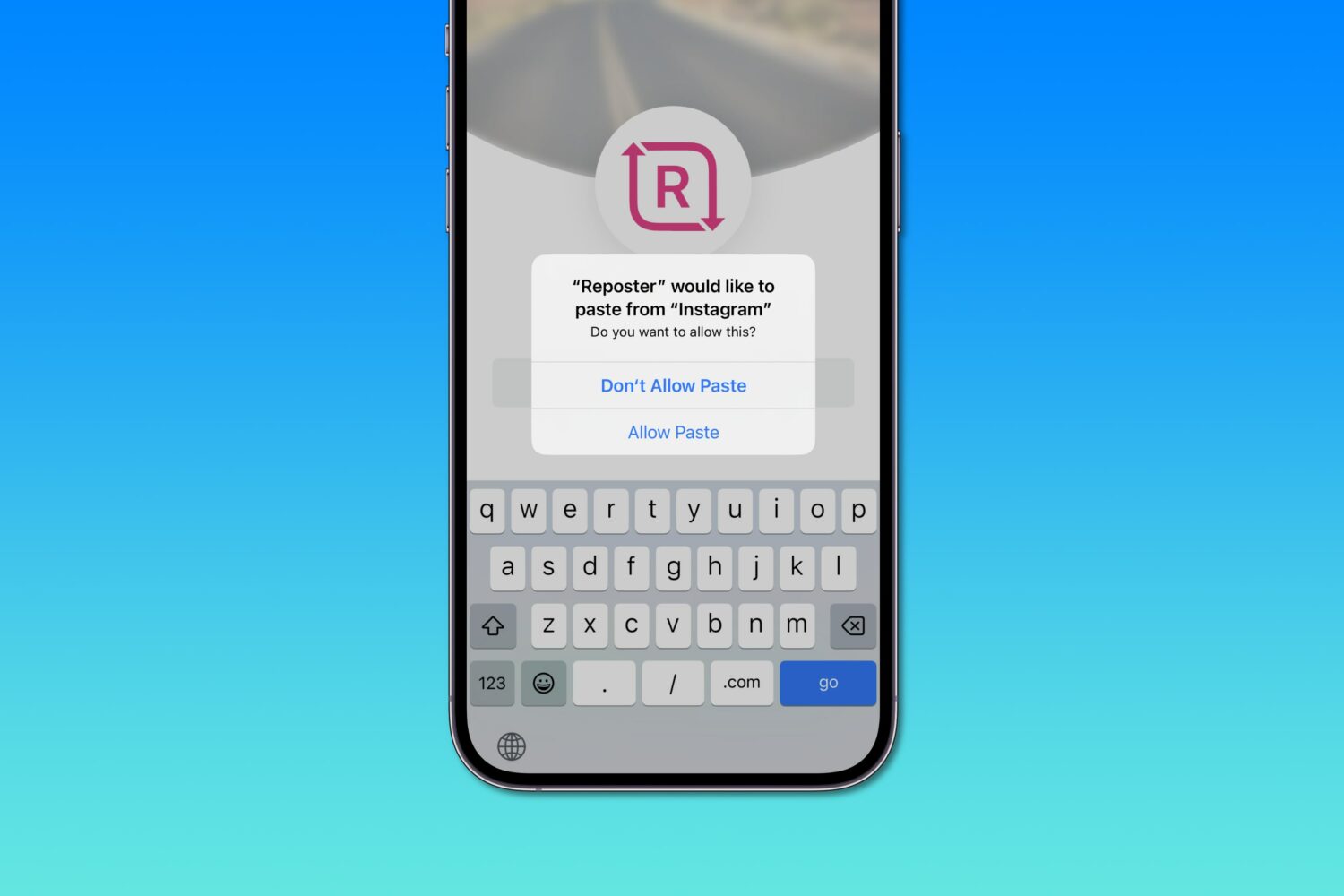
Apple says iOS 16's excessive privacy permission prompts when pasting from the system clipboard are a bug that'll get addressed in an upcoming software update.
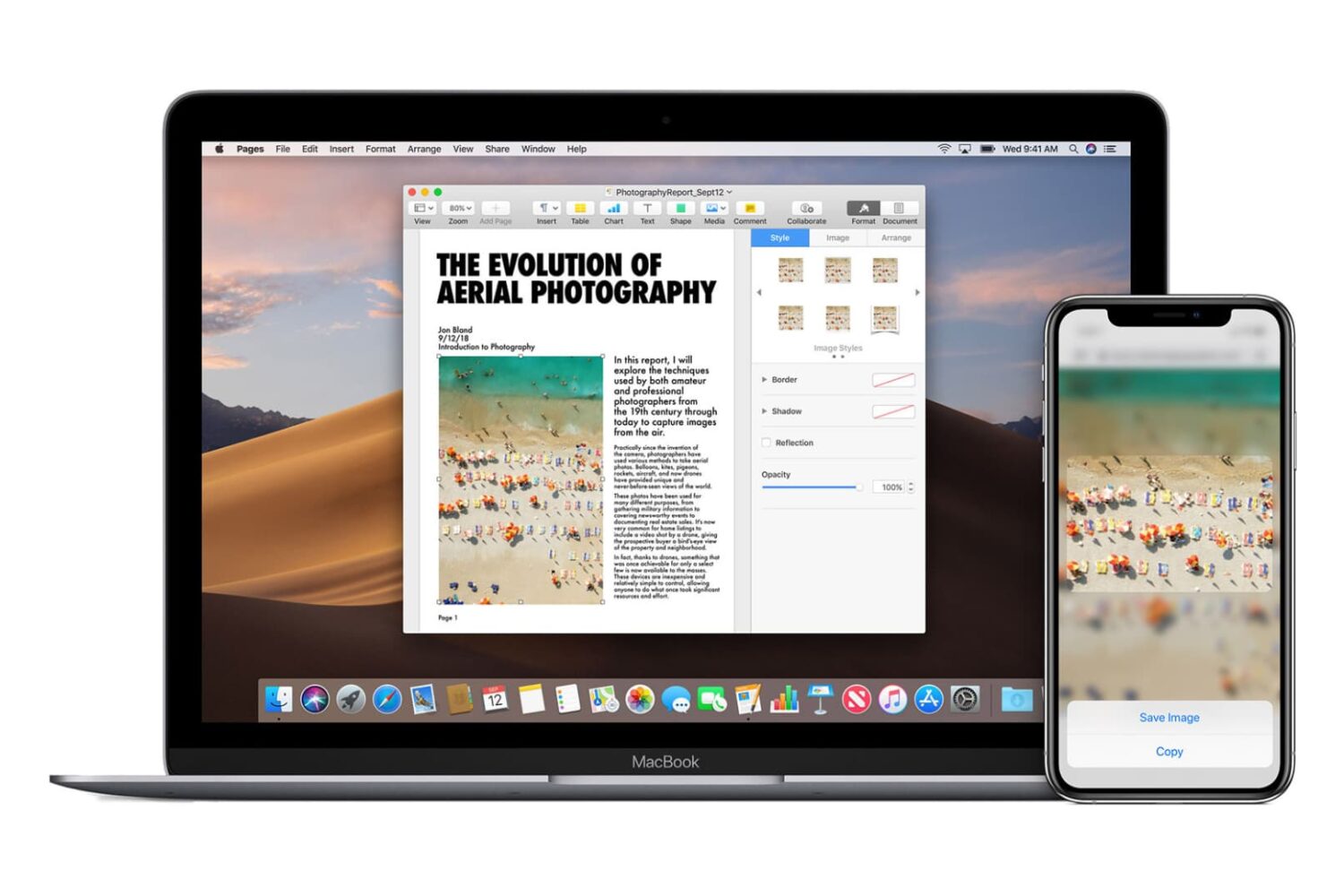
Universal Clipboard lets you copy text, images, and videos from one Apple device and paste it onto another, as long as you're logged into both. For example, you can copy a text paragraph on your Mac and paste it on your iPhone. In theory, it sounds wonderful, and when it works, it does feel magical. But in case Universal Clipboard is not working for you between your iPhone, iPad, and/or Mac, this guide will help troubleshoot the problem.
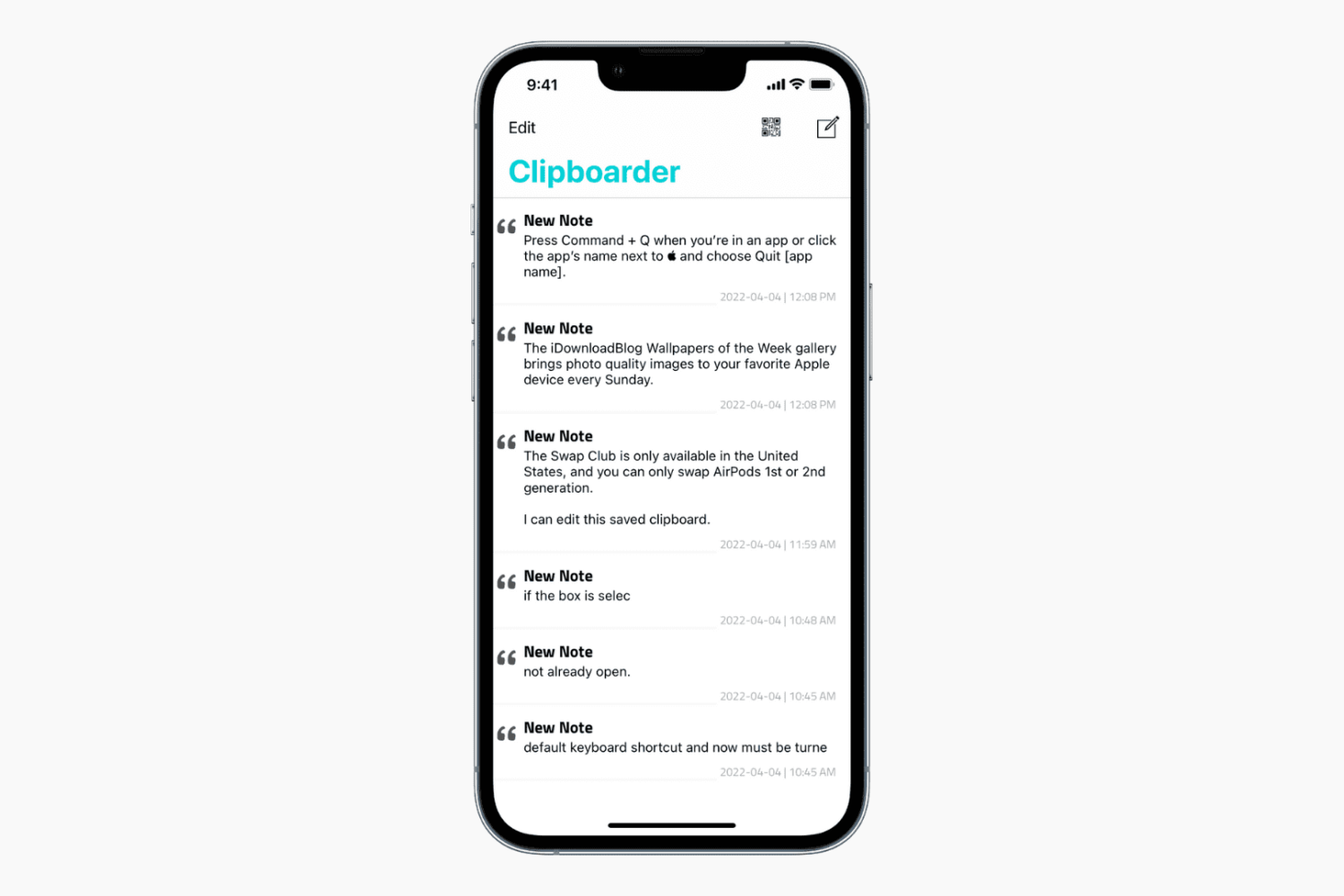
When you copy something on your iPhone, iPad, or Mac, it's saved to the clipboard, ready to be pasted anywhere. However, your previous clipboard is overwritten and lost forever if you copy something else!
To address this issue on my Mac, I use an app called CopyClip, which keeps a list of my 25 most recent clipboards. I can copy any of my past clipboards straight from the menu bar. I wanted to achieve the same goal on the iPhone of having my recent clipboards saved and accessible whenever I wanted.
Due to iOS restrictions, the process isn't as effortless as Mac, but possible nonetheless. This tutorial shows you how to save multiple clipboards on iPhone and access them whenever required.
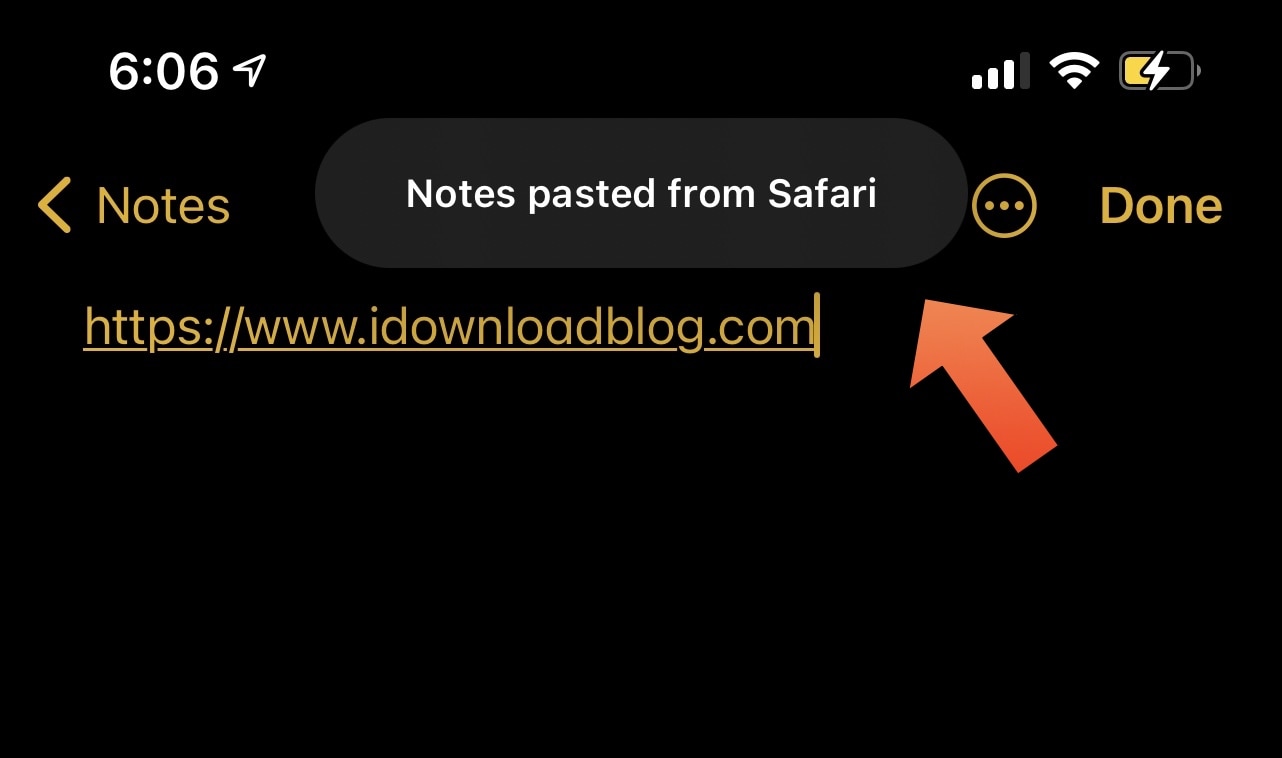
Upon updating to iOS or iPadOS 14, you probably noticed that the operating system automatically displays a prompt at the top of the screen whenever you paste something into an app that you copied or cut from a different app. For this piece, we’ll refer to those prompts as Paste Tips.
Some people enjoy the Paste Tips because it alerts the user to potentially unwanted clipboard access, but others may find it to be somewhat of a nuisance, especially if they do a lot of copying or cutting and pasting. Those in the latter boat may appreciate a newly released and free jailbreak tweak dubbed DisablePasteTips by iOS developer Netskao.
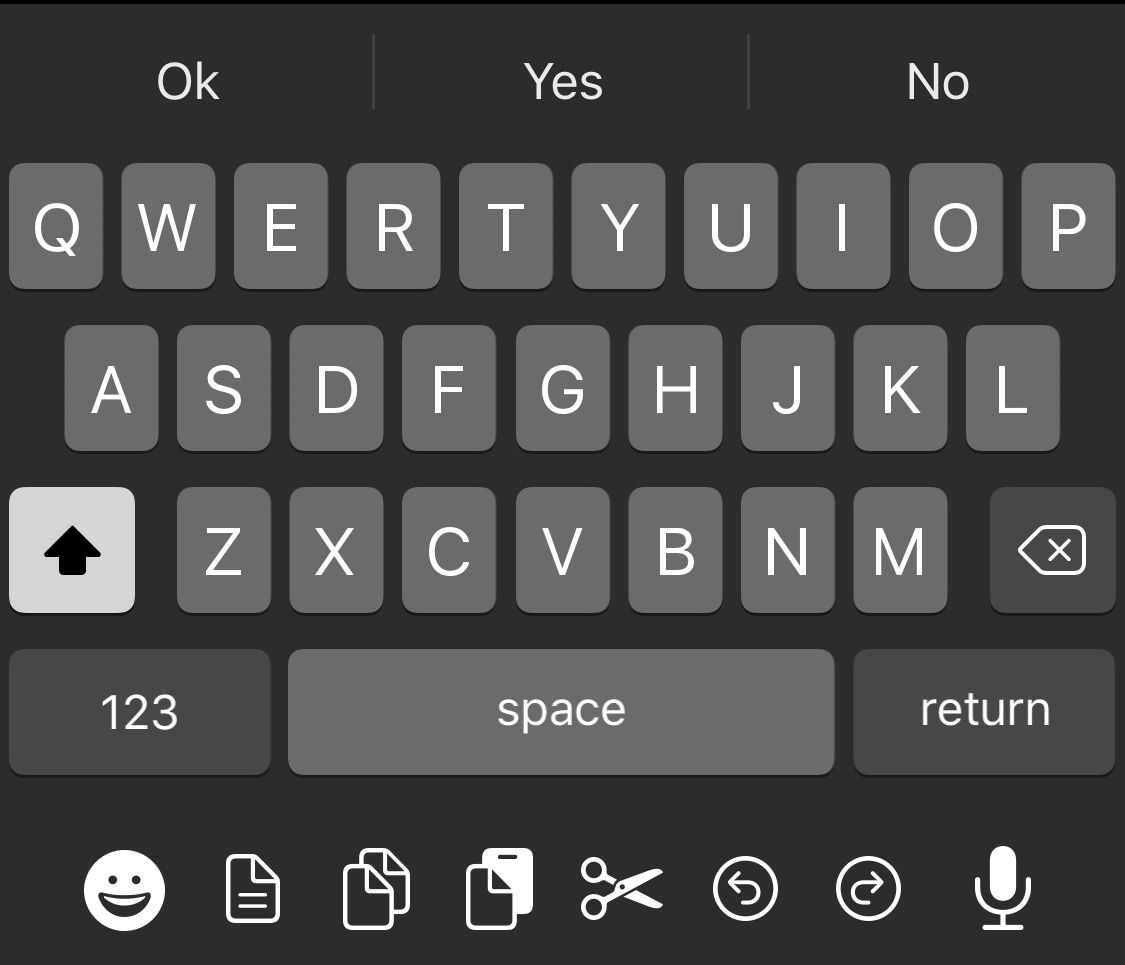
Apple took great care to ensure that iOS would have one of the most enjoyable typing experiences in the modern smartphone market. While it certainly is one of the best, it can still be argued that the iOS keyboard could be better with a few minor improvements.
One such example is the likes of a newly released and free jailbreak tweak called DockX by iOS developer udevs, a simple add-on that brings a full-fledged pasteboard shortcut dock to the bottom of the iPhone’s native keyboard interface.
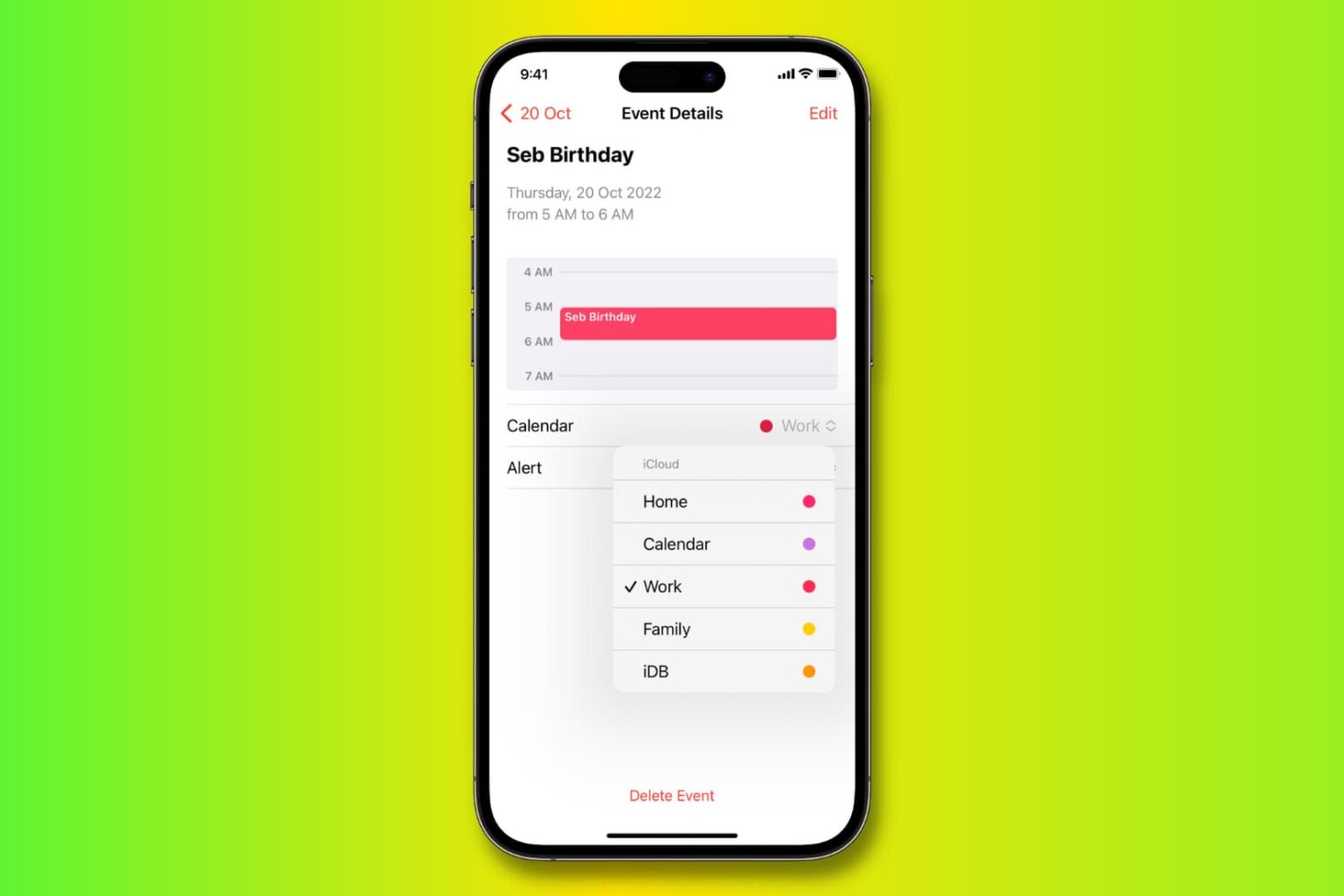
One nice thing about the Calendar app is that you can connect multiple calendars to it. So if you use Google Calendar or Exchange, for instance, you can access those along with iCloud Calendar in the same app.
But with multiple calendar access can come difficulty in organizing events. You might add an event only to realize it’s in the wrong calendar account. At the same time, you may want an event to show up on more than one calendar, so copying or duplicating the event would be useful.
To help you do all three — move, copy, and duplicate events, we’ve compiled this helpful tutorial.
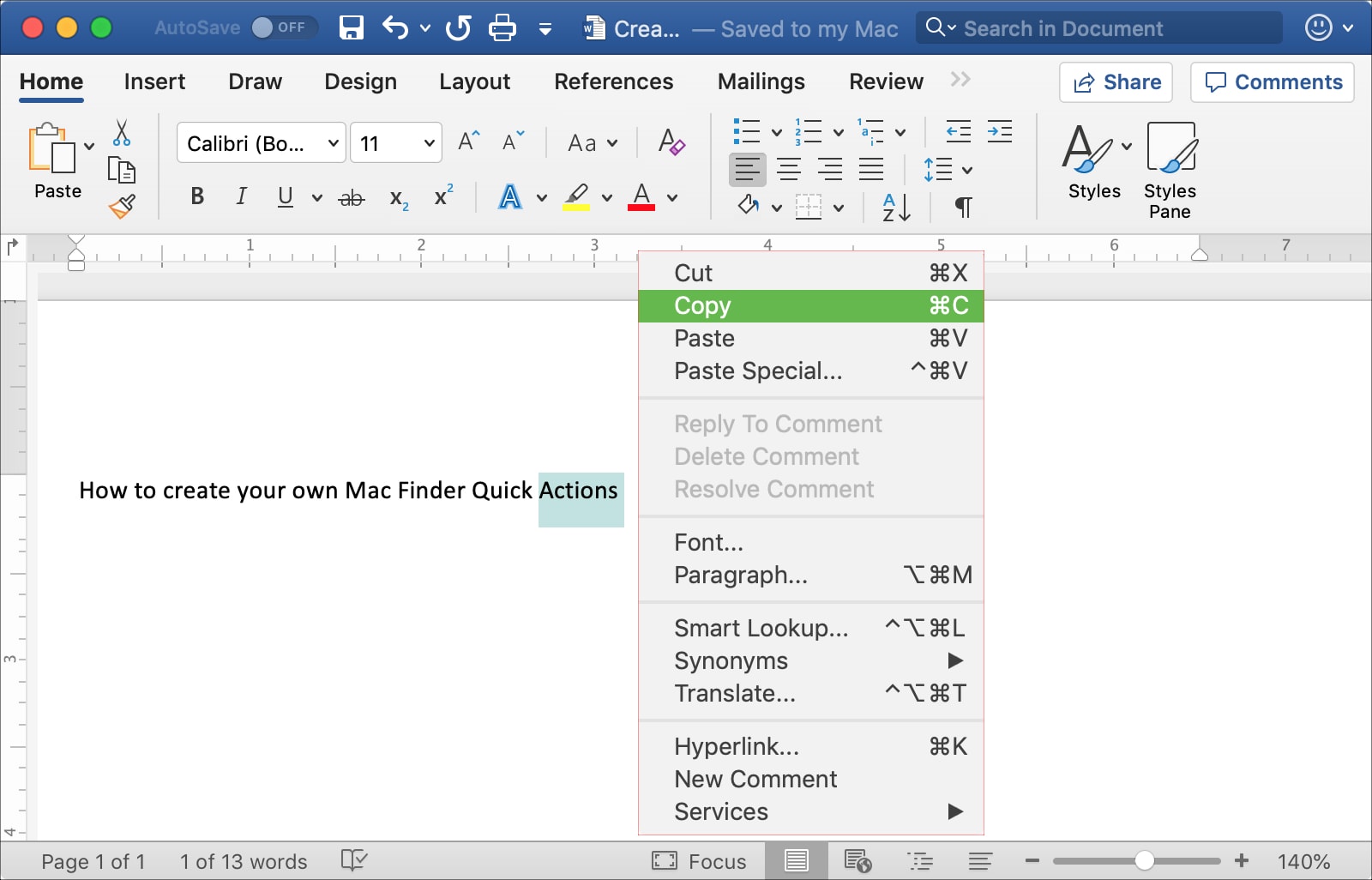
This tutorial shows you three different ways to copy and paste text on Mac using a keyboard shortcut, your mouse or trackpad, and from the menu bar.
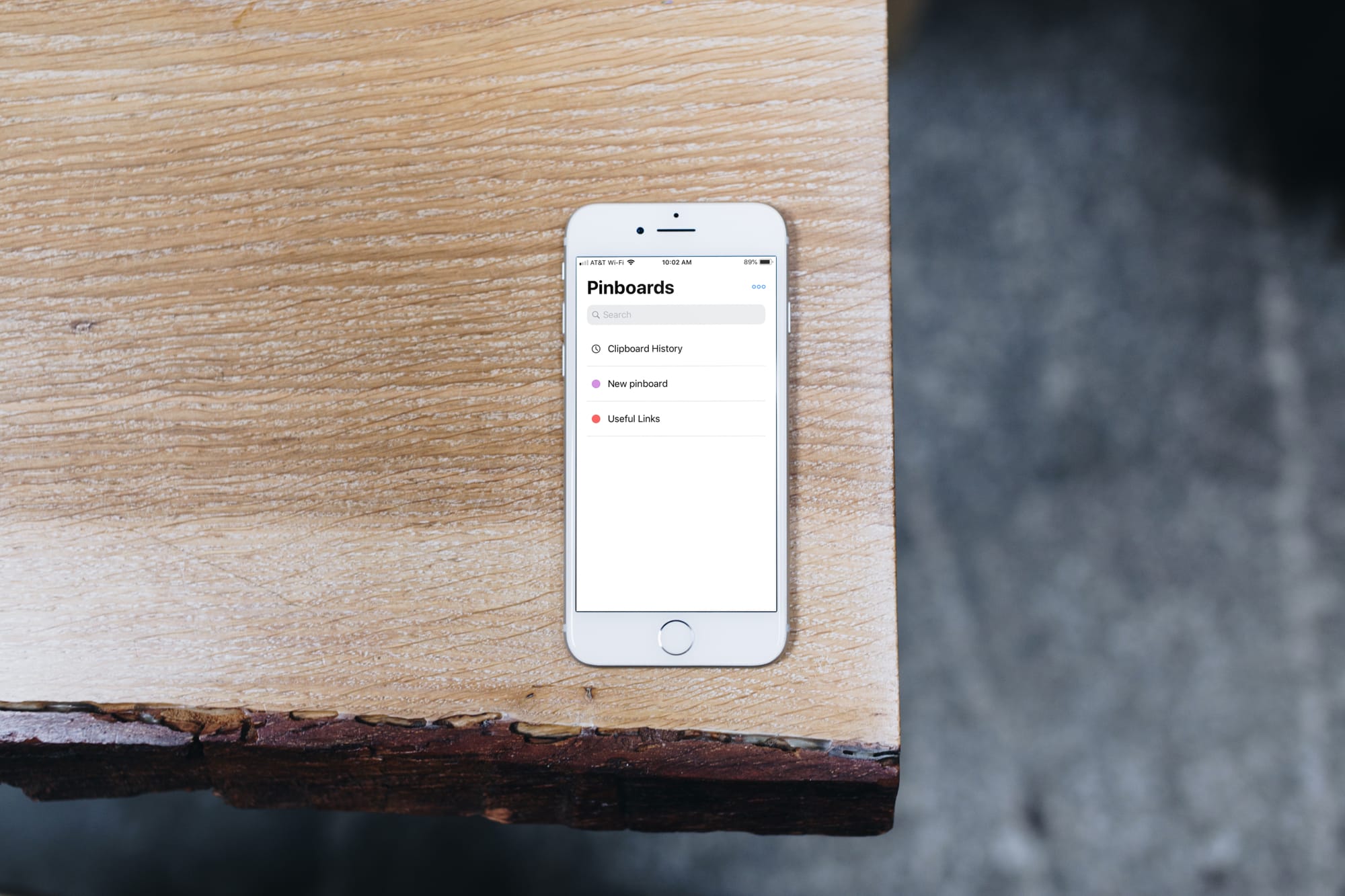
Clipboards are valuable tools for writers, programmers, students, and so many others. Copying references, code, links, text, and similar items and keeping them for later saves us time because we can grab what we want as soon as we see it.
The Universal Clipboard on iOS and Mac is great and lets you copy and paste across devices. The problem is that you only have the last copied item handy. What if you want to save more than that?
This is where clipboard manager apps for iPhone come in to help. You can save and manage all of your clippings quickly and easily. These are the best free clipboard managers for your devices and they each work with the Universal Clipboard as well for an awesome bonus.
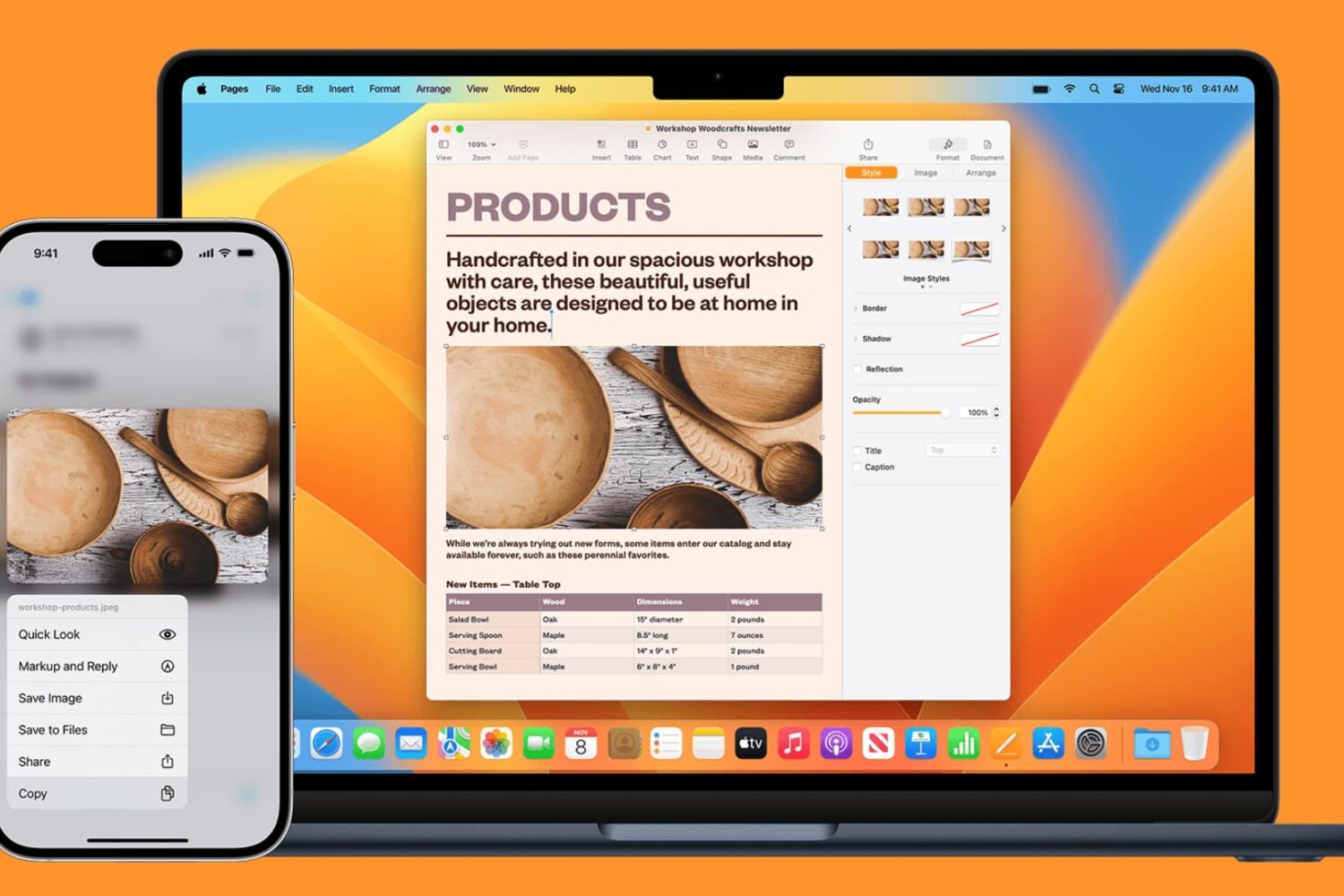
Apple has a wonderful feature that allows you to copy from one device and paste it to another. This is called the Universal Clipboard. You may have heard of it and don’t take advantage of it, or this may be completely new to you.
Why is this handy? There are numerous ways that the Universal Clipboard can be of use.
Maybe you’re doing research on your iPhone and find the information you need to have for a document on your Mac. Maybe you snap a screenshot of something on your Mac that you want to mark up on your iPad. Maybe it’s as simple as a link you want to copy from Chrome on your iPhone over to Safari on your iPad.
Whatever the reason, using the Universal Clipboard is convenient. Here’s how to set it up and use it to copy and paste across iPhone, iPad, and Mac.
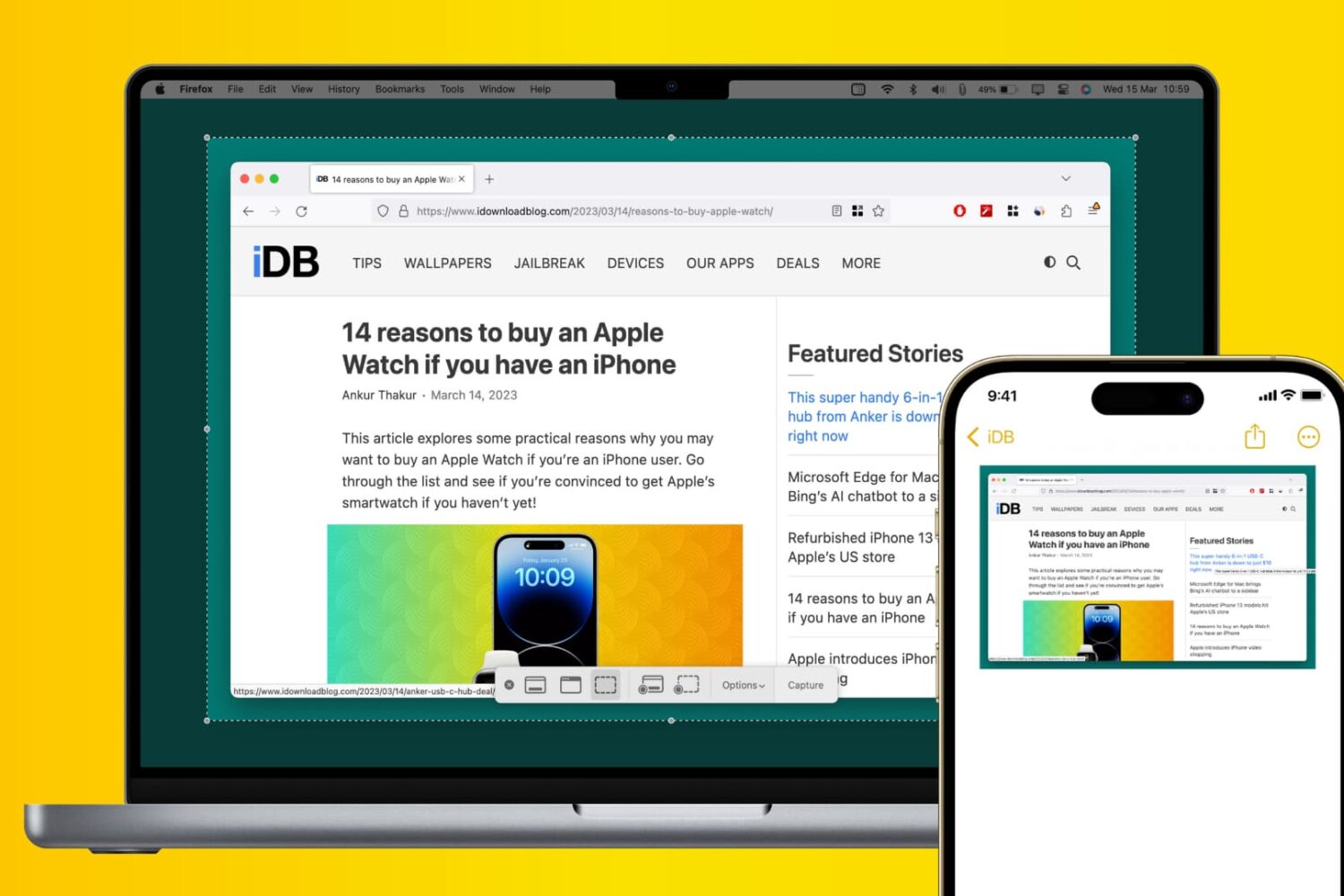
If you take screenshots on your Mac, you may want to have access to them on your iPhone. You might be troubleshooting a problem, need the screenshot as a reference, or just want to share it with someone.
Using Universal Clipboard, you can easily pop the shots from your Mac into an app on your iPhone like Notes, Mail, or a social media app. Here’s how to paste Mac screenshots into iPhone apps.